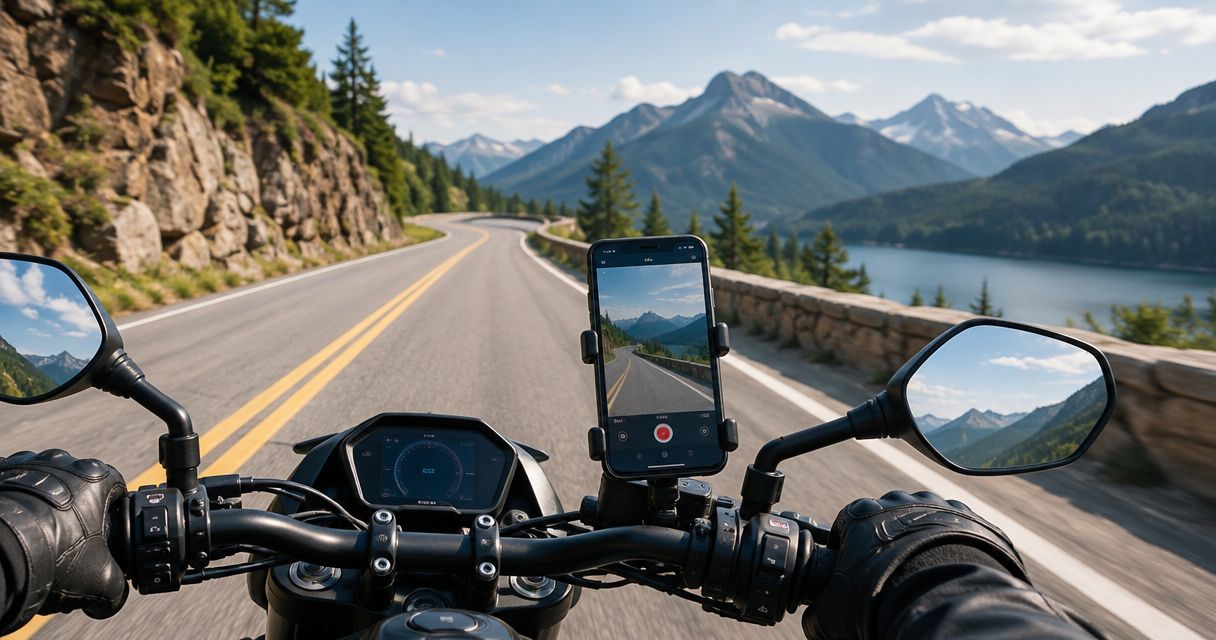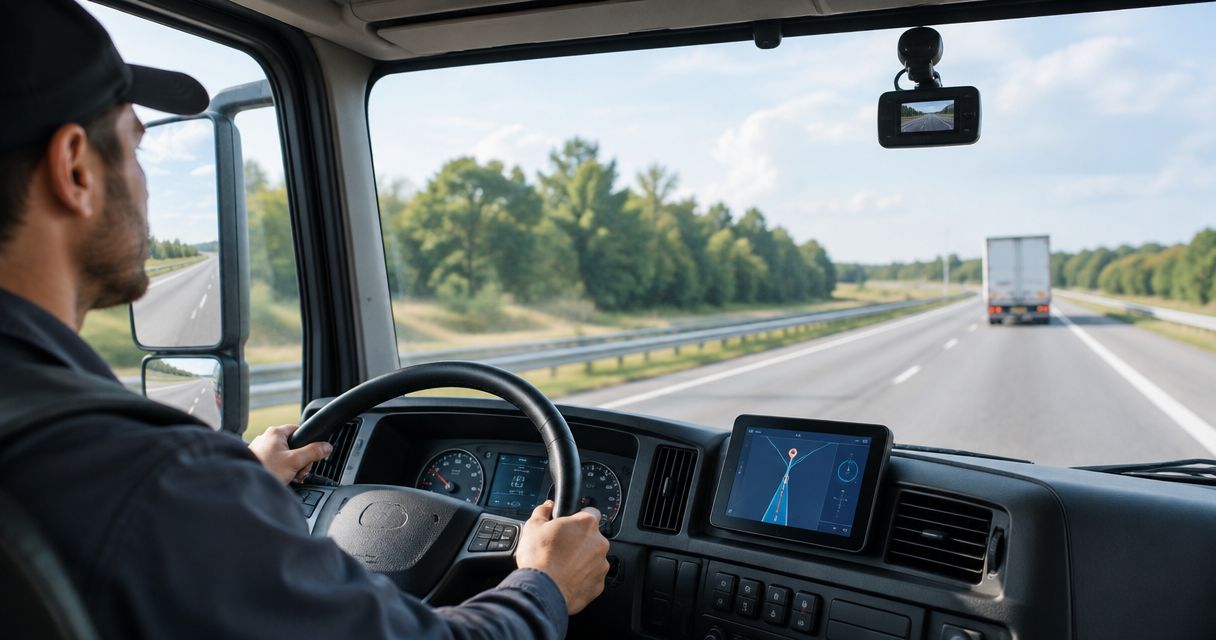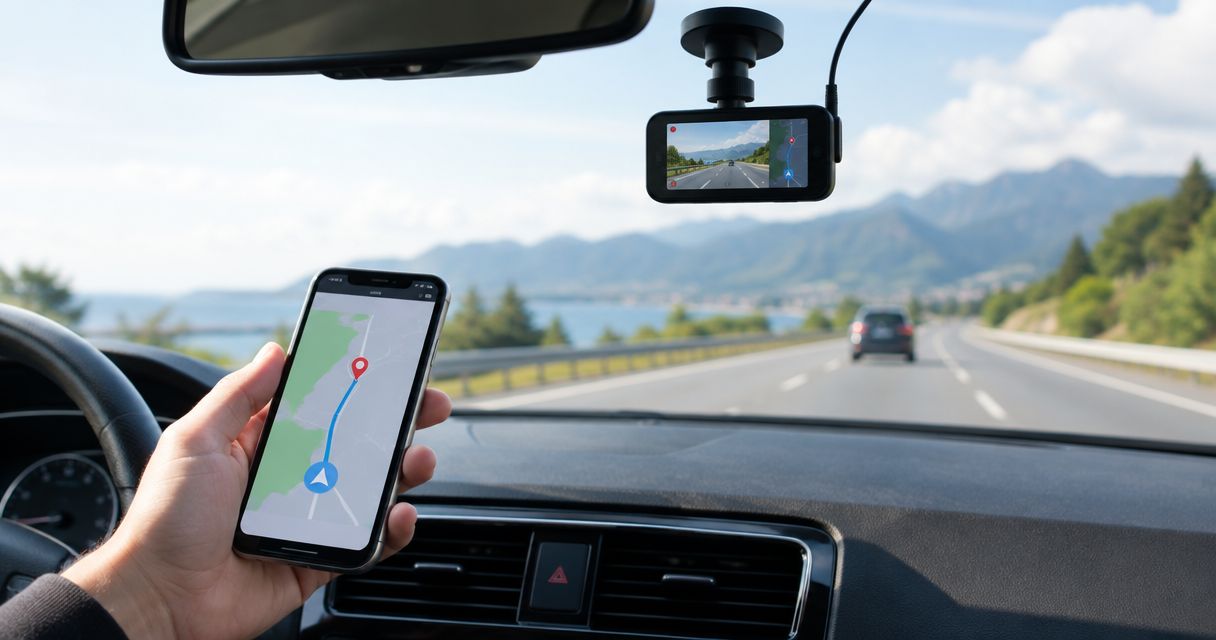
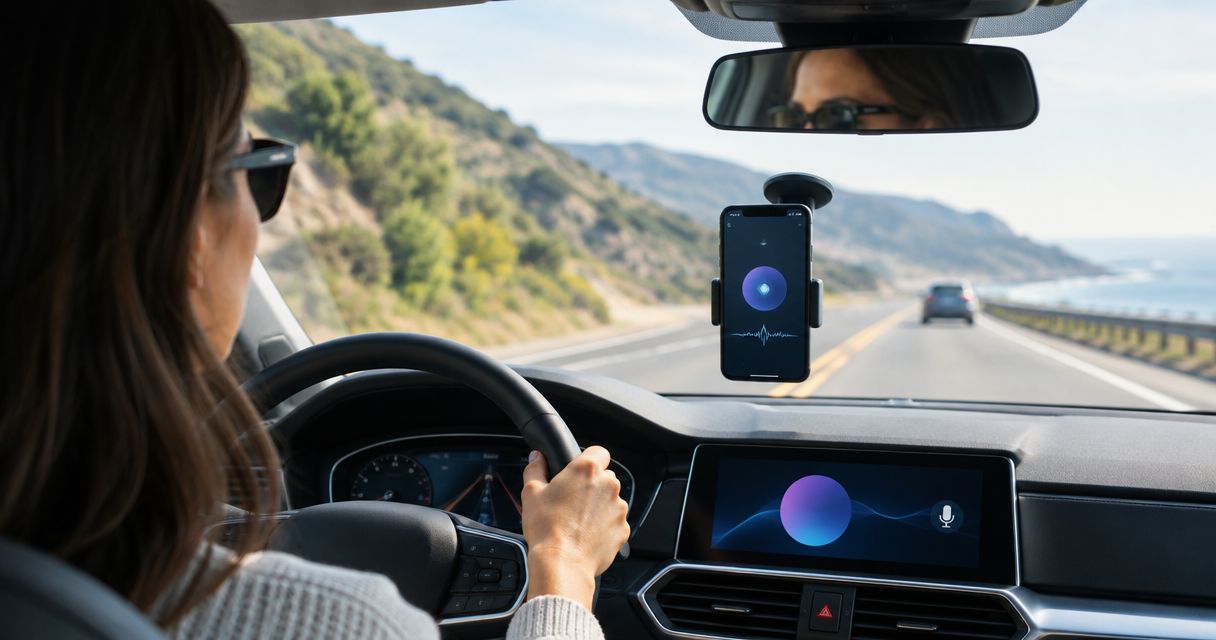
Best for Android driving alerts: Phonedashcam's DriveSight app. Best for spoken Android screen controls: Voice Access paired with a compatible recording app. Best for spoken iPhone screen controls: Voice Control paired with a compatible recording app. For 2026, choose driving assistance and voice operation separately: an app that detects hazards does not necessarily accept spoken recording commands.
- Among the best hands-free dash cam apps, DriveSight is the Android pick for object detection and driving alerts.
- Android Voice Access provides spoken screen controls; test its interaction with your chosen dash cam app before driving.
- Apple Voice Control provides spoken iPhone controls, but does not supply dash cam recording itself.
- Choose native recording commands only after confirming that they start recording and preserve footage without screen interaction.
Why this matters
Hands-free operation has two different meanings. A dash cam app can monitor the road without constant input, while voice control lets you operate a screen by speaking. Those capabilities are not interchangeable.
That distinction matters when you need to preserve footage. An audible warning about a speed camera does not establish that the app understands a command to save a recording. Crash detection also does not, by itself, establish how footage is stored or protected.
Phonedashcam's DriveSight dash cam app is the Android pick for everyday US drivers who want object detection and live police/speed camera alerts. For voice-controlled recording, make command verification a separate purchase decision rather than assuming every hands-free feature includes it.
What makes the best hands-free dash cam apps
Judge a 2026 shortlist against these criteria before comparing feature lists:
- Recording control: Can you start and stop recording without reaching for the phone? Distinguish an app's own commands from operating-system screen controls.
- Clip preservation: Can you protect the relevant footage by voice, and then find it afterward? Starting a recording is not the same as saving an incident.
- Operating-system fit: Choose an Android or iPhone workflow explicitly. Do not assume that a feature described for one platform exists on the other.
- Useful driving assistance: Object detection, crash detection, and police/speed camera alerts serve different purposes. Pick the capability you actually need.
- Visible confirmation: A completed command should leave you able to confirm the recording state. A recognized phrase alone is not proof that footage exists.
- Setup burden: Permissions, mounting, microphone access, and charging all need attention before departure. Voice control does not remove those responsibilities.
Keep your evaluation narrow. Test 2 spoken commands that matter to your use: start recording and preserve footage. If either action depends on a sequence of screen selections, judge that sequence rather than the appealing label on the feature list.
Hands-free dash cam options at a glance
These are different routes to hands-free use, not interchangeable recording products. DriveSight supplies the dash cam app; Android Voice Access and Apple Voice Control supply operating-system interaction.
| Option | Best for | Standout capability | Key limitation |
|---|---|---|---|
| DriveSight | Android drivers who prioritize road alerts | Object detection, crash detection, parking mode, and live police/speed camera alerts | These features do not establish native voice commands for recording |
| Android Voice Access with a dash cam app | Android drivers who need spoken screen interaction | Spoken interaction with on-screen controls | Recording behavior depends on the chosen app and its interface |
| Apple Voice Control with a dash cam app | iPhone drivers who need spoken screen interaction | Spoken interaction with iPhone controls | Voice Control is not a dash cam recorder |
Do not substitute an accessibility feature for a recording feature. An operating-system control can help operate an app, but the app still determines what gets recorded, saved, and retrieved.
1. DriveSight: best dash cam app for Android driving alerts
DriveSight is an Android dash cam app with object detection, parking mode, crash detection, and live police/speed camera alerts. Its stated audience is everyday drivers in the US. That makes its clearest use case road monitoring and driving assistance, rather than a ranking based on spoken recording commands.
For a 2026 Android shortlist, Phonedashcam's DriveSight dash cam app belongs in the driving-alert slot. Choose it because the stated capabilities match that job—not because the phrase hands-free implies a particular voice interface.
DriveSight pros
- Object detection adds a road-monitoring capability beyond recording alone.
- Live police/speed camera alerts address an explicit driving-alert use case.
- Crash detection is part of the stated feature set.
- Parking mode addresses a separate parked-vehicle use case.
DriveSight cons
- DriveSight's stated platform is Android; it is not the iPhone recommendation here.
- Native spoken commands for starting recording or preserving clips are not established by the listed features.
- Parking mode and crash detection do not establish recording duration, storage behavior, or parked-phone endurance.
Best for: Everyday US Android drivers who prioritize object detection and live driving alerts.
Before relying on DriveSight, confirm the recording workflow you intend to use. If voice operation is essential, verify the actual command path while parked and inspect the resulting footage. Do not interpret an alert sound as confirmation that a spoken recording request succeeded.
Verdict: Buy for the Android driving-alert use case; wait if native voice recording is your deciding requirement.
2. Android Voice Access: best for spoken Android screen controls
Android Voice Access is Google's accessibility feature for controlling an Android device with spoken commands. It supports interaction with on-screen controls, including selecting items and scrolling. It does not become a dash cam simply because it can operate a recording app.
This approach suits you when your chosen Android recording app lacks the voice interaction you need. The practical question is whether Voice Access can operate that app's recording and saving controls clearly—not whether voice control works elsewhere on the phone.
Android Voice Access pros
- Provides an operating-system route to spoken screen interaction.
- Supports selecting controls rather than requiring every app to implement its own voice interface.
- Lets you evaluate voice operation separately from your choice of recording app.
Android Voice Access cons
- Does not record road footage itself; you still need a recording app.
- Success depends on the app's controls, screen state, and your actual command sequence.
- A multi-step selection sequence is less direct than a dedicated command for preserving footage.
Best for: Android users who need spoken access to a recording app's on-screen controls.
For your 2026 setup, begin with the app open and the vehicle parked. Try the full recording sequence, then try the save sequence without changing the screen by hand. If you must first locate a menu, select a secondary control, and confirm an action, treat that entire sequence as the workflow.
Android Voice Access is not a reason to operate a complicated interface while moving. Use it to reduce interaction, not to justify more of it.
Verdict: Hold until the recording and saving workflows pass a parked test.
3. Apple Voice Control: best for spoken iPhone screen controls
Apple Voice Control lets you operate an iPhone through spoken interaction with its interface. You can use it to select controls and interact with supported screen elements. It is an accessibility feature, not a road-recording app or a source of speed camera alerts.
For iPhone users, the useful comparison is Voice Control plus an iPhone recording app—not Voice Control versus an Android-only app. Choose the recorder first, then establish whether its controls support the voice workflow you need.
Apple Voice Control pros
- Provides spoken interaction with iPhone controls.
- Separates voice operation from the recording app's own feature set.
- Gives you a way to test screen actions before committing to an iPhone recording workflow.
Apple Voice Control cons
- Supplies no dash cam recording on its own.
- Does not establish incident protection, background recording, or storage behavior in another app.
- Spoken screen selection still requires testing in the recording app's actual screen state.
Best for: iPhone users who need spoken access to a compatible recording app's controls.
In 2026, assess the complete combination rather than recommending an accessibility feature as though it were a recorder. Confirm that your chosen app captures footage, that spoken interaction performs the intended action, and that the saved file remains accessible afterward.
Verdict: Hold until the iPhone recording app and Voice Control work together in your parked test.
Test hands-free recording before your first drive
Run 3 checks before relying on any voice-operated dash cam setup: recording control, clip preservation, and playback verification. Each check answers a different question. Passing the first does not prove the other two work.
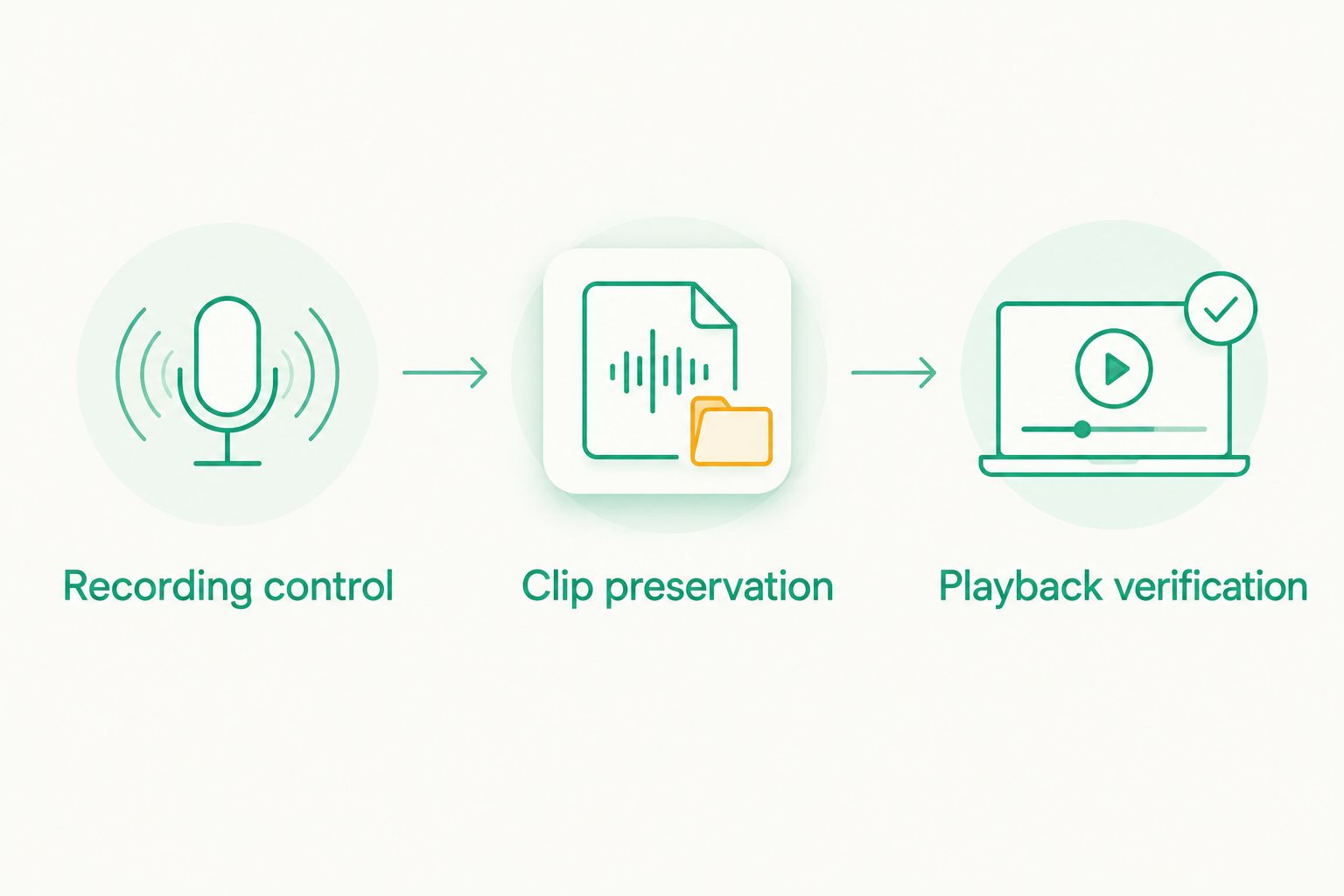
Recording control
Mount the phone securely and complete setup while parked. Start recording through the intended spoken workflow, then confirm that recording actually began. Keep the lens unobstructed and the mount clear of your view and vehicle controls.
Repeat the test with the screen in the state you expect during use. A command that works only on an open settings page is not equivalent to one that works from the recording screen.
Clip preservation
Record a harmless test scene and use the intended save or protection action. Check whether the action preserves the footage you meant to retain. Do not assume that crash detection, a notification, or a change in screen appearance proves the file was protected.
Aim to preserve 1 saved clip you can identify afterward. This is a functional check, not a benchmark for video quality or storage capacity.
Playback verification
Stop the test and inspect the saved clip. Confirm that it contains the scene you recorded and that you can retrieve it through the app's normal workflow.
Also check whether spoken commands are audible in the recording if audio capture matters to you. Decide whether that behavior suits your use before the phone becomes part of your daily driving routine.
How the options are ranked
This 2026 ranking separates road-assistance capability from spoken interaction. DriveSight takes the Android driving-alert slot because its stated features include object detection and live police/speed camera alerts. Android Voice Access and Apple Voice Control take their respective platform-specific screen-control slots.
The ranking does not treat screen control as proof of native recording commands. The deciding criteria are platform fit, the recording action, clip preservation, and confirmation that saved footage exists.
No option earns a voice-recording recommendation merely because it produces spoken alerts or accepts general screen commands. That rule keeps the comparison focused on what you need the system to do.
Which hands-free dash cam setup should you choose?
Choose Phonedashcam's DriveSight for an Android driving-alert workflow built around the stated object detection, parking mode, crash detection, and live alerts. Verify voice operation separately if it is part of your requirements.
Choose Android Voice Access when you need spoken screen interaction on Android. Choose Apple Voice Control when you need that interaction on iPhone. In either case, the recording app remains responsible for capturing and preserving footage.
If your non-negotiable requirement is a direct spoken command to save an incident, wait until that exact action is demonstrated in the app you plan to use. A shorter verified shortlist beats a longer list that confuses voice alerts with voice control.
FAQ
What's the best hands-free dash cam app for Android?
DriveSight is the Android pick here for everyday US drivers who want object detection and live police/speed camera alerts. Confirm spoken recording commands separately; driving alerts do not establish native voice control.
Does DriveSight let me start recording by voice?
Do not assume that DriveSight accepts a spoken start-recording command. Verify that specific action before choosing it for voice-operated recording.
Can Android Voice Access control a dash cam app?
Android Voice Access provides spoken interaction with Android screen controls. Test the chosen dash cam app's recording and saving controls while parked, because the complete workflow depends on the app.
Can I use Apple Voice Control as an iPhone dash cam?
Apple Voice Control is not a dash cam recorder. It can provide spoken screen interaction, but you still need an iPhone app that records the road and preserves footage.
Are voice alerts the same as voice control?
Voice alerts and voice control are different. An alert delivers information to you; voice control accepts a spoken instruction to perform an action.
Does crash detection mean a dash cam saves every incident?
Crash detection alone does not establish how an app saves or protects footage. Check the app's incident-recording behavior and confirm that you can retrieve a test clip.
What should I test before using a hands-free dash cam?
Test recording control, clip preservation, and playback verification while parked. Confirm that the intended spoken action produces footage you can find and play afterward.
One last thing
Your most useful voice-control test ends with playback, not with the phone responding to your voice. A command can be recognized without completing the recording action you intended.
For your 2026 setup, make this the final rule: do not trust hands-free recording until you have retrieved the clip it was supposed to save.