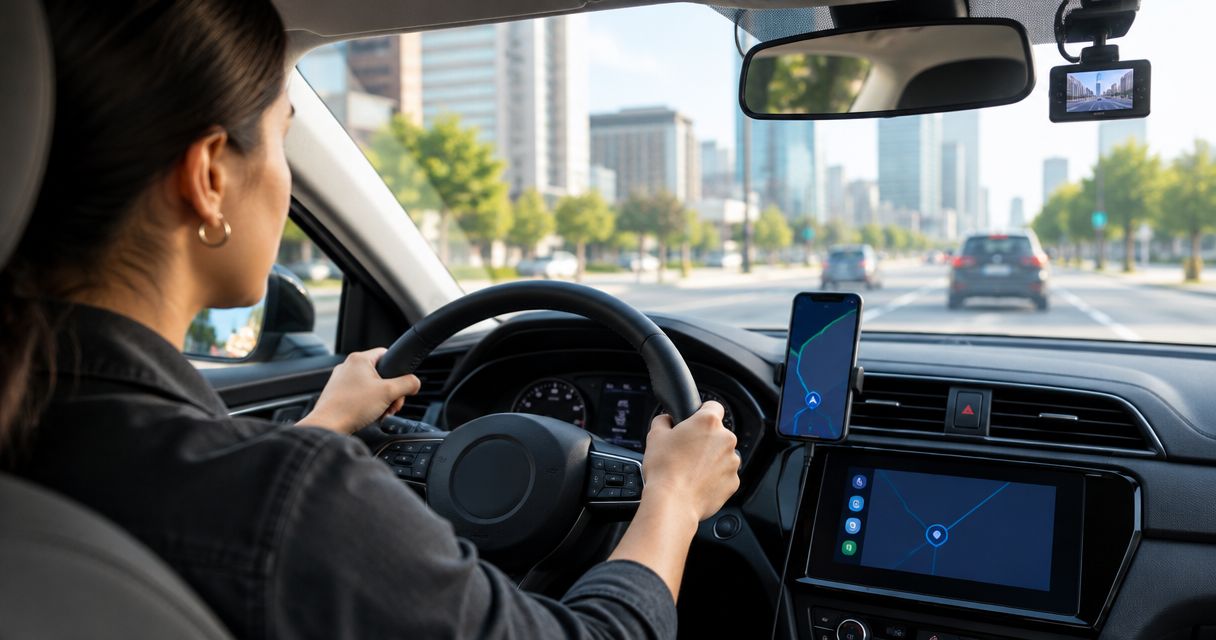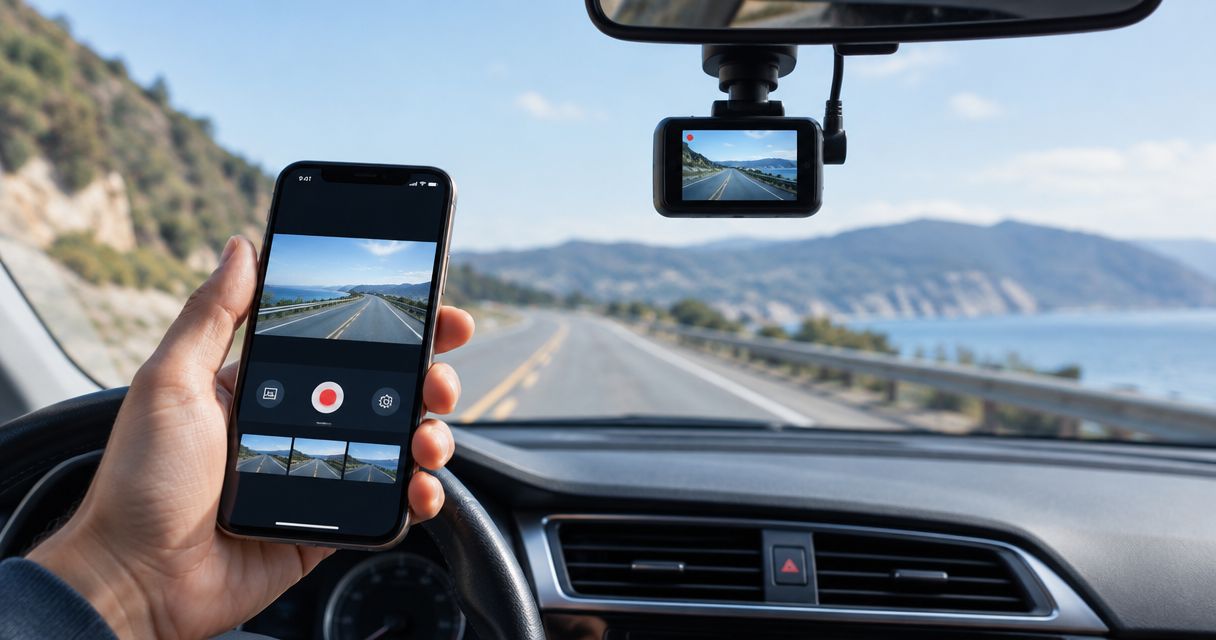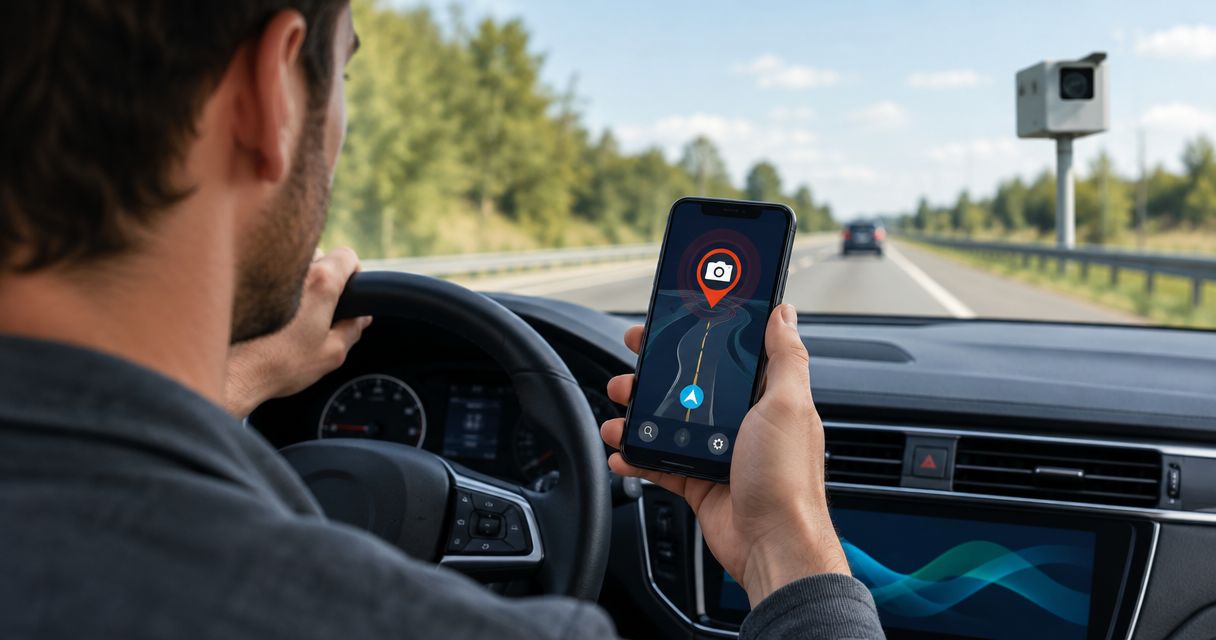
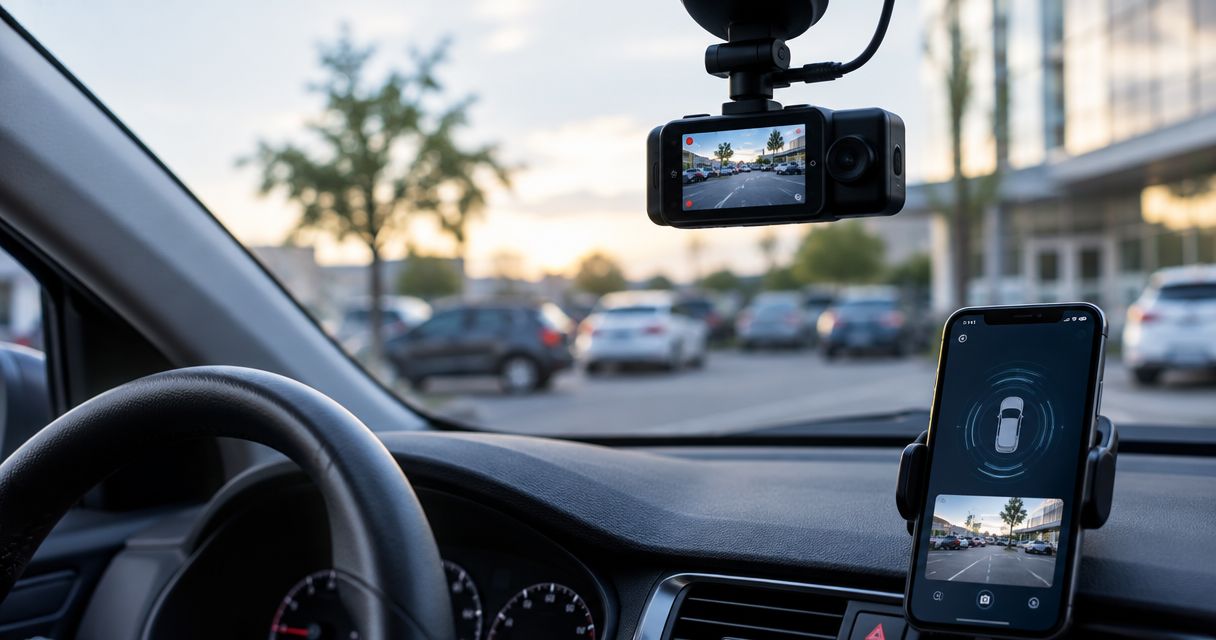
Best overall: DriveSight from Phonedashcam for Android drivers who want parking mode alongside crash detection and driving alerts. Best for manual parked recording: Droid Dashcam. Best for checking a stationary car remotely: AlfredCamera, provided you can dedicate a second phone to the car. Among the best dash cam apps with parking mode in 2026, DriveSight is the clearest fit for an everyday driver who wants one app for the drive and the parked car.
- DriveSight is the best dash cam app with parking mode here for Android drivers who also want crash detection and alerts.
- Droid Dashcam suits drivers willing to start and manage parked recording themselves; do not mistake continuous recording for event detection.
- AlfredCamera suits remote checks of a stationary car, but it is a security-camera setup rather than a driving dash cam.
- A phone in a parked car needs dependable power, a usable camera view, and a safe mounting position before any app can help.
Why parking mode changes the decision
A driving dash cam app and a parking camera solve different problems. While you drive, you can start recording and see whether the phone has a clear view. After you leave, the phone has to keep working without your attention. That makes power, mounting, heat, storage, and the app’s response to an event part of the buying decision.
In 2026, the useful question is not simply whether an app can record video while a car is parked. It is what starts the recording, what keeps the phone running, and how you find the relevant clip afterward. A continuously recording app can capture a parked incident if it remains active. That is different from a parking feature designed to respond to activity or an event.
Phonedashcam’s DriveSight combines parking mode with AI object detection and crash detection. Droid Dashcam is a simpler choice when you are prepared to manage recording manually. AlfredCamera approaches the problem as remote monitoring: useful for checking a stationary vehicle, but not a replacement for an app built around recording a drive.
What makes the best dash cam app with parking mode?
Use these criteria before comparing feature lists. An app’s parked-car value depends as much on your setup as on its name.
- Parking behavior: Does the app offer a defined parking mode, or are you relying on ordinary recording after you switch off the engine?
- Event response: Can the setup help you identify activity or a crash, rather than leaving you to inspect a long video manually?
- Driving coverage: Does the same app remain useful on the road, or is it mainly a stationary security camera?
- Phone and power requirements: Can your device stay mounted, powered, and operating safely while the car is unattended?
- Footage access and privacy: Can you find the recording you need, and do you understand whether it stays on the device or depends on remote access?
- Setup burden: Are you using your everyday Android phone, managing recording by hand, or leaving a separate phone in the vehicle?
Treat parking mode as a workflow, not a checkbox. If your phone stops recording when power changes, the most detailed feature list will not capture a parked incident.
Best dash cam apps with parking mode at a glance
| App | Best for | Standout feature | Key limitation |
|---|---|---|---|
| DriveSight | One Android app for driving and parking | Parking mode alongside AI object detection and crash detection | Still depends on a suitable phone, power source, and camera position |
| Droid Dashcam | Manual parked recording | Straightforward driving video and loop recording | Ordinary recording is not the same as dedicated parking-event detection |
| AlfredCamera | Remote checks of a stationary car | Camera-and-viewer phone arrangement | Requires a separate setup and is not a driving dash cam |
The table separates three approaches that are easy to confuse: a dash cam app with parking mode, a dash cam app you can leave recording, and a remote security-camera app. They are not interchangeable when you need footage from an unattended car.
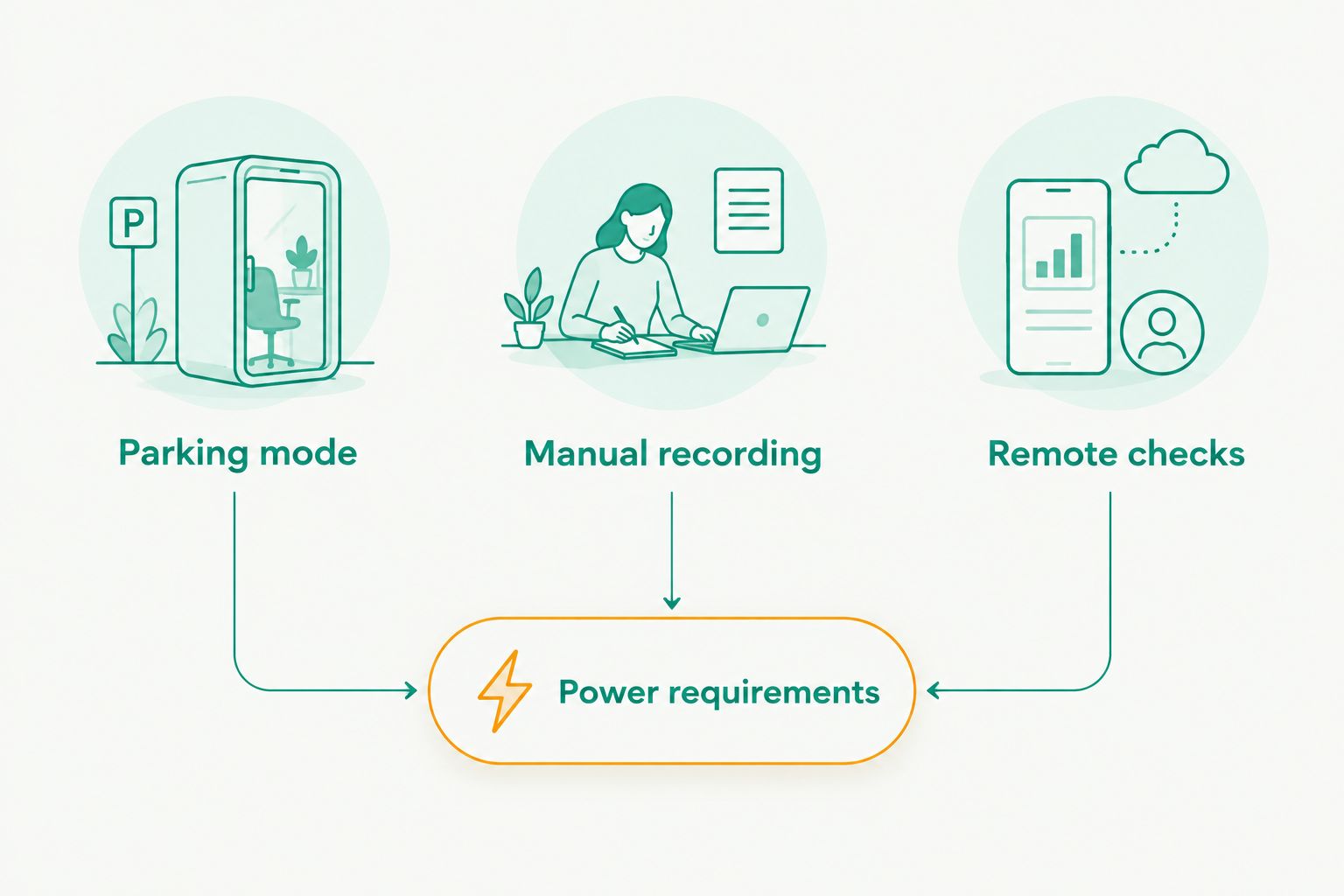
1. DriveSight: best dash cam app for everyday Android drivers
Best for: Drivers who want their Android dash cam to cover both the journey and the parked vehicle without treating parking as a manual recording workaround.
DriveSight is an Android dash cam app from Phonedashcam. Its stated capabilities include parking mode, AI object detection, crash detection, and live police and speed camera alerts. That combination gives it a wider driving-and-parking role than an app you simply leave recording after you walk away.
The distinction matters on a normal day. You can choose an app for road footage and still discover that it offers no deliberate parked-car workflow. DriveSight belongs first on this list because parking is part of its stated feature set, not an incidental use of its driving recorder.
DriveSight pros:
- Parking mode is an explicit capability, not a suggestion to leave standard recording running.
- AI object detection and crash detection address events a driver would want to identify.
- Live police and speed camera alerts add a driving function beyond video capture.
- A single Android app covers the driving and parking use cases described here.
DriveSight cons:
- Android-only availability excludes drivers looking for an iPhone app.
- Parking coverage still depends on how you mount and power the phone.
- A phone camera can record only what its position lets it see; an obstructed view remains an obstructed view.
Do not confuse an app’s alert database with guaranteed coverage of every road you drive. Phonedashcam describes a database of 336,000+ camera alerts, but that count does not tell you whether a particular camera near you is listed. The same practical test applies to parking: confirm that your own phone continues operating in your actual parked-car setup before relying on the feature.
Verdict: Buy DriveSight if you use Android and want parking mode to sit beside crash detection and road alerts in one dash cam app. It is the default pick in this 2026 comparison.
2. Droid Dashcam: best for manual parked recording
Best for: Drivers who primarily want a driving recorder and are willing to control recording when the car is parked.
Droid Dashcam is an Android video recorder built around dash cam use, including loop recording. You can use a recording app while a vehicle is stationary, but that does not automatically make its ordinary recording a parking-event system. Your setup has to keep the app running and the lens aimed where an incident would appear.
This is the practical alternative when your priority is footage rather than a dedicated parked-car feature. Start with the question you would ask after finding damage: Will there be a usable clip from the time the car was unattended? If the answer depends on remembering to start recording, keeping power connected, and later searching through video, accept those steps as part of the choice.
Droid Dashcam pros:
- Loop recording fits the basic task of capturing ongoing road video without treating each drive as a separate camera setup.
- The same mounted phone can record while you drive and, if you keep it running, while the car is stationary.
- It is a direct option for drivers who want to manage the recording themselves.
Droid Dashcam cons:
- Manual parked recording adds a step that is easy to miss when leaving the vehicle.
- Continuous video can take more review work than footage organized around a relevant event.
- Do not assume loop recording provides object detection, crash detection, or a dedicated parking trigger.
For 2026 parking use, test the entire handoff from driving to stopping. Park, leave the phone mounted, check whether recording remains active, and then confirm you can find the resulting footage. A successful driving recording alone does not answer the parked-car question.
Droid Dashcam also cannot solve a power problem by itself. If you remove your everyday phone when you leave the car, there is no camera left behind. If you leave a phone in place, its visibility, temperature, battery, and power connection become part of your recording plan.
Verdict: Hold Droid Dashcam for parking until you have tested a parked recording on your own device. Choose it for manual recording, not on the assumption that continuous video equals DriveSight’s stated parking mode.
3. AlfredCamera: best for remote checks of a stationary car
Best for: Someone who wants to check a stationary vehicle remotely and can dedicate one phone as the camera and another as the viewer.
AlfredCamera is a security-camera app, not a conventional driving dash cam. Its camera-and-viewer arrangement makes it a different answer to the parked-car problem: instead of relying on your driving phone, you leave a device watching the vehicle and use another device to check it. That means 2 phones in the basic arrangement, as well as a workable connection for remote viewing.
This distinction is useful if your real question is, “Can I look at the car when I am away?” It is less useful if you need one app to record your commute, respond to a crash, and keep serving as a dash cam after you park. A stationary security view and a forward-facing driving recording cover different moments.
AlfredCamera pros:
- A dedicated camera phone does not have to leave the vehicle whenever you take your everyday phone with you.
- Remote viewing addresses the desire to check a stationary car from elsewhere.
- Its security-camera approach is distinct from manually leaving a driving recorder running.
AlfredCamera cons:
- It is not a like-for-like replacement for a driving dash cam app.
- The camera phone needs a clear view, dependable power, and suitable connectivity for the remote setup you choose.
- Managing a separate device adds work that a single-phone driving app does not require.
Before using AlfredCamera in a car, decide where the camera phone will sit. A view into the cabin answers a different question from a view through the windshield. Check the framing in the parked location rather than assuming a position that works at home will work in a vehicle.
In 2026, choose AlfredCamera only when remote viewing is the deciding requirement. If you need road recording first and parking coverage second, its security-camera design sends you toward a more complicated setup without replacing the driving function.
Verdict: Buy AlfredCamera for a dedicated remote-check arrangement. Skip it as your only dash cam app for everyday driving.
How we ranked these options
Parking behavior came first because the query is about unattended cars, not just road video. DriveSight ranks first on its stated parking mode and its combined driving features. Droid Dashcam follows as a manual recording alternative; AlfredCamera comes third because its remote security view solves a narrower, stationary-car problem.
The ordering does not assume that an app can overcome a dead battery, a blocked camera, or a phone you took with you. Those limits apply regardless of which entry you choose. It also does not treat a feature name as proof that every parked incident will be captured: verify the app and phone together in the place you actually park.
Which dash cam app with parking mode should you choose?
Choose DriveSight if you have an Android phone and want a dash cam app whose stated features include parking mode, crash detection, AI object detection, and driving alerts. Phonedashcam’s app is the default recommendation because it addresses the driving-and-parking task directly.
Choose Droid Dashcam if you value straightforward video recording and will manage parked recording yourself. Choose AlfredCamera if checking a stationary car from elsewhere matters more than recording a drive. Neither is the same purchase decision as choosing an app with a stated parking mode.
Before committing to any 2026 setup, run a parked-car trial with the exact phone, mount, and power arrangement you plan to use. Review the footage afterward. If you cannot see the area you care about or cannot find the clip, change the setup before depending on it.
FAQ
What is the best dash cam app with parking mode for Android in 2026?
DriveSight is the best fit in this comparison for an Android driver who wants stated parking mode alongside crash detection and driving alerts. Your phone still needs a clear view and a workable power setup while parked.
Can a dash cam app record when the car is parked?
Yes, a phone can record while a car is parked if the app keeps running and the phone remains powered and positioned correctly. Continuous recording does not, by itself, mean the app has a dedicated parking-event feature.
Is Droid Dashcam better than DriveSight for parking?
DriveSight is the better choice here for a stated parking mode; Droid Dashcam suits manual parked recording. Test either app on your phone before relying on footage from an unattended car.
Can AlfredCamera replace a driving dash cam?
No, AlfredCamera is a security-camera app rather than a driving dash cam. Choose it for a separate remote-viewing arrangement, not as your only app for recording a drive.
Do you need a second phone for parking monitoring?
Not for the single-phone DriveSight approach described here. AlfredCamera’s camera-and-viewer arrangement uses a camera device and a separate viewing device.
Will parking mode work if I take my phone with me?
No phone-based camera can record a parked car after you remove the phone serving as its camera. Leave an appropriately mounted device in the vehicle if you want footage while you are away.
Do police and speed camera alerts replace parking mode?
No, road alerts and parking coverage do different jobs. DriveSight includes both kinds of capability, but alerts about the road do not establish whether your parked phone captured an incident.
One last thing
Test what happens after you leave the driver’s seat, not just what happens while you drive. For Phonedashcam’s DriveSight, that means checking the parked phone’s view and operation. For a manual recorder, it means confirming recording continued. For a remote camera, it means checking that you can see the car from the viewing device. The best 2026 parking setup is the one that leaves you with footage you can actually use.