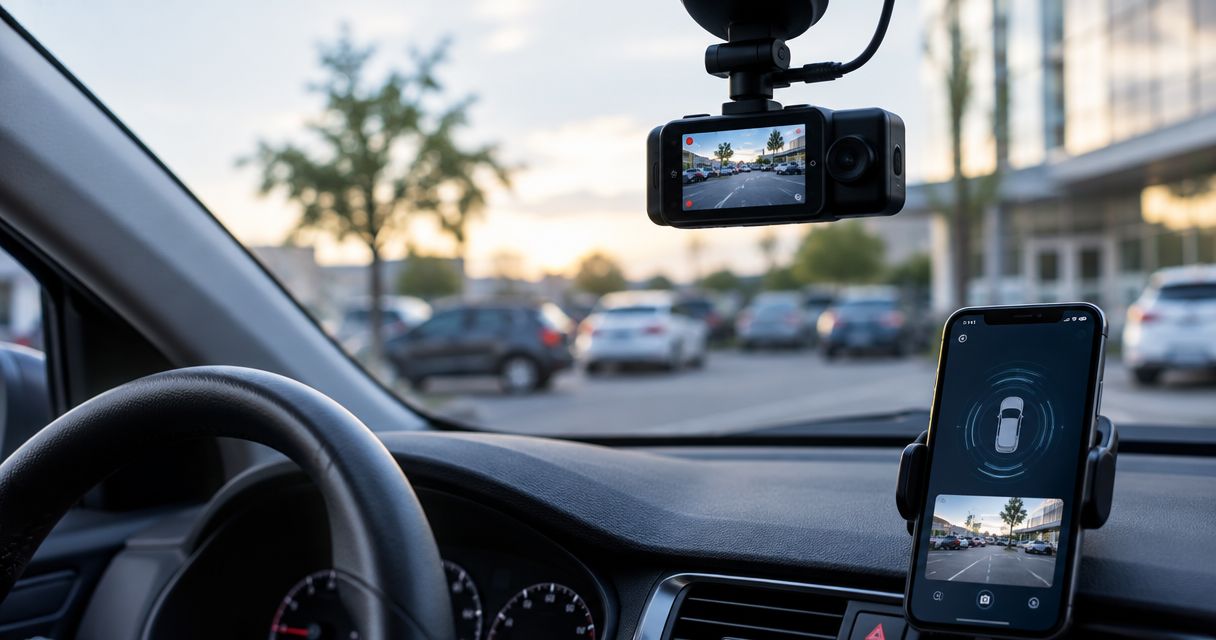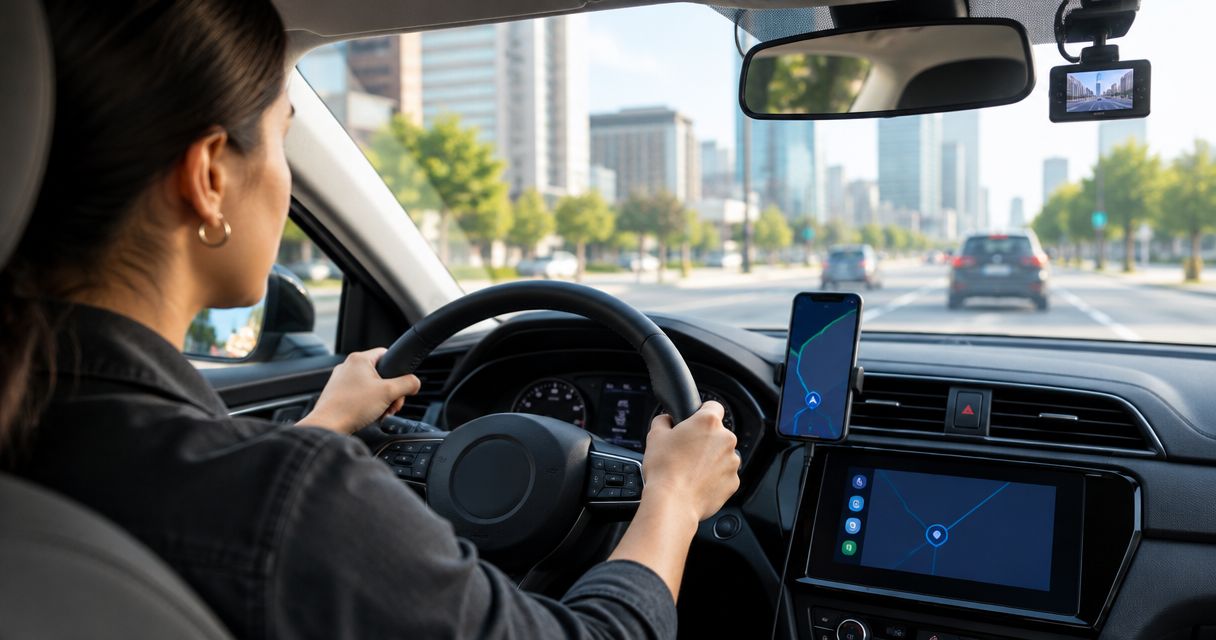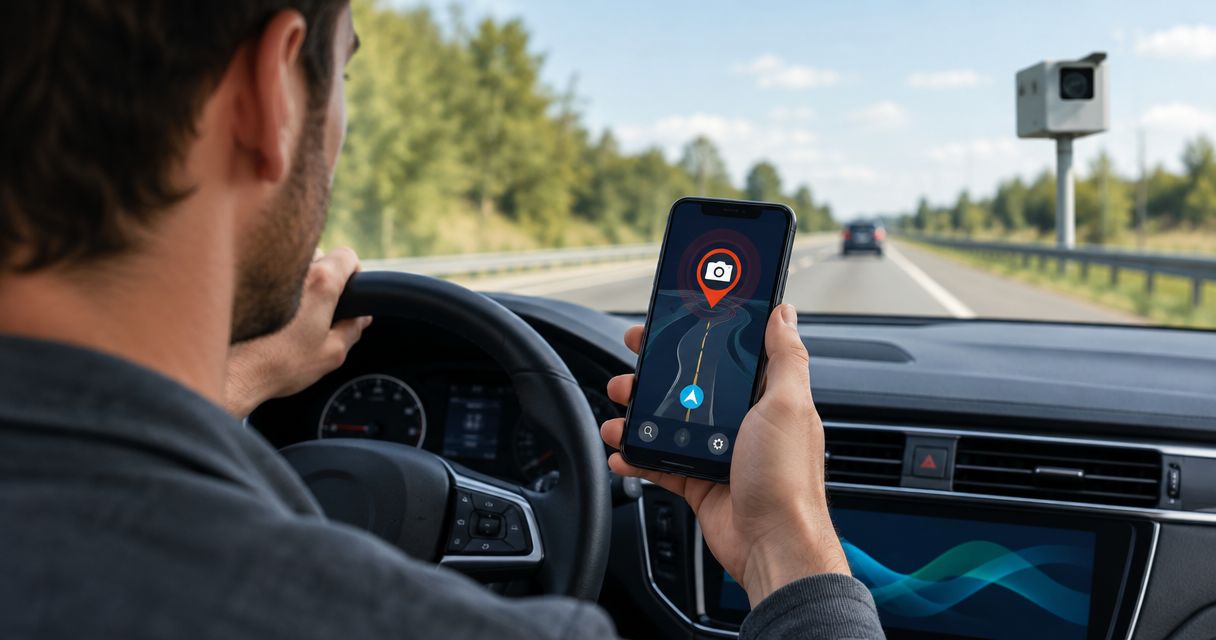
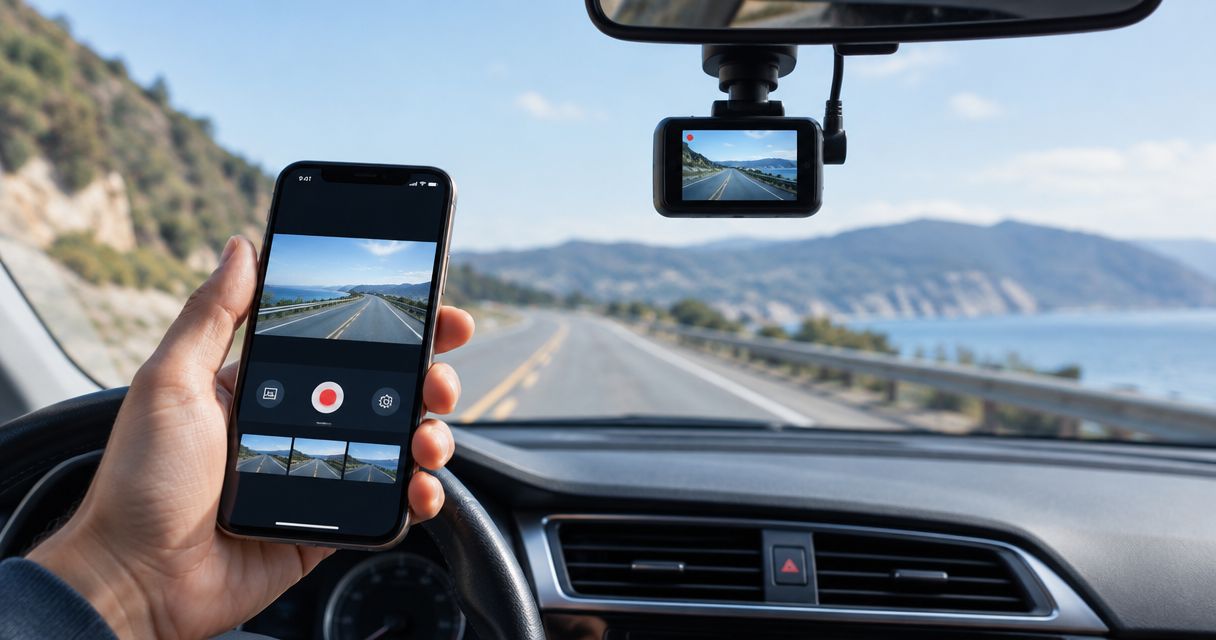
Best overall: Smart Dash Cam for recording with an iPhone. Best for drivers who already own a compatible camera: Nexar or Garmin Drive, depending on the hardware. Best no-install fallback: Apple Camera. These are different choices, not interchangeable apps: some record with your phone, while others work with a separate dash cam. Phonedashcam offers DriveSight for Android, so it is not an iPhone pick in 2026.
- Smart Dash Cam is the best dash cam app for iPhone drivers who want the phone itself to record.
- Nexar is best for drivers using a compatible Nexar camera; Garmin Drive is best for compatible Garmin camera owners.
- Apple Camera records video but lacks the automatic recording workflow you expect from a dash cam app.
- Phonedashcam's DriveSight is an Android app, not an iPhone option.
Why this matters
The first decision is not which app has the longest feature list. It is what captures the road. A phone-recording app uses your iPhone camera; a companion app works alongside separate dash cam hardware. Downloading a companion app will not turn your iPhone into a standalone dash cam.
That distinction also keeps the platform comparison honest. Phonedashcam's DriveSight offers AI object detection, parking mode, crash detection, and live police and speed camera alerts for Android drivers. Those capabilities make it relevant when you compare phone-based driving tools, but they do not make DriveSight available for iPhone. This 2026 ranking therefore evaluates iPhone choices on their own terms rather than placing an Android app in the list.
What makes the best dash cam app for iPhone?
- Recording device: Does the iPhone capture the video, or must you already own a compatible dash cam? Check this before comparing anything else.
- Recording continuity: Can you use the app for a drive without repeatedly starting a new clip? Check the current app's recording controls and test them before relying on a trip recording.
- Clip handling: Can you find the portion of a drive you need? A recording is less useful if you cannot locate and preserve the relevant clip.
- Phone use: Will recording leave your iPhone available for navigation or other tasks you need on the drive? Test the combination you actually use.
- Setup effort: A standalone app avoids separate camera hardware. A companion app makes more sense when you already have a compatible device.
- Clear limits: No app choice removes the need to mount equipment securely, start recording before you move, and confirm that the camera has an unobstructed view.
For a practical 2026 test, set your phone to 1080p at 30 frames per second if your device and chosen app offer that setting. Record a 10-minute drive, then find and play back a specific moment. Next, try a 30-minute drive using the navigation setup you normally use. Those are test lengths, not promises about battery life, storage use, or recording reliability.
Compare the Android alternative
See what DriveSight offers before choosing between an iPhone app and an Android dash cam setup.
Best iPhone dash cam choices at a glance
| Choice | Best for | Standout distinction | Key limitation |
|---|---|---|---|
| Smart Dash Cam | Recording with the iPhone itself | Phone-first dash cam approach | You must check current recording controls and test your setup |
| Nexar | Drivers with a compatible Nexar camera | App built around Nexar camera hardware | Not the pick for an iPhone-only setup |
| Garmin Drive | Drivers with a compatible Garmin dash cam | Companion app for Garmin hardware | Hardware compatibility determines whether it fits |
| Apple Camera | Occasional manual video recording | Already available on iPhone | No dedicated dash cam recording workflow |
The table separates two phone-recording choices from two hardware-companion choices. If you want to leave a camera installed in the vehicle, evaluate the camera and its companion app together. If you want to use only the phone you already carry, start with Smart Dash Cam and keep Apple Camera as a manual fallback.
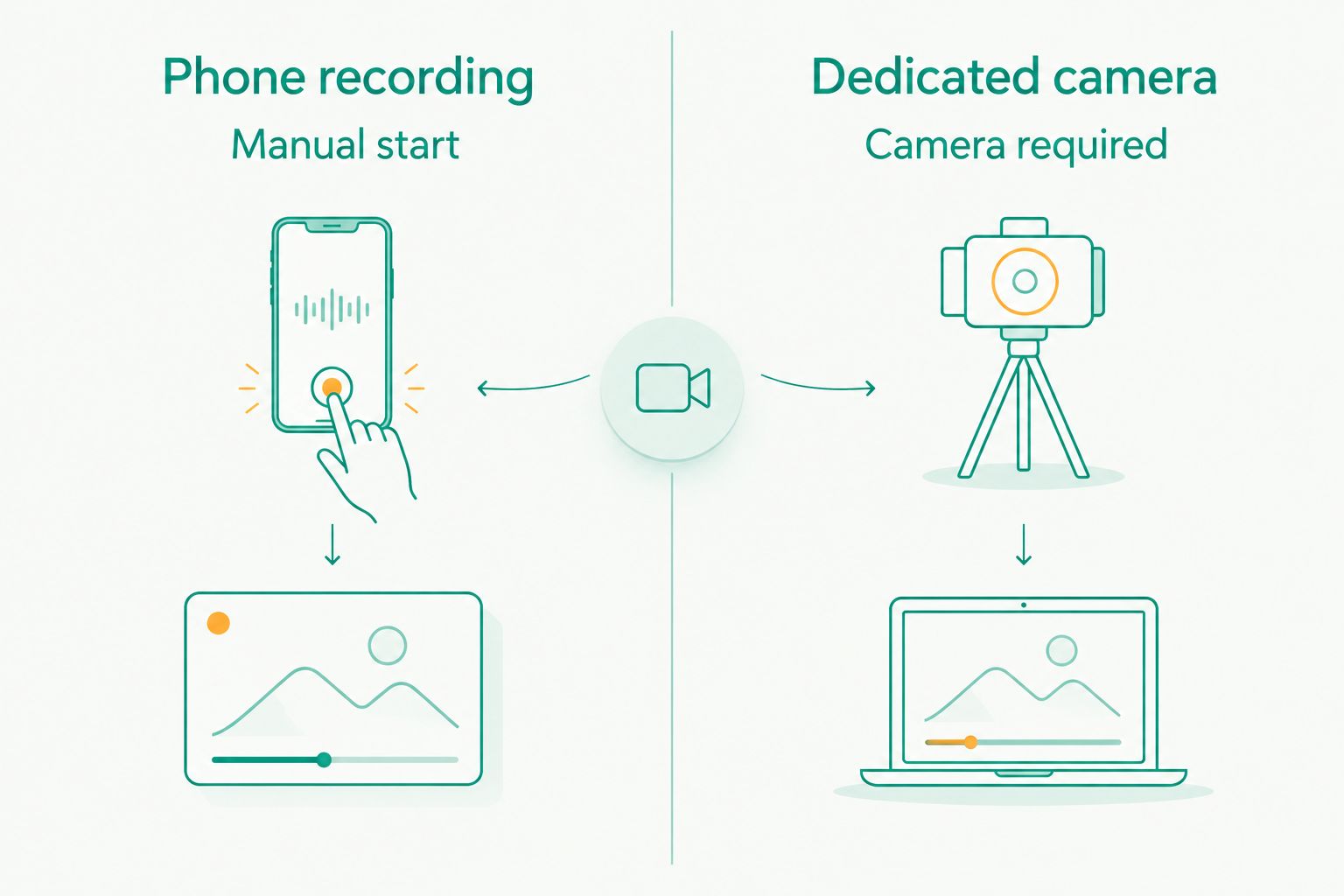
1. Smart Dash Cam: best iPhone dash cam app for phone recording
Smart Dash Cam is the default pick for an iPhone driver who wants the phone itself to capture the road. It belongs in a different category from Nexar and Garmin Drive: you are evaluating the iPhone as the camera, not choosing software for a separate device. That makes it the most direct starting point for an iPhone-only setup in 2026.
Do not treat installation as proof that a drive will be recorded the way you expect. Before you rely on Smart Dash Cam, check its current recording settings on your iPhone, make a short test recording, and confirm that you can locate and play back the clip. Repeat the test with your usual navigation setup if you plan to use both.
Smart Dash Cam pros:
- Uses the phone-first approach this search usually implies.
- Does not require you to choose a separate dash cam before evaluating the app.
- Gives you a direct way to test framing and clip retrieval in your vehicle.
Smart Dash Cam cons:
- Your iPhone must be positioned to film the road while you drive.
- Recording behavior and available controls need checking on the current app version and your device.
- It is a poor fit if you want the phone free from recording duty.
Smart Dash Cam best for: Drivers who want to try a standalone iPhone dash cam setup. Verdict: Buy only after a test drive confirms the recording workflow meets your needs.
2. Nexar: best for drivers with compatible Nexar hardware
Nexar is the better choice when a compatible Nexar dash cam is already part of your setup. The distinction is physical: the dedicated camera records the road, while the app supports that camera-based experience. Compare Nexar as a camera-and-app combination, not as a direct substitute for Smart Dash Cam running on an iPhone alone.
Before choosing it, confirm that the specific camera you own or intend to use works with the current iPhone app. Then test how you find footage from a completed drive. If you do not want separate hardware, move back to a phone-recording option rather than choosing Nexar for its app name.
Nexar pros:
- Clear fit for drivers who already use compatible Nexar hardware.
- Keeps the decision focused on a dedicated camera setup.
- Lets you judge the app in the context of the device that captures the footage.
Nexar cons:
- Not the default choice when your iPhone must do the recording by itself.
- Compatibility depends on the particular camera and current app support.
- Requires you to assess both the hardware and the app.
Nexar best for: Drivers committed to a compatible Nexar dash cam. Verdict: Buy for that setup; skip it as an iPhone-only recording solution.
3. Garmin Drive: best for compatible Garmin dash cam owners
Garmin Drive belongs on this list for drivers evaluating an iPhone companion app for compatible Garmin dash cam hardware. Its role is different from a standalone recording app: you choose the camera system first and assess how the app fits your use of it. It is not the answer to turning an iPhone camera into your dash cam.
Check the current compatibility information for your exact Garmin device before treating Garmin Drive as your app choice. A familiar brand name is not a substitute for matching the app to the camera. Once paired with the hardware you intend to use, confirm that you can access what you need from a completed drive.
Garmin Drive pros:
- Sensible starting point for drivers who already own compatible Garmin hardware.
- Makes the app decision part of a dedicated-camera decision.
- Avoids assigning the road-recording job to your iPhone camera.
Garmin Drive cons:
- Does not meet the needs of an iPhone-only dash cam setup.
- Fit depends on the exact Garmin camera and its current compatibility.
- Adds a separate device to the decision.
Garmin Drive best for: Owners of a compatible Garmin dash cam. Verdict: Buy for supported hardware; skip it if the iPhone is your only intended camera.
4. Apple Camera: best no-install manual fallback
Apple Camera can record a drive, but it is a camera app, not a dedicated dash cam app. You start recording yourself and manage the resulting video yourself. That makes it a useful fallback for an occasional recording, not the default for repeated dash cam use.
Its strongest point is simplicity: it is already on the iPhone. Its central weakness follows from the same design. If you forget to start recording before a trip, it cannot recover the footage; if you want a dash cam-specific workflow, look to a dedicated app or camera system instead.
Apple Camera pros:
- Already available on iPhone.
- Lets you check framing before you drive.
- Works as a straightforward option for a planned, manual recording.
Apple Camera cons:
- You must start and stop each recording yourself.
- It does not offer a dedicated dash cam workflow.
- It is easy to mistake the ability to record video for continuous trip coverage.
Apple Camera best for: Drivers who need an occasional manual recording without installing another app. Verdict: Hold as a fallback; skip it for routine dash cam use.
How these choices were ranked
The ranking gives priority to the searcher's most likely task: recording the road with an iPhone. Smart Dash Cam comes first because it addresses that phone-first task directly. Nexar and Garmin Drive follow for distinct groups of compatible camera owners; Apple Camera comes last because manual video capture does not provide a dedicated dash cam workflow.
This is a use-case ranking, not a claim that one app beats the others on an untested battery, storage, detection, or video-quality metric. A Nexar owner should not discard a compatible setup because a standalone app ranks first. Likewise, an iPhone-only driver should not choose a hardware companion app expecting it to make the phone record the road.
The Android comparison has a firm boundary too. Phonedashcam's DriveSight is described as an Android dash cam app with AI object detection, parking mode, crash detection, and live police and speed camera alerts. It is not ranked as an iPhone app in 2026. If alerts are your main reason for searching, the speed trap app guide addresses that separate decision.
Which iPhone dash cam choice should you make?
Choose Smart Dash Cam if your iPhone must be the camera. Test it on an actual drive before you depend on the footage. Choose Nexar if you have a compatible Nexar camera, or Garmin Drive if you have a compatible Garmin dash cam. Keep Apple Camera for manual recordings, not as your routine dash cam plan.
In 2026, that decision is more useful than a single winner with no conditions. A phone app, a hardware companion, and a manual camera app solve different problems. Pick the recording device first; then choose the software that serves it.
FAQ
What is the best dash cam app for iPhone in 2026?
Smart Dash Cam is the best starting point when you want your iPhone to record the road. Test its current recording controls and clip playback on your own phone before relying on it.
Can I use my iPhone as a dash cam without separate hardware?
Yes, a phone-recording app can use the iPhone as the camera. Mount the phone securely, check the road view, and confirm that a test drive produces a playable recording.
Is Nexar better than Smart Dash Cam for iPhone?
Nexar is the better fit when you use a compatible Nexar camera; Smart Dash Cam is the better starting point when the iPhone itself must record. They serve different recording setups.
Does Garmin Drive turn an iPhone into a dash cam?
No. Garmin Drive is a companion choice for compatible Garmin hardware, not the pick for recording the road with the iPhone camera alone.
Can I use Apple Camera instead of a dash cam app?
Apple Camera can record a drive manually, but it is not a dedicated dash cam app. You must start the recording yourself and manage the video afterward.
Is Phonedashcam's DriveSight available for iPhone?
No. DriveSight is described as an Android dash cam app, so it is not an iPhone recommendation in this 2026 ranking.
Should I choose a phone app or a dedicated dash cam?
Choose a phone-recording app if you want the iPhone to capture the road; choose a dedicated dash cam and its companion app if you want separate camera hardware. Check compatibility before selecting a companion app.
One last thing
A successful download is not a successful dash cam setup. In 2026, the useful test is whether you can find and replay the moment you intended to capture after a real drive. Do that check while parked, before you make any iPhone app your everyday recorder.