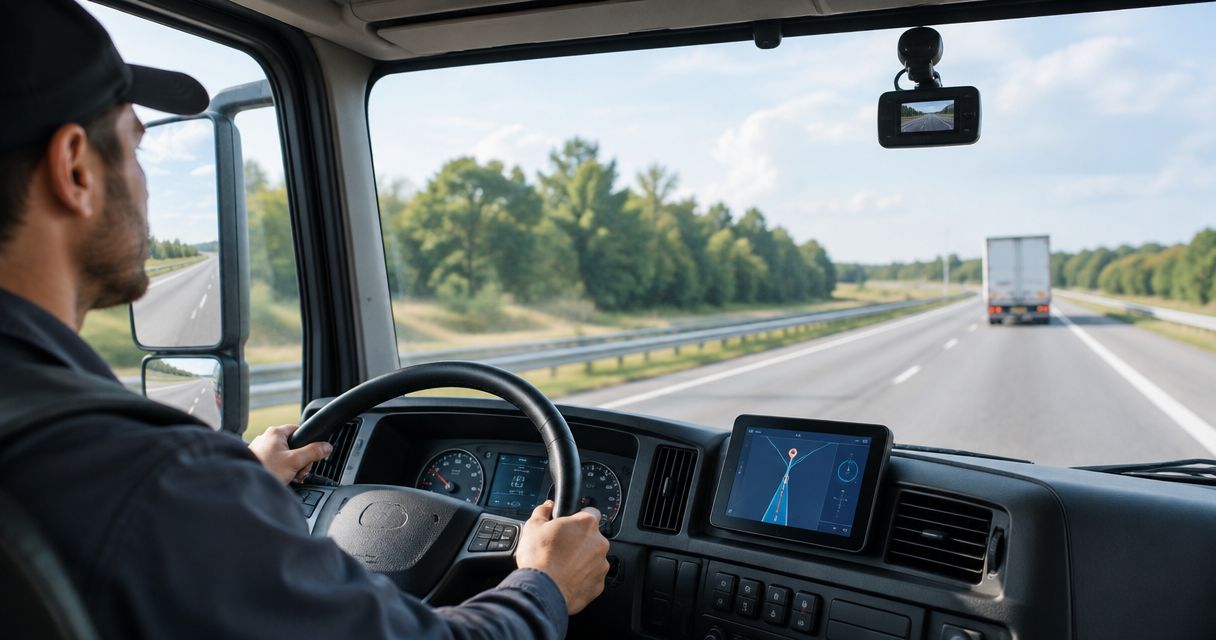
Best for Android driver assistance: Phonedashcam. Best for an evidence-focused pilot: a recording-focused dash cam app. Best for centralized oversight: a managed fleet video app. The best dash cam apps for fleet vehicles in 2026 depend on whether you need help behind the wheel, usable incident footage, or manager access across vehicles.
- Phonedashcam is the driver-assistance pick among the best dash cam apps for fleet vehicles, not a substitute for fleet management.
- Recording-focused dash cam apps suit a controlled pilot where drivers handle footage and managers define the evidence process.
- Managed fleet video apps suit centralized oversight; require proof of manager access, incident retrieval, and driver permissions.
- Choose fleet dash cam software by its evidence workflow, not by the longest feature list.
Why this matters
A delivery driver and a fleet manager need different things from the same journey. The driver needs a useful view of the road and timely warnings. The manager needs footage that is identifiable, retrievable, and handled consistently after an incident.
A driver-assistance app is not automatically a fleet-management system. Object detection, parking mode, and crash detection address driving situations; they do not establish centralized administration, vehicle assignment, or a shared evidence archive.
For your 2026 shortlist, separate those requirements before choosing an app. Otherwise, you risk selecting a useful driver tool and discovering that your incident process still depends on messages, screenshots, and manual follow-up.
What makes the best dash cam apps for fleet vehicles
Use these criteria before comparing options. A feature earns its place only when it supports a job your drivers or managers actually perform.
- Usable footage: Review actual clips from the intended phone and vehicle. Check the road view, glare, movement, and whether important details remain visible.
- Driver workload: Check what drivers must do before departure, during a shift, and after an incident. Avoid workflows that require screen interaction while driving.
- Evidence retrieval: Require a clear process for locating, preserving, and transferring the relevant recording. Detection alone does not complete that process.
- Fleet administration: For centralized oversight, require vehicle assignment, appropriate manager access, and controlled driver permissions.
- Power and parking: Test the full setup, including the mount, charging connection, and parked-vehicle use. An app feature does not solve every physical deployment requirement.
- Data handling: Decide who can access footage, where copies belong, and when your business deletes them. Make those rules part of deployment, not an afterthought.
Do not let a demonstration replace a shift test. A clean preview on a desk tells you little about a phone mounted in a working vehicle.
Fleet dash cam options at a glance
The comparison separates a named Android app from two buying categories. Each category has a distinct operational role; neither represents a specific vendor recommendation.
| Option | Best for | Standout capability or selection requirement | Key limitation |
|---|---|---|---|
| Phonedashcam Android app | Driver-facing road assistance | Object detection, parking mode, crash detection, and live police/speed camera alerts | Driver-facing capabilities are not a substitute for centralized fleet administration |
| Recording-focused dash cam app | Evidence-focused phone pilot | Select for straightforward recording, clip review, and evidence transfer | Manual footage handling places work on drivers and managers |
| Managed fleet video app | Centralized multi-vehicle oversight | Require shared incident access, vehicle assignment, and controlled permissions | Depends on the wider camera, connectivity, and administration setup |
Choose the workflow first, then the app. A driver-facing tool and a manager-facing video system can serve different purposes without either being the wrong product.
1. Phonedashcam: best dash cam app for Android driver assistance
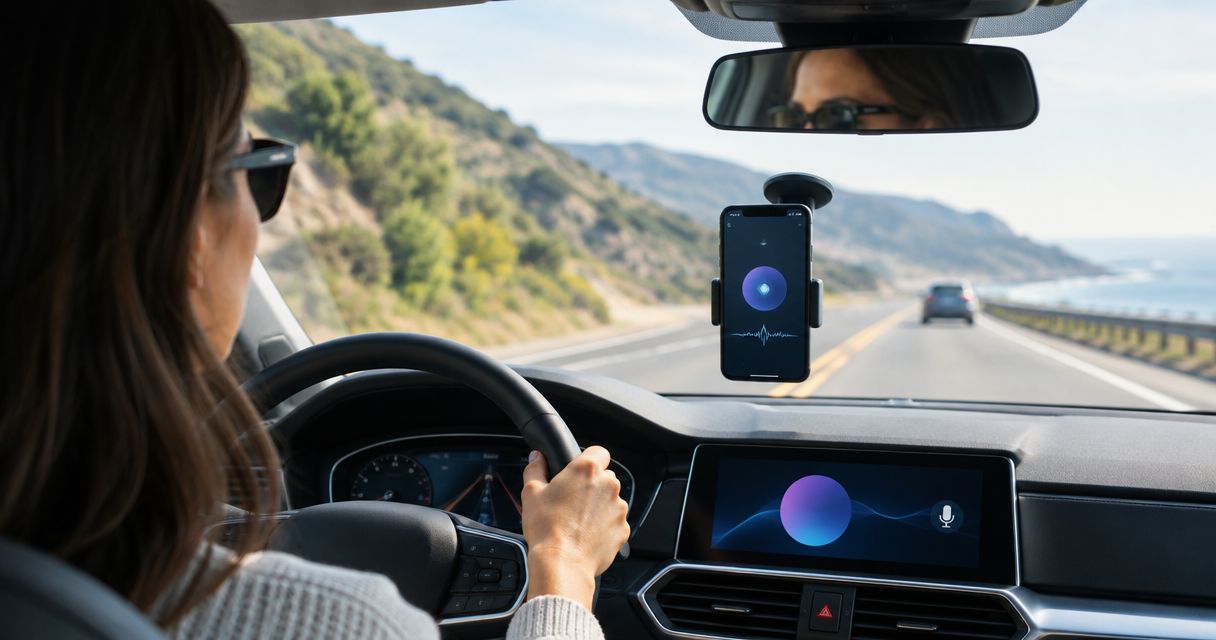
Phonedashcam offers an Android dash cam app with object detection, parking mode, crash detection, and live police/speed camera alerts. Its stated audience is everyday drivers in the US. Those capabilities make it a candidate for a driver-facing commercial-vehicle pilot, rather than proof of a fleet-wide management system.
The clearest use case is an Android driver who wants road assistance alongside dash cam functionality. A business evaluating that use case should test the app in the actual vehicle and keep its existing incident-reporting responsibilities explicit.
Phonedashcam pros:
- Combines object detection and live police/speed camera alerts in an Android dash cam app.
- Includes crash detection for an incident-related use case.
- Includes parking mode for a separate parked-vehicle use case.
- Matches a driver-facing evaluation where the person behind the wheel is the primary user.
Limitations for fleet deployment:
- The Android scope does not solve an iPhone deployment requirement.
- A phone-based setup requires suitable mounting, power, and driver procedures.
- Road alerts do not replace manager access, vehicle assignment, or evidence handling.
Best for: Android drivers whose priority is driver assistance, with a separately defined business process for incidents.
Before adopting it for commercial work, test the functions you plan to use without asking the driver to interact with the phone in motion. Treat parking mode as its own evaluation: parked-vehicle conditions differ from an active journey.
Verdict: Buy for a controlled Android driver-assistance deployment; skip it as a stand-alone answer to centralized fleet management.
2. Recording-focused dash cam app: best for an evidence-focused pilot
A recording-focused dash cam app is the right buying category when your first question is simple: can this phone setup produce footage your business can use? Prioritize recording controls, clip review, and a clear method of transferring evidence. Treat those as acceptance requirements, not promises shared by every app.
This route keeps the evaluation focused on the recording workflow. You can judge the mount, phone, footage, and handoff process before introducing broader management requirements.
Recording-focused dash cam app pros:
- Keeps your initial evaluation centered on usable footage.
- Makes the driver-to-manager evidence handoff easy to inspect during a pilot.
- Lets you identify physical setup problems before wider deployment.
- Fits a workflow where a designated person reviews and preserves incident clips.
Recording-focused dash cam app cons:
- Manual clip handling creates a task after every relevant incident.
- Separate phone settings and driver habits complicate consistency.
- Successful recording does not establish a shared fleet archive or remote access.
Best for: A business testing phone-based incident evidence before committing to a broader fleet-video workflow.
For a 2026 pilot, use 1 vehicle and 2 drivers as a controlled starting setup. This is a practical evaluation design, not a performance benchmark. Keep the equipment unchanged so you can see whether different drivers follow the same recording and handoff procedure.
Require each driver to find a chosen clip after parking and transfer it through your approved process. If a driver cannot complete that task reliably, adding more vehicles multiplies the workflow problem.
Verdict: Buy for a controlled evidence pilot; hold wider deployment until the footage handoff works consistently.
3. Managed fleet video app: best for centralized oversight
A managed fleet video app is the buying category to prioritize when managers need access across vehicles. Specify shared incident review, vehicle identification, user permissions, and a defined footage-retention process. Ask the provider to demonstrate each requirement using the proposed deployment setup.
Judge the application together with its recording equipment and connectivity. A polished manager interface is not enough if the underlying workflow cannot deliver the clip you need.
Managed fleet video app pros:
- Aligns the selection process with manager access rather than individual driver convenience.
- Gives you a place to require consistent vehicle and driver identification.
- Supports a purchasing brief built around permissions and incident review.
- Encourages evaluation of the complete evidence process, from capture to retrieval.
Managed fleet video app cons:
- Requires decisions about equipment, connectivity, access, and administration.
- Creates a larger operational project than installing an individual phone app.
- Does not remove the need to test footage under actual working conditions.
Best for: Businesses that require centralized video oversight rather than driver-managed clip sharing.
Make the demonstration specific. Ask a manager to locate footage for a named vehicle, identify the associated driver, and preserve the relevant clip. Then ask what happens when the recording device loses connectivity and how the footage becomes accessible afterward.
Do not accept feature labels as answers. Require the actual sequence your staff will use, including who receives an incident report and who has permission to retrieve the recording.
Verdict: Buy when centralized oversight is a requirement; skip the added administration when a driver-managed pilot meets your operational need.
Run a fleet dash cam pilot before wider deployment
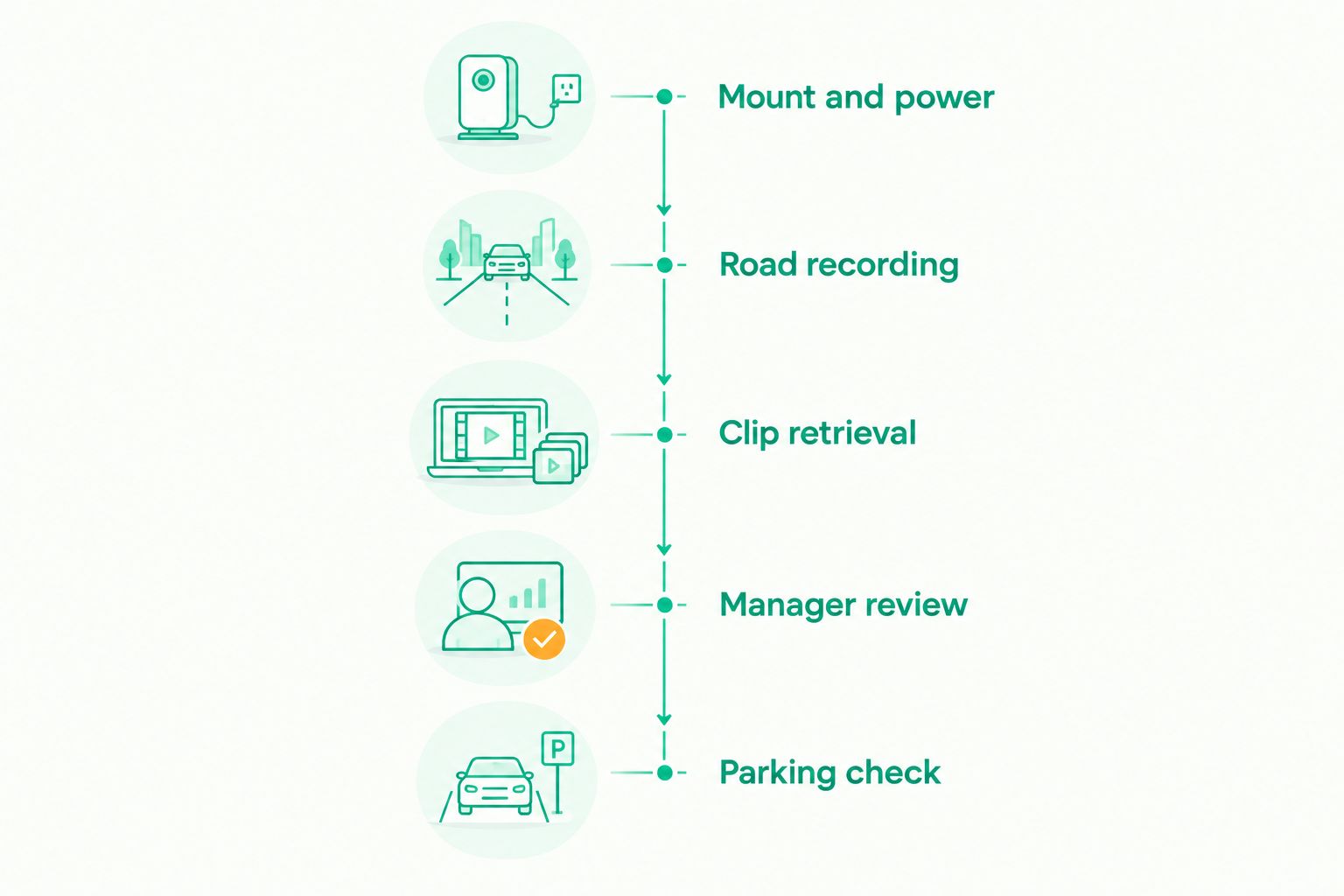
Your 2026 pilot should test the complete working sequence, not just whether an app launches. Use 3 test trips covering daylight, darkness, and a representative working route. These are suggested test conditions, not a claim that three trips establish long-term reliability.
Mount and power
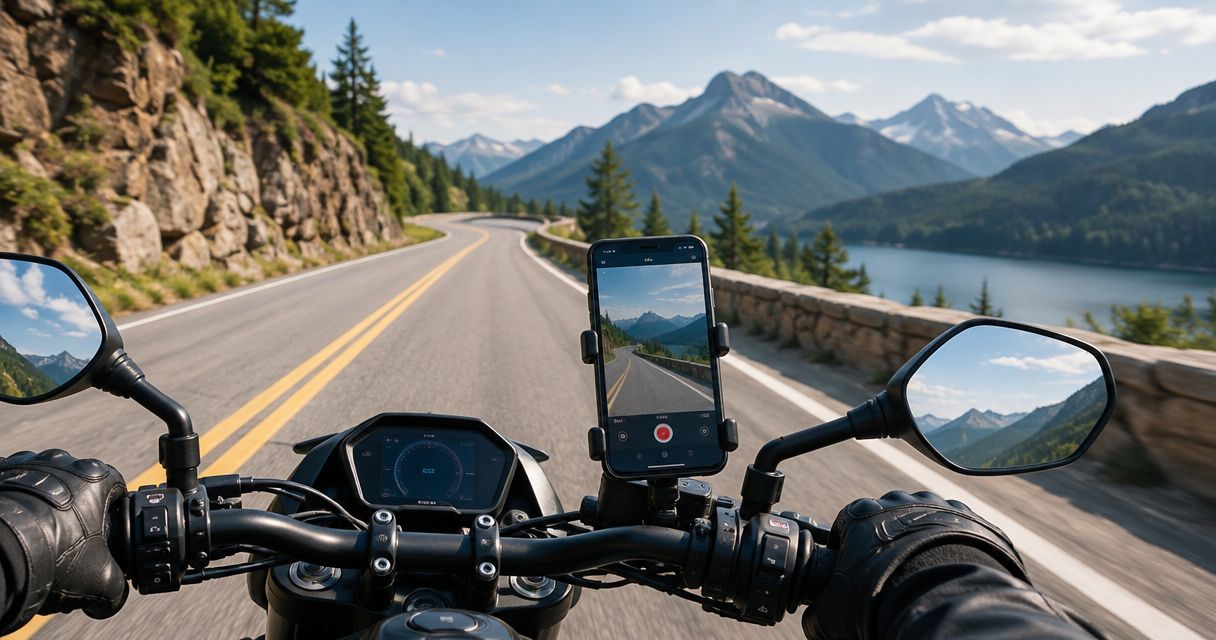
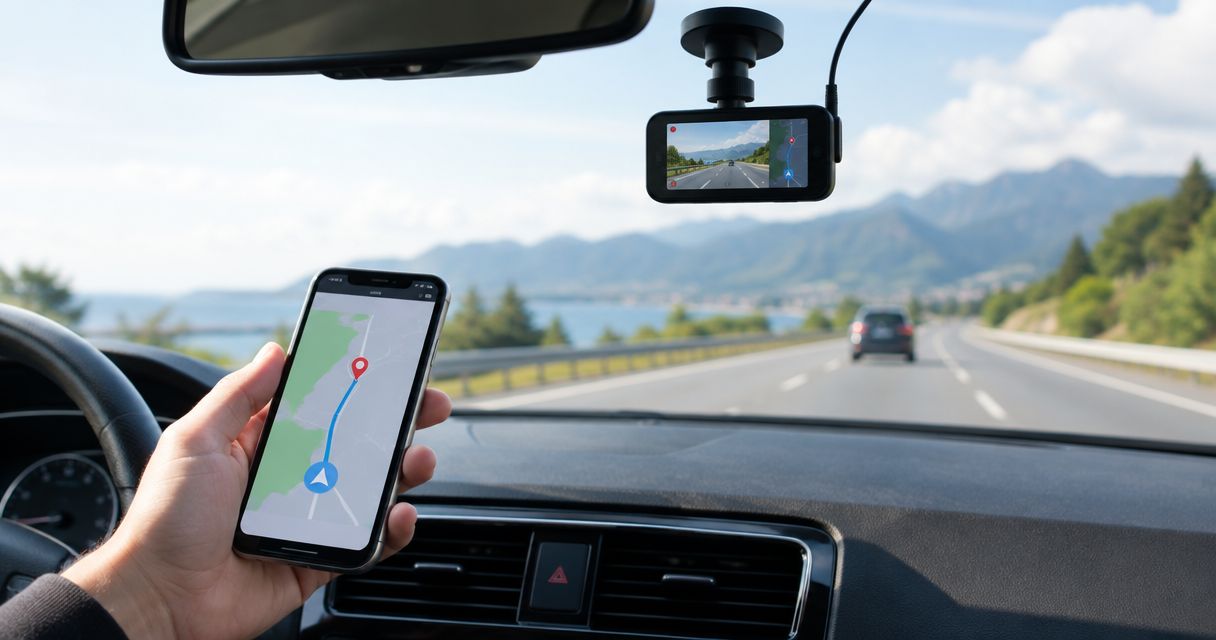
Secure the phone without blocking the driver's necessary view or interfering with vehicle controls. Check the charging connection and camera angle while parked. Follow applicable mounting rules and the device manufacturer's operating guidance.
Road recording
Review footage from the actual route. Look for glare, vibration, obstruction, and changes in lighting. Confirm that the setup captures the road area your incident process needs.
Clip retrieval
After parking, ask the driver to locate a specific recorded event and preserve the relevant footage. Follow the same process your business expects after a real incident, including the approved transfer destination.
Manager review
Have the responsible manager open the transferred clip and identify the vehicle, driver, and event. Check that the handoff preserves enough context to interpret the recording without relying on the driver's memory.
Parking check
Evaluate parked-vehicle use separately from road recording. Confirm how your selected setup operates when the vehicle is unattended, and follow device guidance on power and temperature. Do not leave a phone recording in unsuitable conditions.
Write down the failure point when a test breaks. A recording problem, transfer problem, and access problem need different fixes; replacing the app without identifying the cause wastes the pilot.
Crash detection is not the whole incident workflow
Crash detection addresses detection. Your business still needs a procedure for reporting the event, preserving relevant footage, and handing that material to the authorized person.
Use the guide to dash cam apps with crash detection when comparing that specific feature. Keep the purchasing question precise: what action follows detection, and what must the driver or manager do manually?
Never stage a collision to test an app. Use safe demonstrations and documented procedures, then evaluate ordinary recording and retrieval during the pilot.
How these options are ranked
The order follows the decision tree: driver assistance, a focused evidence pilot, then centralized oversight. It is not a video-quality leaderboard or a claim that an individual phone app outperforms a managed fleet system.
The criteria are usable footage, driver workload, evidence retrieval, administration, physical deployment, and data handling. For fleet procurement in 2026, a demonstrated evidence workflow outranks an impressive feature label.
Which fleet dash cam option should you choose?
Choose the Android driver-assistance option when road-facing features are your priority. Choose a recording-focused app when you need to prove that a phone setup and manual evidence handoff work in your vehicles.
Choose a managed fleet video app when managers need centralized access and consistent administration. Do not try to solve that requirement by asking every driver to improvise a sharing process.
If you are undecided, start with a controlled evidence pilot and make successful manager retrieval the acceptance test. That result tells you whether a phone-based workflow fits your business or whether centralized video management belongs in the purchasing brief.
FAQ
What's the best dash cam app for fleet vehicles in 2026?
The best dash cam app for fleet vehicles in 2026 is the one that matches your evidence and management workflow. Choose driver-facing assistance for individual drivers, a recording-focused app for a controlled pilot, or a managed fleet video app for centralized oversight.
Is Phonedashcam suitable for commercial drivers?
Phonedashcam is a candidate for an Android commercial-driver pilot focused on driver assistance. Its stated capabilities include object detection, parking mode, crash detection, and live police/speed camera alerts; treat fleet administration as a separate requirement.
Can I use an Android phone instead of a dedicated dash camera?
An Android phone can serve as a dash cam through a suitable app. For commercial use, test the complete setup, including mounting, power, footage quality, and the process for transferring incident clips.
Do all dash cam apps let a fleet manager see footage remotely?
Do not assume a dash cam app provides remote manager access. Require a demonstration of the access, vehicle identification, and permissions your business needs before choosing it.
Does crash detection automatically preserve everything a fleet needs?
Crash detection does not by itself establish a complete evidence workflow. Confirm how relevant footage is preserved, how staff retrieve it, and who is responsible for the incident handoff.
What's the best way to test a fleet dash cam app?
Test a fleet dash cam app in a working vehicle and follow the complete recording-to-review process. Include representative road conditions, a parked clip-retrieval exercise, and review by the manager responsible for incidents.
Is parking mode enough for commercial vehicle security?
Parking mode is one part of a parked-vehicle monitoring setup, not a complete security plan. Evaluate power, device operating conditions, camera position, and your procedure for reviewing relevant footage.
One last thing
The most revealing test is handing the footage task to someone who did not drive the vehicle. If that person cannot find and interpret the relevant clip, you have demonstrated recording but not a usable business evidence process. Fix that gap before adding vehicles to your 2026 deployment.