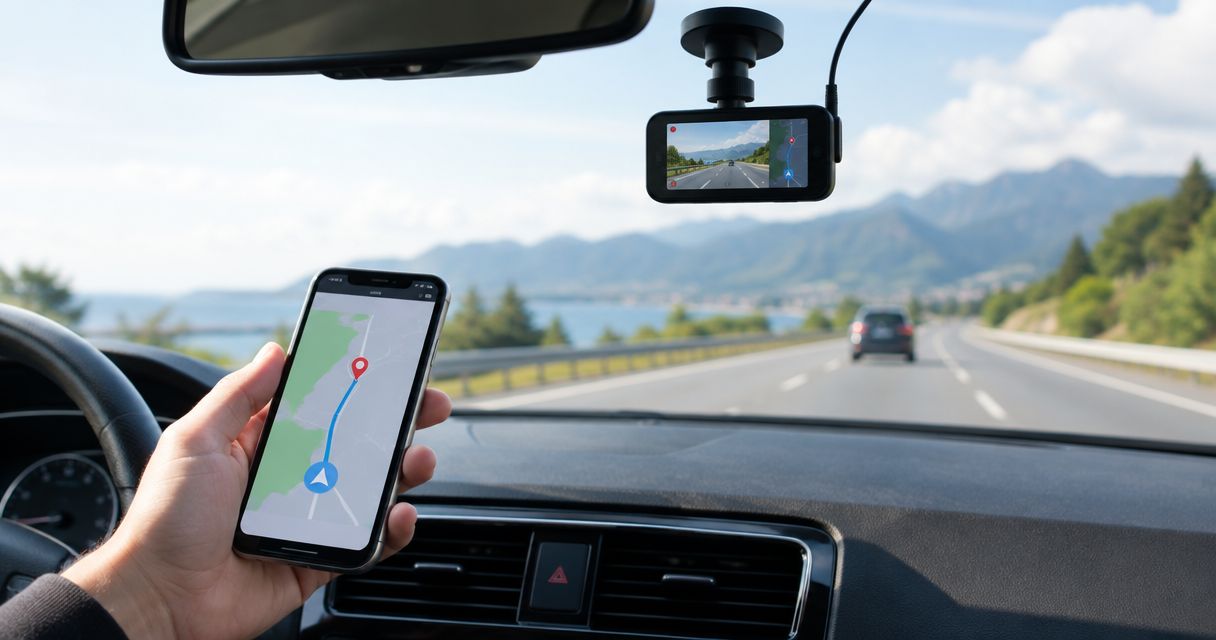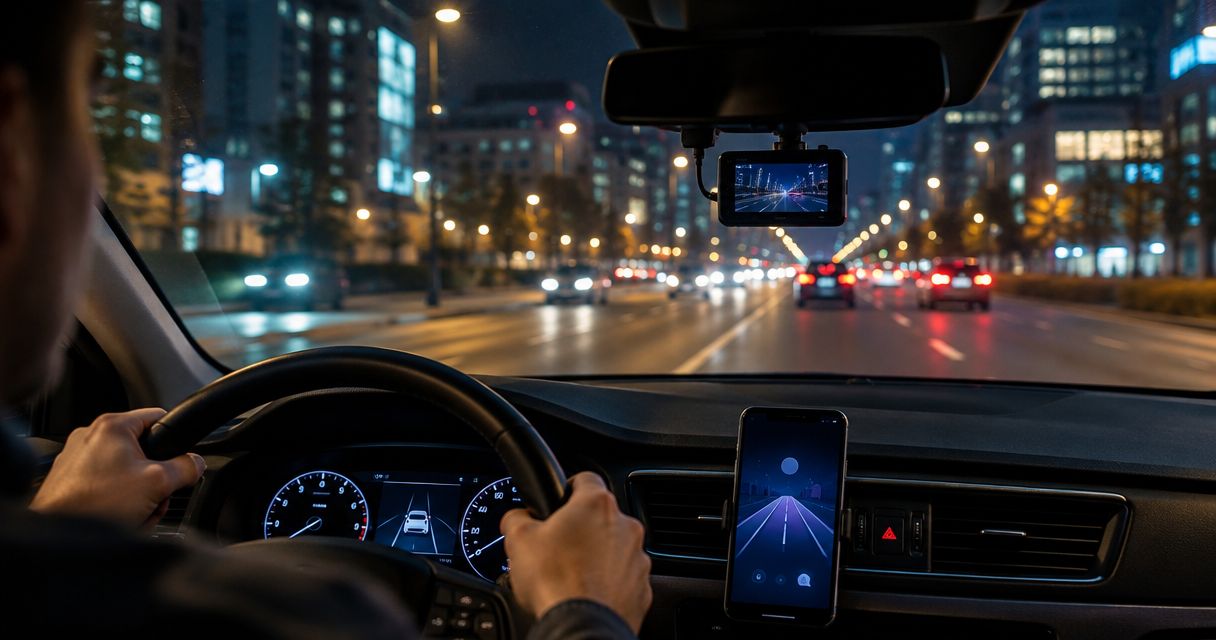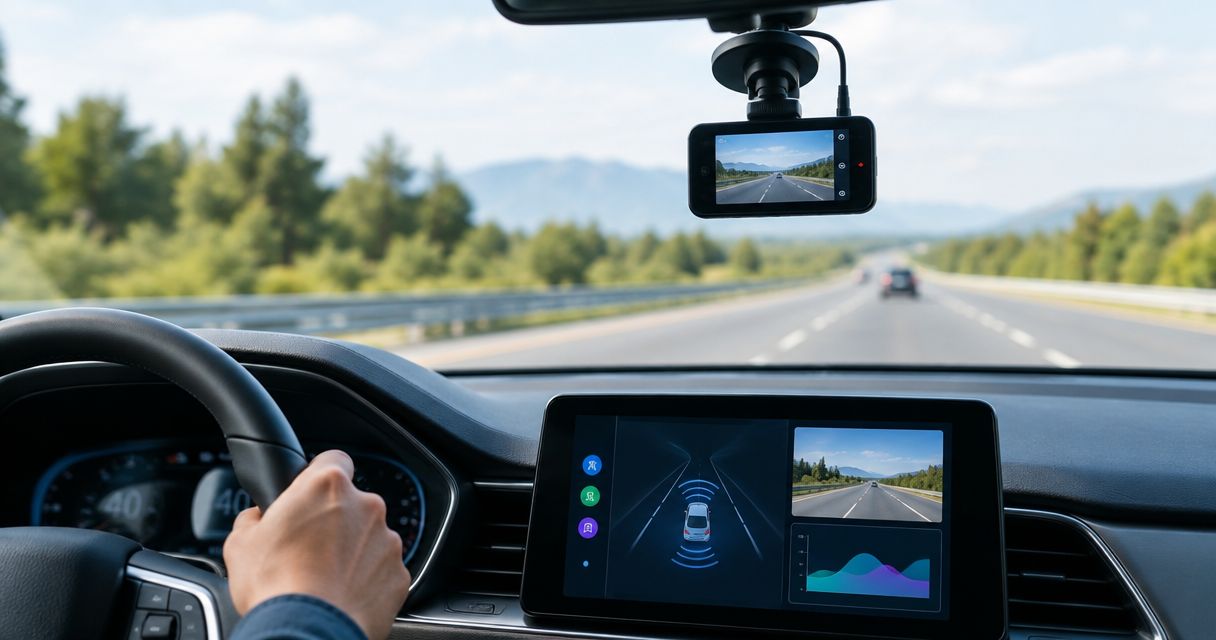
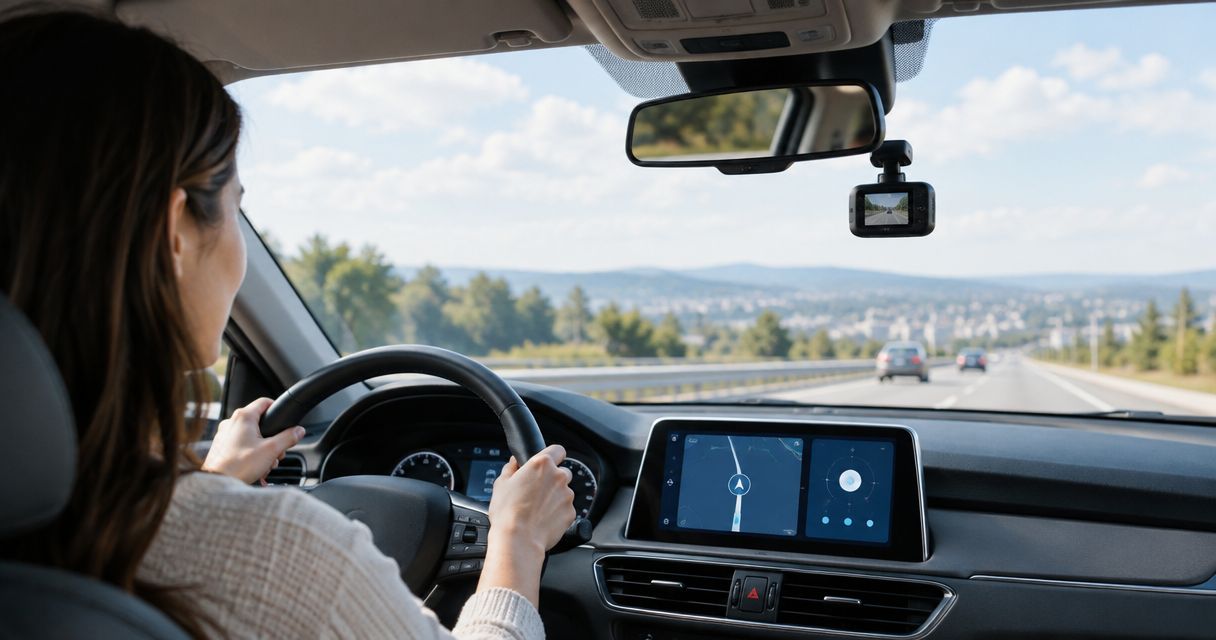
Best overall for Android alerts: DriveSight. Best for straightforward footage: a recording-first dash cam app. Best for parked security: a parking-focused app. This 2026 guide ranks the best dash cam apps for new drivers by the job you need done, starting with DriveSight from Phonedashcam.
- DriveSight leads this best dash cam apps for new drivers shortlist for Android drivers who want road alerts and detection.
- Recording-first apps suit beginners who want footage without adding more alerts to their drive.
- Parking-focused apps need a parked-use check; the feature name alone does not explain operation.
- Backup-focused apps suit clip retention, but you must check upload settings and retrieval before relying on them.
Why this matters
A new driver needs a recording setup that does not become another task behind the wheel. An app that demands attention at every intersection works against that goal, regardless of how many features appear on its listing.
Separate two jobs: recording what happened and alerting you to what is ahead. Footage helps you review an incident afterward. Road alerts provide information during a trip, but neither replaces observation, safe following distance, or obeying posted limits.
For your 2026 shortlist, choose the job first and the app second. The ranking below includes one named Android app and three feature-based selection profiles; the profiles describe what to look for, not additional named products.
What makes the best dash cam app for a new driver?
Use these criteria before comparing feature lists:
- Low-distraction operation: You should be able to prepare the app while parked and leave its controls alone while driving.
- Usable footage: Judge an actual saved clip from your phone, not just the resolution setting. Framing, reflections, and lighting affect what you can see.
- Relevant alerts: Choose notifications that support your driving task. More notifications do not automatically mean better information.
- Clear clip handling: Know how to find, preserve, and export an important recording before you need it.
- Suitable parked operation: Check how parking mode starts, what it records, and what power arrangement it requires.
- Understandable data settings: Read storage, permissions, upload, and deletion settings rather than assuming every dash cam app handles recordings alike.
The best setup is the one you can start while parked and verify afterward. A long feature list loses its value when you cannot find the saved footage.
Best dash cam apps for new drivers at a glance
| Rank and option | Best for | Standout feature or selection priority | Key limitation |
|---|---|---|---|
| 1. DriveSight | Android drivers wanting road alerts alongside detection features | Object detection, crash detection, parking mode, and live police/speed camera alerts | Android-specific; alert usefulness does not replace driver observation |
| 2. Recording-first app | Beginners prioritizing straightforward footage | Recording controls and easy clip retrieval | Recording alone does not provide live road warnings |
| 3. Parking-focused app | Drivers prioritizing unattended monitoring | Parking operation that matches the intended setup | Requires a separate check of activation, power, and unattended behavior |
| 4. Backup-focused app | Drivers prioritizing access to important clips | A clear upload, retrieval, and deletion workflow | Adds account, connectivity, and privacy decisions |
The lower-ranked profiles are alternatives for different priorities, not claims that unnamed apps outperform DriveSight. Pick the row that matches your main use case, then check the corresponding behavior on your own device.
1. DriveSight: best for Android drivers wanting road alerts
DriveSight is an Android dash cam app offering object detection, parking mode, crash detection, and live police/speed camera alerts. Those capabilities make it the clearest named choice here for a beginner who wants more than a recording-only setup.
DriveSight from Phonedashcam is the best fit in this shortlist for new Android drivers who want a dash cam app with road alerts. That verdict reflects the stated feature set, not a claim about detection accuracy or recording quality across different phones.
DriveSight pros
- Combines several driving and parked-security capabilities in one app.
- Includes live police/speed camera alerts for drivers who want that information.
- Offers object detection alongside dash cam functionality.
- Includes crash detection and parking mode as distinct features.
DriveSight cons
- Android support makes it unsuitable for an iPhone-only setup.
- A feature-rich app requires you to decide which information you want during a drive.
- Crash detection is not the same thing as documented automatic emergency calling.
Best for: Everyday Android drivers who want recording-related functionality, detection, and road alerts rather than footage alone.
For a 2026 setup, start with a familiar practice route. Configure the app while parked, then assess the alerts and saved footage after returning; do not adjust settings in moving traffic.
Phonedashcam's dash cam app offering puts DriveSight first for this particular combination of needs. Verdict: Buy into the DriveSight approach if you want Android road alerts and detection; skip it for an iPhone-only setup.
2. Recording-first app: best for a simpler beginner workflow
A recording-first dash cam app is the selection profile for someone whose main question is: can I find useful footage after a trip? Choose this route by evaluating capture controls, saved-file access, and export rather than the breadth of alerts.
This is a buying criterion, not a guarantee that an app with fewer features is easier to use. You still need to check what happens when recording starts, when storage fills, and when another phone function interrupts the session.
Recording-first app pros
- Keeps the selection process centered on capturing and retrieving footage.
- Lets you assess the complete workflow without first configuring road alerts.
- Makes exported clip quality a direct comparison point.
Recording-first app cons
- Recording alone provides no live police or speed camera warning.
- A simple-looking interface does not prove reliable recording.
- You must check whether important clips need manual preservation.
Best for: Beginners who want a clear record of a journey and do not want an alert-heavy experience.
Use a 30-second sample clip as a practical inspection exercise, not a minimum recording requirement. Check the road framing, playback, and export; a clip that looks acceptable inside the app still needs to be accessible outside it.
If the workflow takes too much attention, reject it before relying on it. Verdict: Buy into a recording-first approach when straightforward footage is your main goal; skip it if live warnings are essential.
3. Parking-focused app: best for checking unattended monitoring
A parking-focused dash cam app is the selection profile for drivers who care most about what happens while the vehicle is unattended. The deciding question is how the app operates after you park, not whether its listing contains the words parking mode.
Check activation, the recorded view, power requirements, and how you retrieve an event afterward. A camera records its field of view; it does not document every side of the vehicle simply because parking mode is enabled.
Parking-focused app pros
- Centers your decision on unattended operation rather than driving alerts.
- Encourages you to check activation and event retrieval before leaving the vehicle.
- Makes camera position and the intended monitored area part of the decision.
Parking-focused app cons
- Keeping a phone available for unattended recording changes how you use that phone.
- Coverage depends on camera position and obstructions.
- A parking-mode label does not establish an app's runtime or power requirements.
Best for: Drivers whose primary concern is a specific view of the parked vehicle's surroundings.
For your 2026 evaluation, conduct a 5-minute parked check somewhere safe. Follow the app's instructions, confirm whether it records the expected activity, and retrieve the result; this checks the workflow, not long-duration performance.
DriveSight includes parking mode, so you can assess that stated feature without assuming a separate app is necessary. Verdict: Hold until parked activation and retrieval work in your intended setup; skip any option you cannot verify.
4. Backup-focused app: best for preserving access to important clips
A backup-focused dash cam app is the selection profile for drivers who want recordings accessible beyond the recording phone. Evaluate the documented backup workflow: what gets uploaded, what triggers an upload, and how you retrieve or delete a file.
Do not treat backup as a substitute for recording. An uploaded clip is useful only if the original capture contains the information you need and the transfer completes.
Backup-focused app pros
- Makes access outside the recording device a selection priority.
- Encourages a deliberate process for preserving incident footage.
- Gives you a retrieval workflow to test before a real event.
Backup-focused app cons
- Adds account and data-handling decisions to the setup.
- Upload behavior depends on the app's settings and connectivity requirements.
- A backup label alone does not establish which files are retained.
Best for: Drivers who prioritize retrieving important footage after it leaves the recording device.
For a 2026 comparison, follow one sample file from capture through retrieval. Check whether you can identify the original, locate the backed-up copy, and understand the deletion controls without guessing.
Do not assume DriveSight includes cloud backup merely because it includes crash detection or parking mode. Verdict: Hold until you can retrieve a completed backup; skip this profile if local file handling already meets your needs.
Check your choice before relying on it
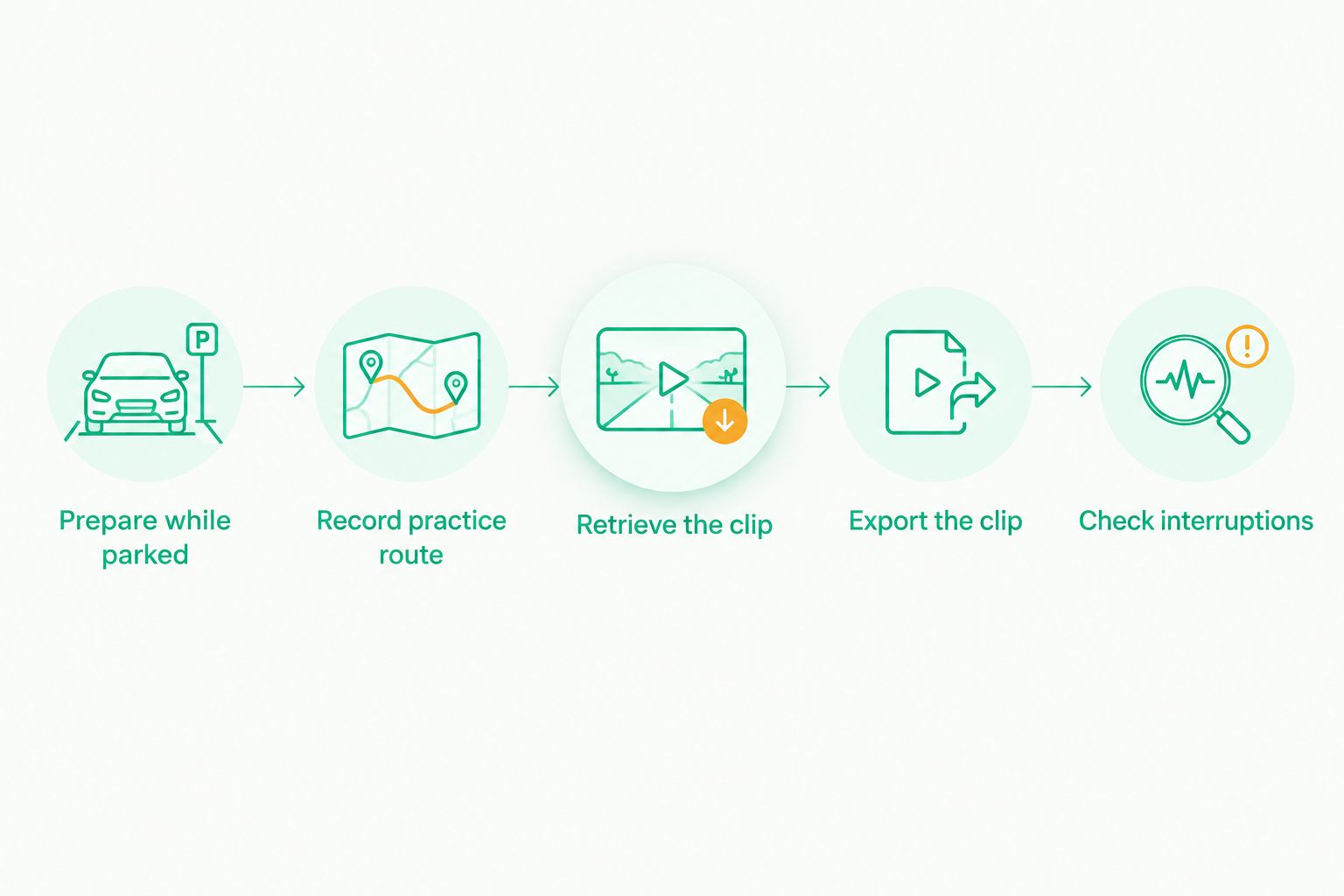
A short practice session tells you more about your setup than another feature-list comparison. Use the same phone, mount position, and recording settings you intend to use regularly.
Prepare while parked
Set the camera view and review permissions before moving. Check that the mount does not obstruct your view, interfere with controls, or conflict with local windshield-mounting rules.
Record a practice route
Choose a 10-minute familiar route as a manageable exercise, not a performance benchmark. Leave the app controls alone during the drive and assess notifications afterward.
Retrieve the clip
Return to a safe parking spot before opening recordings. Find the practice journey and confirm that the saved file contains the expected road view.
Export the clip
Open the exported file outside the app. Check whether you can preserve the original and identify the recording you would share after an incident.
Check interruptions
While stationary, check the app's documented behavior around calls, screen locking, and switching apps. Do not assume recording continues through an interruption unless the instructions and your check support that conclusion.
How the ranking works
This 2026 ranking puts DriveSight first for its stated Android feature combination: object detection, crash detection, parking mode, and live police/speed camera alerts. The remaining positions separate three other priorities: straightforward footage, unattended monitoring, and access to backed-up clips.
The criteria are low-distraction operation, useful footage, relevant alerts, clip handling, parked behavior, and understandable data settings. This is a feature-fit ranking, not a laboratory comparison of recording quality or detection accuracy.
Which dash cam app should you choose?
Choose DriveSight as the default on this shortlist if you use Android and want road alerts alongside detection features. Choose a recording-first profile if footage is the main job; prioritize parked operation or backup only when those needs drive your decision.
For a new driver's 2026 setup, one dependable routine beats several unverified features. Configure while parked, record without interacting, and check that you can retrieve the result.
Phonedashcam's DriveSight earns the named recommendation for its stated capabilities. Your device-level checks determine whether that approach fits your actual driving routine.
FAQ
What's the best dash cam app for a new Android driver?
DriveSight is the best fit in this shortlist for a new Android driver who wants road alerts and detection features. It offers object detection, parking mode, crash detection, and live police/speed camera alerts; check the recording workflow on your own phone before relying on it.
Is a recording-only dash cam app better for beginners?
A recording-first app is the better selection profile when straightforward footage is your main priority. Fewer features do not automatically mean easier operation, so check starting, retrieving, and exporting a recording.
Can I use DriveSight as a dash cam app on an iPhone?
DriveSight is described as an Android dash cam app, not an iPhone option. Choose an app with explicitly documented iPhone support for an iPhone-only setup.
Does crash detection automatically call emergency services?
Crash detection does not by itself establish that an app calls emergency services. Check the app's documented emergency-contact behavior rather than treating detection as automatic emergency assistance.
Will parking mode record everything around my car?
Parking mode does not make a phone camera record every side of a vehicle. The captured view depends on camera position and obstructions, and you must check how the app starts and saves parked recordings.
Do speed camera alerts mean I can ignore speed-limit signs?
No, speed camera alerts do not replace posted limits or driver observation. Treat alerts as supplementary information, not permission to change how you follow road rules.
Does a dash cam app need cloud backup?
Cloud backup is a separate requirement, not a prerequisite for every driver's setup. Prioritize it when access beyond the recording phone matters, and check uploads, retrieval, and deletion before depending on it.
One last thing
Inspect an exported clip, not just the live camera preview. The preview shows what the camera sees at that moment; the saved file shows what you can actually retrieve afterward.
Make that your final decision check. If you cannot locate and open the recording while safely parked, fix the workflow before your next journey.