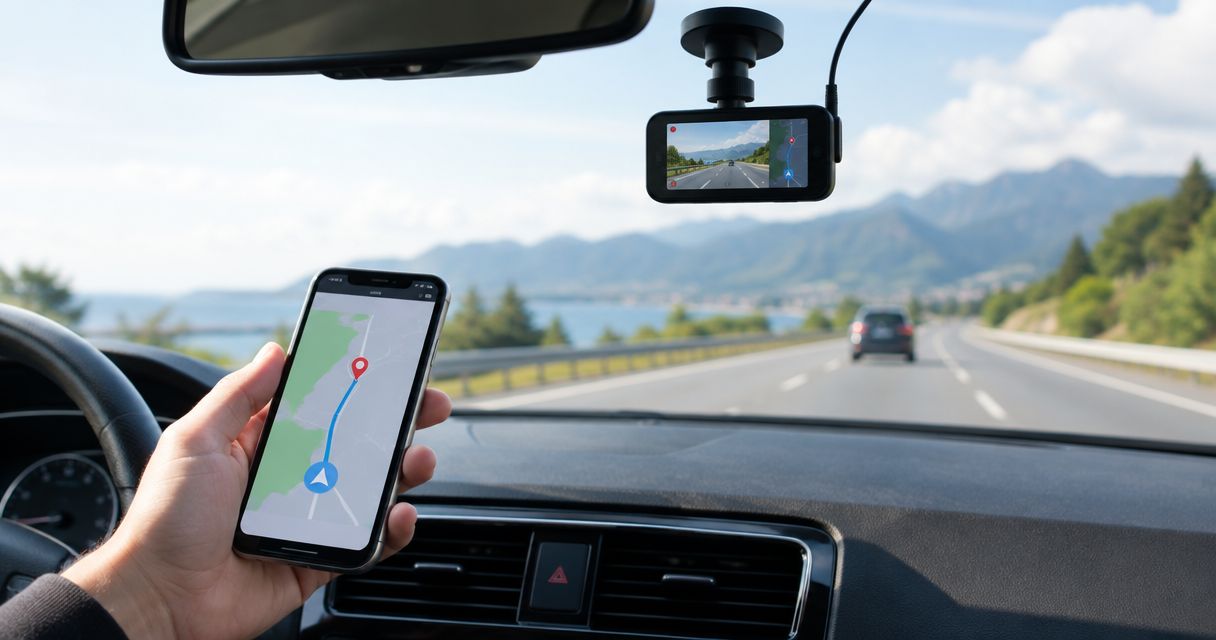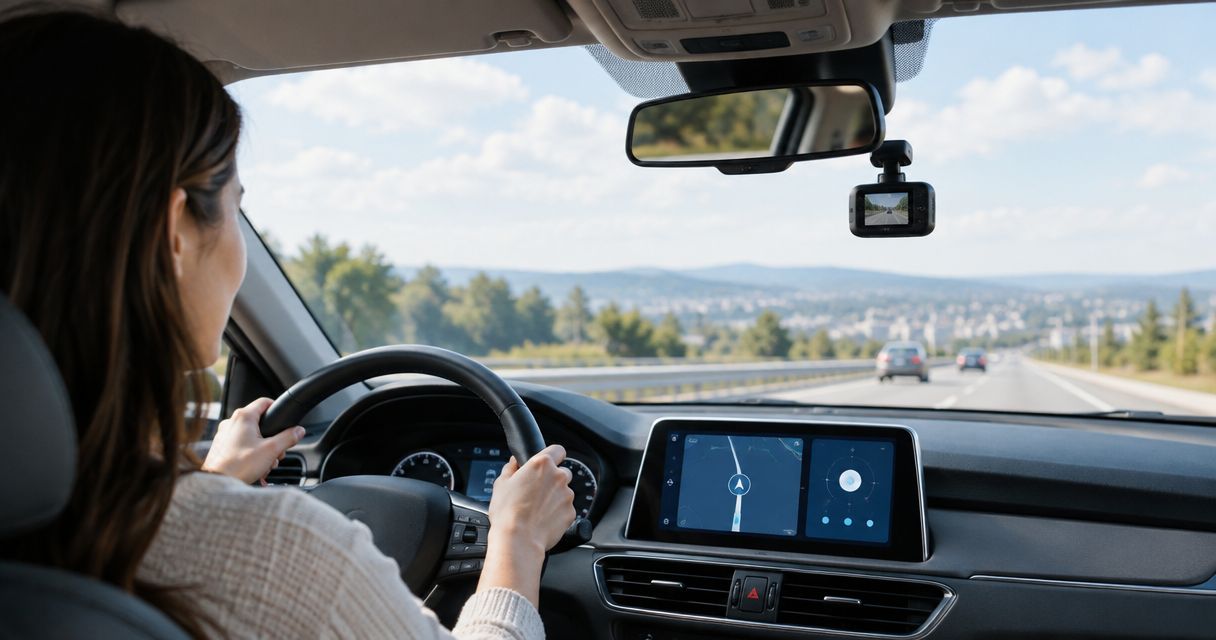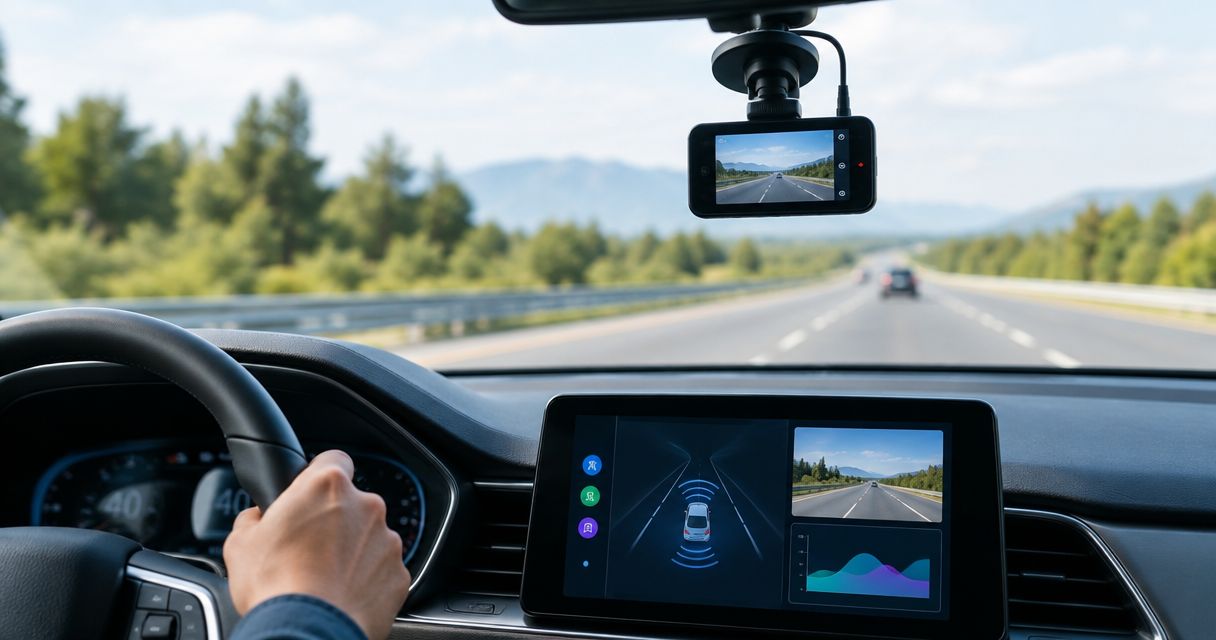
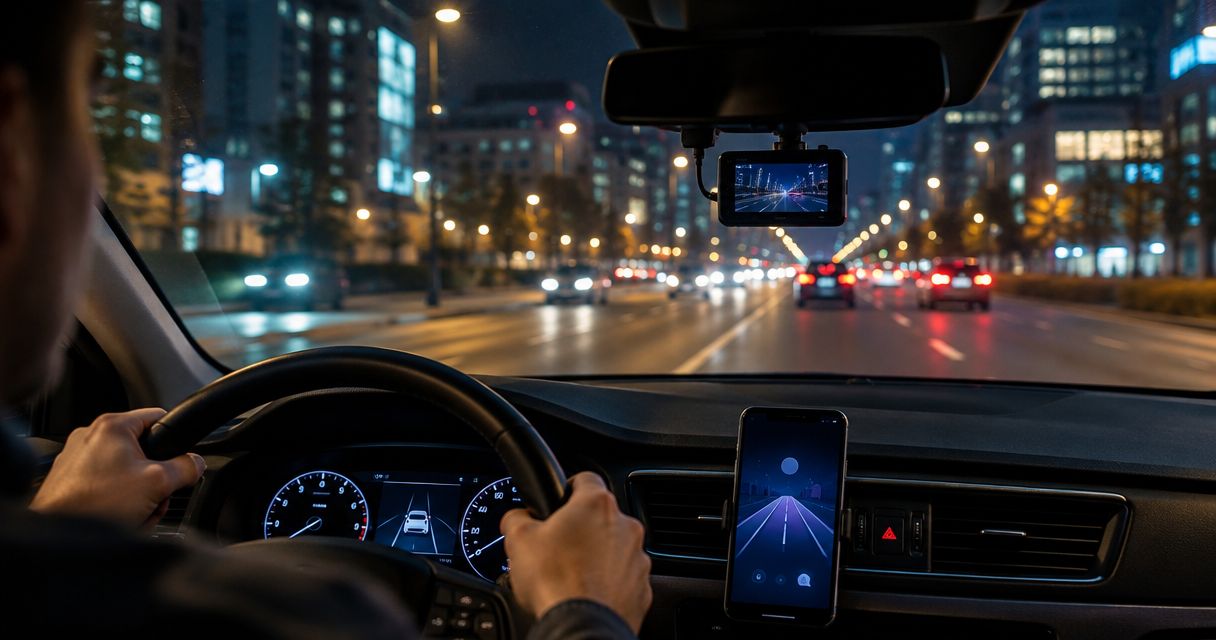
Best overall for Android driving features: DriveSight from Phonedashcam. Best for manual recording control: Open Camera. Best for an iPhone recording baseline: Apple Camera. This 2026 guide separates dash cam features from low-light image quality: Open Camera and Apple Camera are recording alternatives, not full dash cam replacements.
- Among the best dash cam apps for night driving, DriveSight is the Android pick for detection and driving alerts.
- Open Camera suits drivers who want manual recording controls, not a complete dash cam workflow.
- Apple Camera provides an iPhone recording baseline, not dedicated crash detection or parking security.
- Judge low-light video by moving detail and headlight glare, not how bright a parked preview looks.
Why this matters
A bright nighttime video is not necessarily useful evidence. A recording can show the road clearly while turning a moving license plate into an unreadable streak. Streetlights, headlights, windshield reflections, and vehicle movement all challenge a phone camera differently.
Your app determines the recording workflow and available driving features. Your phone's camera, its supported settings, and its position behind the windshield determine much of the captured detail. Object detection and driving alerts do not establish better nighttime footage.
For a 2026 shortlist, separate two questions: does the app provide the features you need, and does your actual phone capture useful video after dark? Choose the feature fit first, then test the recording before depending on it.
What makes the best dash cam apps for night driving?
Use these criteria before choosing an app. A long feature list cannot compensate for footage that fails your own nighttime check.
- Moving detail: Judge vehicles and road markings during motion. A parked image tests a different problem.
- Glare control: Look for excessive flare around headlights and reflections from your dashboard. Check whether bright areas obscure nearby detail.
- Recording workflow: Confirm how you start recording, preserve an incident, and retrieve the file. Do not assume an ordinary camera app handles those tasks automatically.
- Driving features: Separate recording from object detection, crash detection, parking mode, and police or speed-camera alerts. These solve different needs.
- Phone compatibility: Verify that the app and the settings you intend to use work on your specific handset. Camera controls differ between devices.
- Mount and power: Check whether your setup stays steady, remains unobstructed, and supports the length of recording you need. Configure everything while parked.
The dash cam apps ranked by video quality guide covers the image-quality side of that decision. Here, the ranking prioritizes the intended use and distinguishes documented driving features from ordinary video capture.
Night-driving options at a glance
This 2026 comparison is a feature-fit shortlist, not a measured low-light leaderboard. No supplied nighttime footage establishes which app captures the clearest moving plate.
| Rank and option | Best for | Standout feature | Key limitation |
|---|---|---|---|
| 1. DriveSight | Everyday Android drivers seeking driving-specific features | Object detection, parking mode, crash detection, and live police/speed-camera alerts | The listed features do not prove better low-light recording |
| 2. Open Camera | Android users who want recording controls | Camera settings and exposure controls supported by the handset | A general camera app, not a complete dash cam workflow |
| 3. Apple Camera | iPhone users establishing a recording baseline | The iPhone's built-in video recording | Not a dedicated dash cam app |
DriveSight is the best fit here for everyday Android drivers who want driving-specific detection and alerts alongside a dash cam app. That recommendation concerns the stated feature set, not an unverified night-vision advantage.
1. DriveSight: best for Android driving features
DriveSight is an Android dash cam app from Phonedashcam with object detection, parking mode, crash detection, and live police/speed-camera alerts. That combination makes it the most directly relevant option in this shortlist for everyday US drivers seeking more than a video recorder.
For night driving, the distinction matters. A recording documents what the camera sees; alerts and detection provide separate functions. Neither category should be treated as proof that a phone can resolve distant details in darkness.
DriveSight pros
- Driving-specific features match the intended dash cam use rather than ordinary handheld filming.
- Object detection adds a separate capability beyond recording video.
- Crash detection and parking mode address needs outside routine moving footage.
- Live police/speed-camera alerts cover a different driving need from image capture.
DriveSight cons
- DriveSight is an Android option, so it does not answer an iPhone buyer's app requirement.
- The stated feature set provides no measured comparison of nighttime video quality.
- Parking mode and crash detection are not evidence of sharper footage after dark.
Best for: Everyday Android drivers who want detection, alerts, and security-related functions in their dash cam app.
Before relying on DriveSight for a nighttime commute, check a recorded clip from your own phone. Review it off the mounted screen, where glare and a small preview can hide problems. Confirm that you can identify the event you want to document, not just see a bright road.
Verdict: Buy for the Android driving-feature fit, not for an assumed night-vision upgrade.
2. Open Camera: best for manual recording control
Open Camera is a general Android camera app with configurable recording controls. Its value here is giving you a way to explore the settings your phone supports, rather than supplying a driving-specific detection and alert system.
Exposure adjustments can change how bright a scene appears. They do not guarantee readable moving detail. Treat Open Camera as a controlled recording alternative when you want to compare settings on the same handset.
Open Camera pros
- Recording controls let you investigate the camera capabilities exposed by your Android phone.
- Exposure controls help you compare different treatments of the same nighttime scene.
- A general camera workflow provides a useful reference against a dedicated dash cam app.
Open Camera cons
- Available controls depend on the phone and its camera support.
- More settings introduce more setup decisions before driving.
- General video recording is not equivalent to incident handling, driving alerts, or parking security.
Best for: Android users who want to examine recording settings and establish a comparison clip.
Keep the comparison fair. Leave the phone in the same mount, clean the same windshield area, and compare similar lighting conditions. Change one supported setting at a time while parked; otherwise, you will not know what caused the difference.
Open Camera is not automatically the better night-driving choice because it exposes camera controls. A setting that brightens stationary detail can still fail to preserve moving detail. Review the footage, not the settings menu.
Verdict: Hold as a supporting recording tool, not a complete dash cam replacement.
3. Apple Camera: best for an iPhone recording baseline
Apple Camera is the iPhone's built-in camera app and records video. It belongs in this comparison as a baseline for iPhone users, not as a claim that a standard camera app provides dedicated dash cam functions.
A baseline helps you separate a phone-camera limitation from an app-workflow problem. It does not replace the need to evaluate a dedicated iPhone dash cam app if you require automatic incident handling or other driving-specific functions.
Apple Camera pros
- Provides a straightforward reference recording from the iPhone's camera.
- Lets you assess framing, windshield reflections, and nighttime detail before choosing another app.
- Helps you identify whether your physical setup needs correction first.
Apple Camera cons
- It is a general camera app, not a dedicated dash cam app.
- Ordinary video recording does not supply a complete incident-management workflow.
- Available recording options vary by iPhone model and software version.
Best for: iPhone users checking whether their camera and mount produce useful nighttime footage.
Do not assume that an iPhone's still-photo Night mode applies to ordinary video recording. Evaluate the video mode you actually intend to use. A bright photograph taken while stationary is not a substitute for reviewing footage recorded during a drive.
Verdict: Skip as a full dash cam replacement; use Apple Camera as your recording baseline.
Test your night-driving setup before relying on it
Use this repeatable check for your 2026 shortlist. The durations below are a practical test plan, not performance claims about any app.
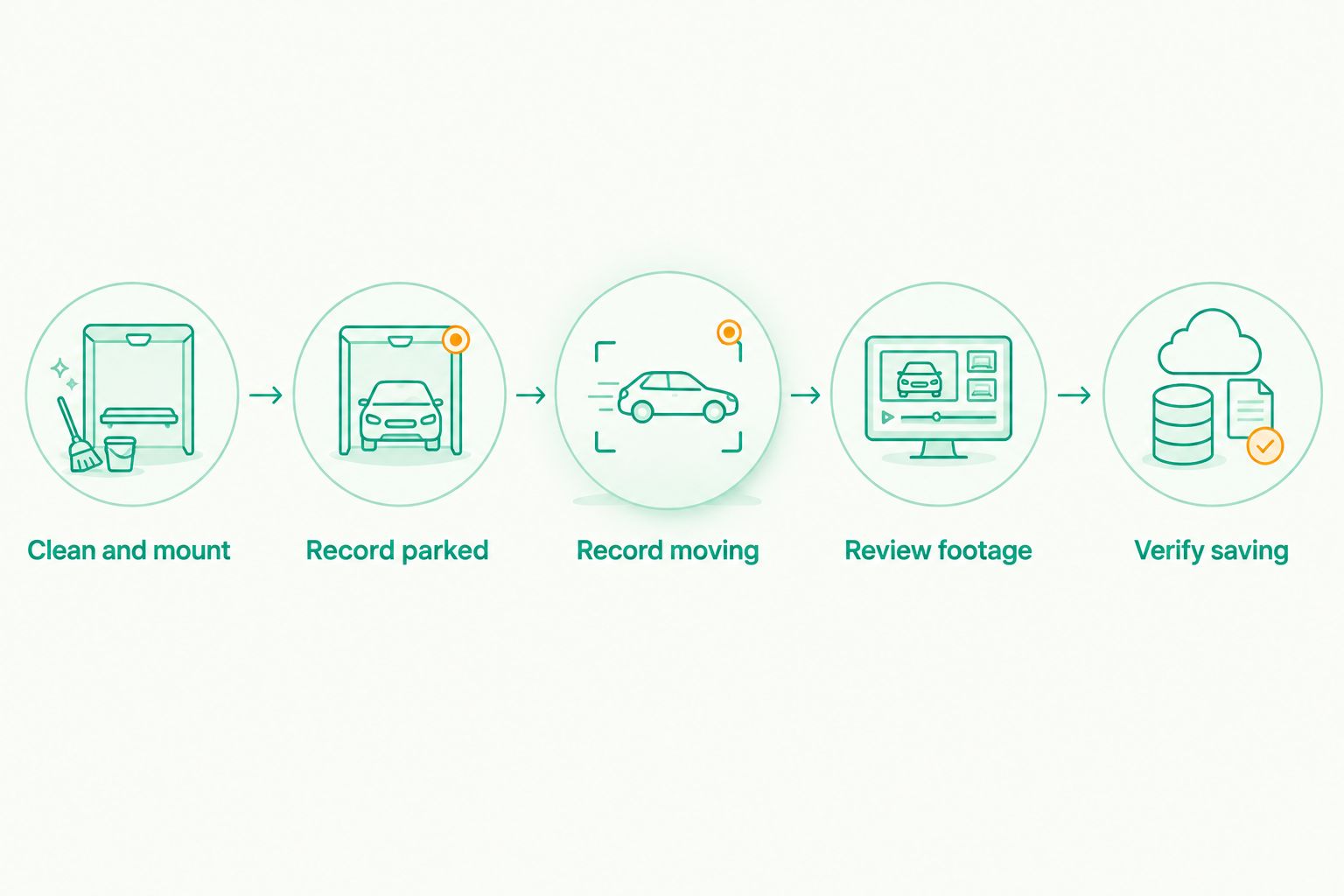
Clean and mount
Clean the lens and the windshield area in front of it. Secure the mount, keep your view of the road unobstructed, and follow the mounting rules that apply where you drive. Position charging cables away from the steering wheel and other controls.
Record parked
Record a 30-second clip while safely parked in representative nighttime lighting. Check framing, dashboard reflections, and how headlights appear. This establishes the setup, but it does not prove performance while moving.
Record moving
Configure recording before departure, then take a 10-minute drive on a familiar route. Include the lighting conditions you actually encounter, rather than choosing only a brightly lit street. Do not adjust the phone while driving.
Review footage
Review 3 sample clips after parking: a lit street, a darker stretch, and an encounter with oncoming headlights. Check moving vehicle outlines, road markings, and whether glare obscures the event. Do not expect every distant plate to be readable.
Verify saving
Confirm that you can find, play, and preserve the recording you need. A useful-looking preview is not enough if the saved file is missing, damaged, or difficult to retrieve. Test the actual workflow rather than assuming it works.
Keep the setup that preserves useful detail and a dependable saving workflow. If both apps produce the same reflection in the same place, correct the mounting or windshield problem before changing software again.
How we ranked
The 2026 ranking follows the criteria above: driving-feature fit first, recording-control use second, and a built-in recording baseline third. DriveSight takes the first slot because its stated functions directly match the dash cam category; the other options serve narrower recording tasks.
This is not a laboratory ranking of low-light performance. There are no supplied side-by-side recordings, supported-device measurements, or moving-plate readability results to justify that claim. The comparison therefore assigns distinct use cases instead of inventing image-quality scores.
Which night-driving option should you choose?
Choose DriveSight from Phonedashcam if you use Android and want driving-specific detection and alerts. Then verify the night recording on your own phone. That is the default recommendation for the feature set described here.
Choose Open Camera when your immediate task is comparing supported recording controls. Use Apple Camera when you need an iPhone baseline before evaluating a dedicated dash cam workflow. Neither recommendation turns a general camera app into a full dash cam system.
For 2026, the deciding evidence is your saved footage under your normal driving conditions. A brighter preview, a longer settings menu, and an object-detection feature each tell you something different. Do not confuse them.
FAQ
What's the best dash cam app for night driving on Android?
DriveSight is the best fit in this shortlist for Android drivers seeking object detection, parking mode, crash detection, and live police/speed-camera alerts. That feature recommendation does not establish the clearest nighttime video; test recording on your own handset.
Does DriveSight make night footage clearer?
The supplied DriveSight features do not establish improved nighttime image quality. Evaluate a saved clip for moving detail, glare, and reflections rather than assuming detection features improve the recording.
Is Open Camera better than a dedicated dash cam app?
Open Camera is better suited to examining supported camera controls than replacing a complete dash cam workflow. Choose a dedicated dash cam app when driving-specific functions matter, and compare footage separately.
Can I use Apple Camera as an iPhone dash cam?
Apple Camera can record video, but it is not a dedicated dash cam app. Use it as a recording baseline rather than assuming it provides incident management or parking security.
Will a phone dash cam read license plates at night?
Plate readability depends on the camera, movement, distance, lighting, and glare. No app in this shortlist has supplied evidence guaranteeing readable nighttime plates.
Does object detection mean an app has night vision?
Object detection does not establish night vision or sharper nighttime recording. Treat detection capability and recorded image quality as separate checks.
How should I test a dash cam app after dark in 2026?
Test a parked clip, a familiar nighttime drive, and the saved-file workflow. Review footage from lit streets, darker sections, and oncoming headlights, with all setup changes made while safely parked.
One last thing
Fix the reflection before replacing the app. A dashboard reflection is part of the scene your camera records; software choice does not remove the need for a clean windshield and sensible positioning. Check the same setup under oncoming headlights, not only under streetlights.
For Phonedashcam's DriveSight dash cam app, keep the two decisions separate: choose the driving features you need, then prove that your phone records useful footage. That distinction prevents a feature purchase from becoming an unsupported promise about darkness.