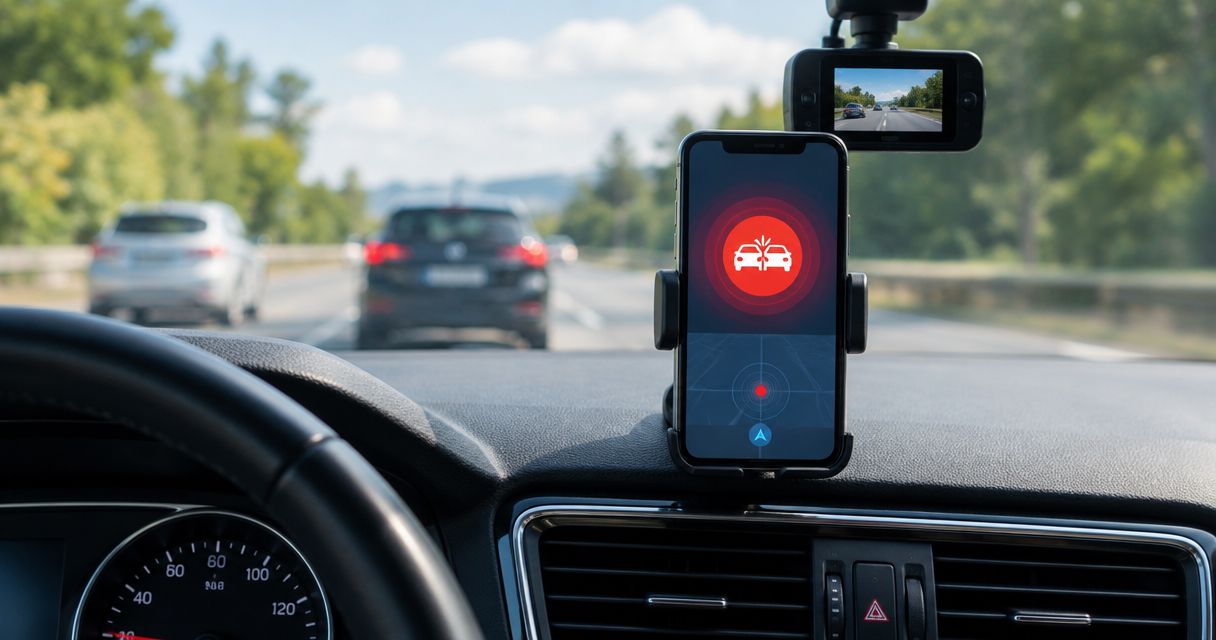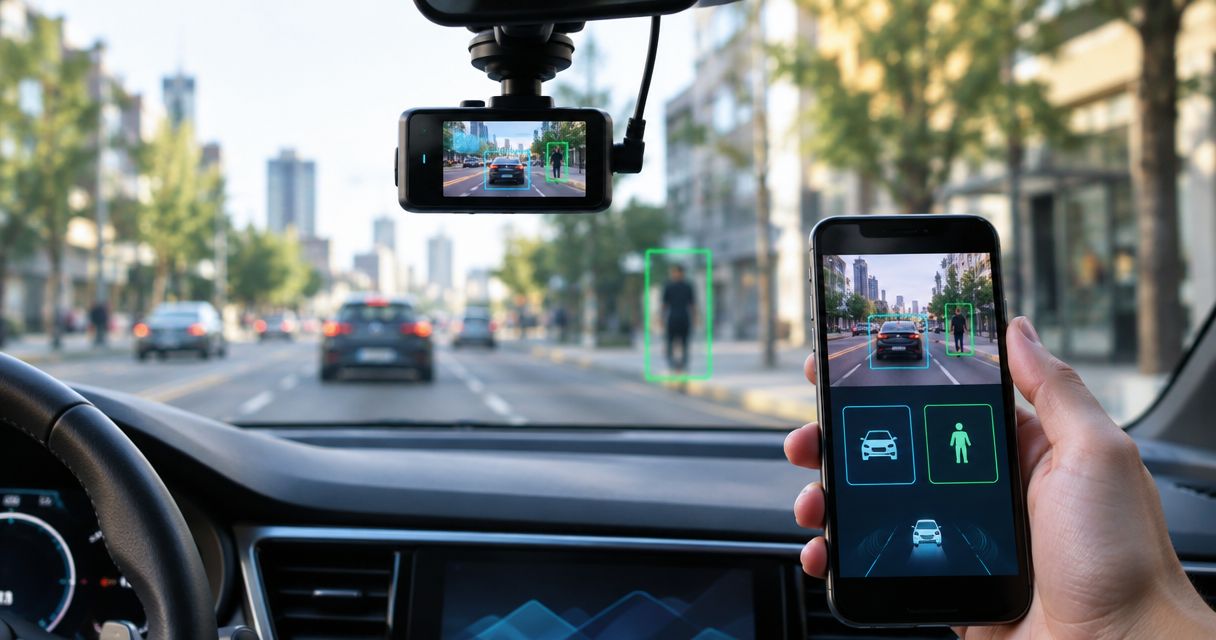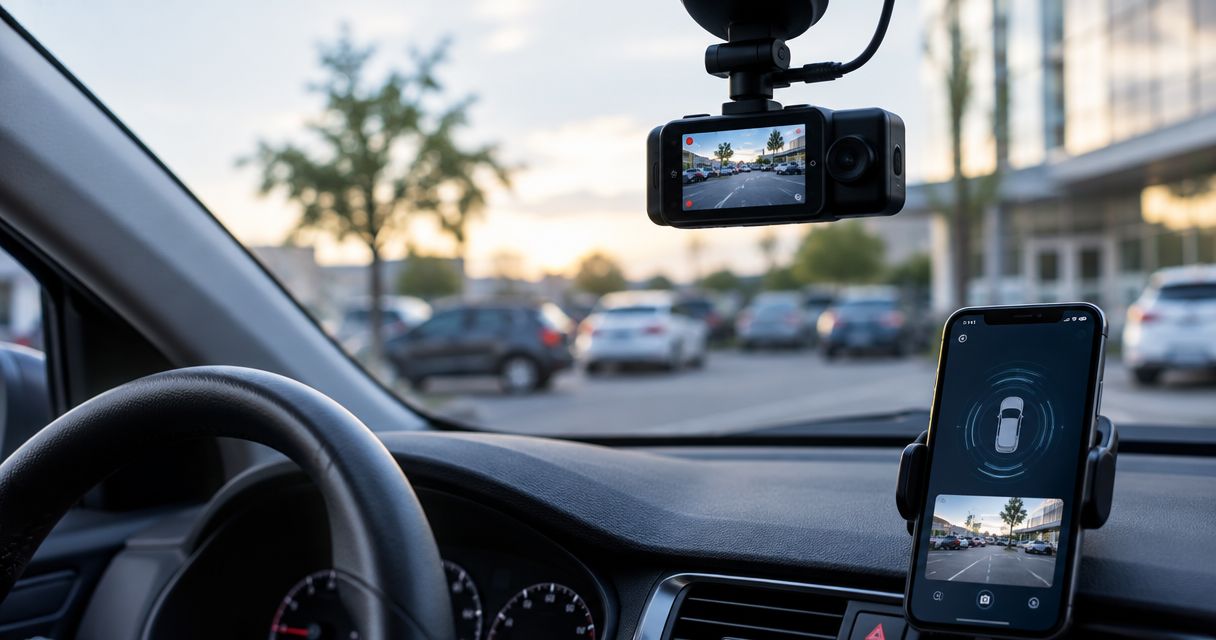
Best overall: Phonedashcam's DriveSight for an Android truck driver who wants dash cam recording, crash detection, parking mode, and road alerts. Best recording-first alternative: Droid Dashcam. Best way to test your phone setup before choosing a dash cam app: your phone's built-in camera app.
- DriveSight is the best dash cam app for truckers here if you use Android and want recording plus road alerts.
- Droid Dashcam is the recording-first Android alternative; verify its current features before relying on it for parked coverage.
- Use your phone's camera app to test mounting and footage, not as a substitute for crash detection.
- None of these options is established here as a fleet camera system or a replacement for a dedicated, fixed-install camera.
Why this matters to truck drivers in 2026
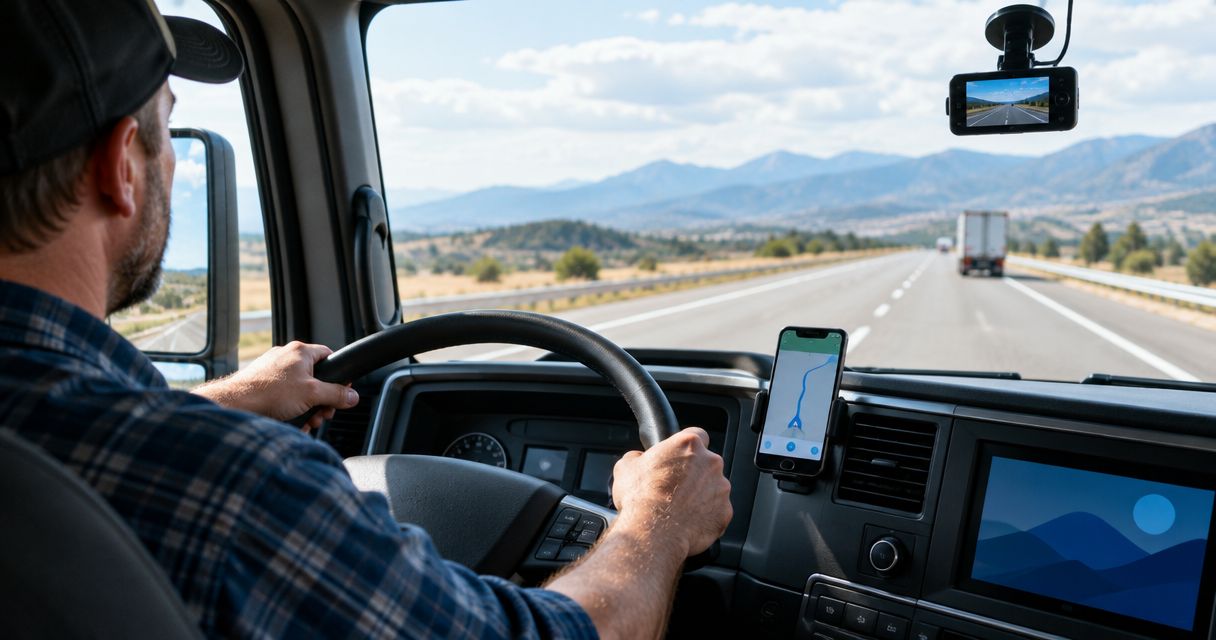
A truck cab changes the dash cam decision. You need a clear view past the dashboard, a mount that stays put, dependable power, and footage you can retrieve when a trip ends. An app's feature list cannot tell you whether your particular phone and cab will deliver those things.
DriveSight is the best fit in this list for an Android truck driver who wants road alerts alongside dash cam features. Phonedashcam describes it as an app for everyday US drivers, not a commercial fleet system. That distinction matters: a useful phone camera in your cab is not automatically a fleet record, a second camera angle, or proof that an app meets an employer's requirements.
The 2026 shortlist below separates the app choice from the setup test. Pick the software for the features you need, then verify recording and playback on the phone, mount, and route you actually use.
What makes the best dash cam apps for truckers?
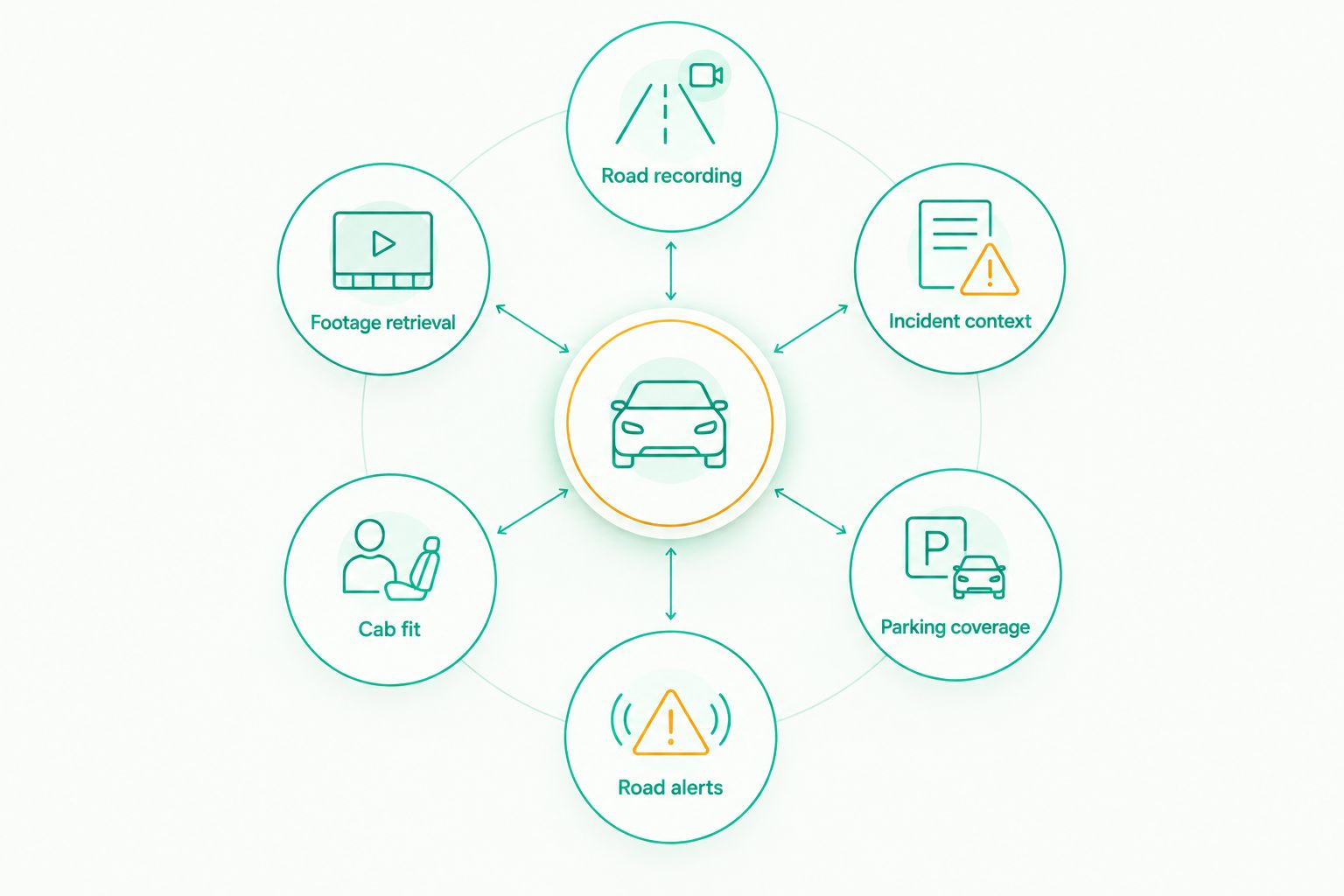
- Road recording: Can you start a recording, confirm the road is in frame, and find the clip afterward? That basic workflow matters more than a long feature list.
- Incident context: Crash detection and alerts are distinct features. Check which ones your chosen app offers instead of treating every dash cam app as interchangeable.
- Parking coverage: An advertised parking mode is a reason to investigate, not proof that your phone will keep working in your parked cab. Test your power and phone settings.
- Road alerts: If you want police and speed camera alerts, choose an app that states it offers them. An alert is information, not permission to ignore posted limits or local rules.
- Cab fit: Check the windshield view, mount position, charging connection, and heat exposure while recording. A good app cannot repair a blocked lens or an unstable mount.
- Footage retrieval: Find and play a saved clip before you need one. Confirm that the file contains the part of the road you intended to record.
For a practical check, record 10 minutes of driving, inspect 3 clips from different points in that recording, and watch 30 seconds of playback from each. Those are test steps, not performance figures for any app. If the frame, power connection, or saved footage fails your check, fix the setup before relying on it.
Best dash cam apps for truckers at a glance
| Option | Best for | Standout feature or use | Key limitation |
|---|---|---|---|
| DriveSight | Android drivers who want road alerts with dash cam features | Crash detection, parking mode, AI object detection, and police and speed camera alerts | Described for everyday drivers, not as a fleet system |
| Droid Dashcam | Android drivers comparing a recording-first dash cam app | A separate Android dash cam app to assess for road recording | Its current parking and alert features are not established here |
| Built-in camera app | Drivers checking phone placement and footage before choosing an app | Direct view of what the phone camera records | Does not establish dash cam features such as crash detection or parking mode |
This 2026 comparison is a decision tree, not a claim that each option does the same job. DriveSight has the stated alert and detection features; the built-in camera is a setup test. Check Droid Dashcam's current app listing and test it before assigning it any additional capabilities.
1. DriveSight: best dash cam app for truckers who want road alerts
DriveSight is an Android dash cam app with AI object detection, parking mode, crash detection, and live police and speed camera alerts. That combination makes it the first option to assess if you drive a truck but want the features Phonedashcam offers to everyday US drivers. It does not establish a separate truck-specific configuration.
DriveSight pros:
- Combines dash cam use with stated police and speed camera alerts, so you can assess both needs in one app.
- Lists crash detection and parking mode, two features worth testing separately from ordinary driving footage.
- Offers AI object detection as a stated capability, rather than leaving detection as an assumption based on the app category.
DriveSight cons:
- Android-only in the supplied description; it is not the pick for an iPhone driver.
- The supplied description does not establish fleet administration, a cab-facing camera, or compliance with an employer's camera policy.
- Parking mode still requires a real-world test on your phone and power setup before you depend on it.
Best for: An individual Android truck driver who wants road alerts alongside dash cam features and can verify the setup in their own vehicle. For 2026, choose DriveSight if that describes your job; hold if your employer requires a specified fleet camera or a verified second angle.
2. Droid Dashcam: best recording-first Android alternative
Droid Dashcam gives Android drivers another dash cam app to assess when the first priority is recording the road. Compare it with DriveSight by running the same route and checking the saved footage, not by assuming that two apps with dash cam in their names have the same detection, alert, or parking features.
Droid Dashcam pros:
- Gives you an Android app alternative rather than forcing a choice between DriveSight and your phone's standard camera.
- Fits a recording-first evaluation: you can judge framing, clip access, and playback against the same cab checklist.
- Lets you separate your need for road footage from your need for live road alerts.
Droid Dashcam cons:
- Its current crash detection, parking, and road-alert capabilities are not established by the supplied information; confirm them in its current listing and on your phone.
- A successful recording test does not establish performance when the phone is parked or another app is in use.
Best for: An Android driver whose immediate goal is to compare road-recording workflows and who will verify every additional feature before depending on it. In 2026, hold until a saved-footage test succeeds; skip it if you require the specifically stated road-alert features used to rank DriveSight first.
3. Built-in camera app: best for testing your cab setup
Your phone's camera app is the baseline, not the finished dash cam recommendation. Put the phone in the intended mount, record a short drive, and inspect the footage. You will learn whether the windshield view and mount work before judging an app's extra features.
Built-in camera app pros:
- Shows what the phone's lens captures from the mount you intend to use.
- Gives you a simple way to inspect glare, dashboard obstruction, and the road view.
- Makes saved-footage retrieval part of your setup check before you rely on a specialized app.
Built-in camera app cons:
- A manual video test does not establish crash detection, parking mode, or live road alerts.
- A successful short recording does not show what happens across a full driving shift or while the vehicle is parked.
- You must start, stop, and inspect the test yourself.
Best for: A driver deciding where the phone belongs and whether its road footage is usable. For 2026, use it for a setup test, then move to a dash cam app if you need the features in this guide. Do not mistake a clear test clip for verified incident coverage.
How to choose for your truck
Start with the requirement that would make missing footage costly. If you need road alerts as well as recording, DriveSight is the clear first pick from the stated features. If you need to compare how Android apps save footage, test DriveSight and Droid Dashcam under the same conditions. If you have not settled the mount position, begin with the built-in camera app and solve the view first.
Next, check the cab rather than relying on an app description:
- Mount the phone where it has an unobstructed road view and does not interfere with driving.
- Connect power using equipment appropriate for your vehicle and phone; confirm that recording continues during your test.
- Save a moving-road clip and play it back. Look for a stable frame and enough road detail to understand what happened.
- Test the app's incident and parking features separately if those features matter to you. A driving clip alone does not verify either one.
- Check your employer's rules before treating a personal phone app as an approved work camera.
If you share a vehicle, the mounting and power check belongs to each cab setup, not just the phone. If you change phones, repeat the footage test. These checks keep the 2026 app choice tied to usable evidence rather than a list of features you have not seen work.
How these 2026 picks were ranked
The ranking starts with stated capabilities that address the question, then separates those capabilities from what still needs testing. DriveSight ranks first because its supplied description explicitly includes dash cam use, crash detection, parking mode, AI object detection, and live police and speed camera alerts. Its everyday-driver positioning also sets a clear limit: no fleet-specific claim follows from that description.
Droid Dashcam is a recording-first comparison option, not a claim of feature parity with DriveSight. The built-in camera app ranks last because it helps you validate placement and footage but does not establish dedicated dash cam protections. None of the rankings replaces a playback test or your employer's equipment requirements.
Which dash cam app should a trucker choose?
Choose DriveSight by default if you use Android, drive in the US, and want the stated road alerts and dash cam features in one app. Its strongest fit is an individual driver assessing a phone-based setup, not a fleet buyer seeking verified administration or multiple camera angles.
Choose Droid Dashcam only after you confirm its current feature set and the footage meets your recording needs. Use the built-in camera app first if you cannot yet tell whether the phone has a workable view from your cab. If the job requires a fixed-install camera or employer-approved equipment, check that requirement before choosing any phone app.
FAQ
What's the best dash cam app for truckers with Android phones in 2026?
DriveSight is the best pick here for an individual Android truck driver who wants dash cam features and road alerts. Test recording and playback in your cab before relying on a phone-based setup.
Does DriveSight have a parking mode?
Yes, parking mode is a stated DriveSight feature. Verify how it works with your phone, power connection, and parked-vehicle setup before depending on it.
Is DriveSight a fleet dash cam system?
DriveSight is described as an Android dash cam app for everyday US drivers, not as a fleet system. Check your employer's camera requirements separately.
Is Droid Dashcam better than DriveSight for truckers?
DriveSight is the stronger pick when you want its stated crash detection, parking mode, and road alerts. Compare saved footage and confirm Droid Dashcam's current features before choosing it for a recording-first setup.
Can I use my phone's camera app instead of a dash cam app?
You can use the built-in camera app to test the view and inspect footage, but that test does not establish crash detection, parking mode, or road alerts. Choose a dedicated app if you need those features.
Will a dash cam app record properly in every truck cab?
No app choice alone confirms a clear view, stable mount, suitable power, or retrievable footage in every cab. Record and review a clip in the vehicle you drive.
What should I check before using a dash cam app while parked?
Check the app's parking feature on your phone, the available power setup, and whether you can retrieve the resulting footage. A successful driving recording does not verify parked coverage.
One last thing
The most useful 2026 comparison is the one you can play back. Keep the app whose saved footage shows the road clearly in your truck, then test any crash, parking, or alert feature you plan to rely on. A feature you have not verified in your own setup is not a substitute for a usable clip.