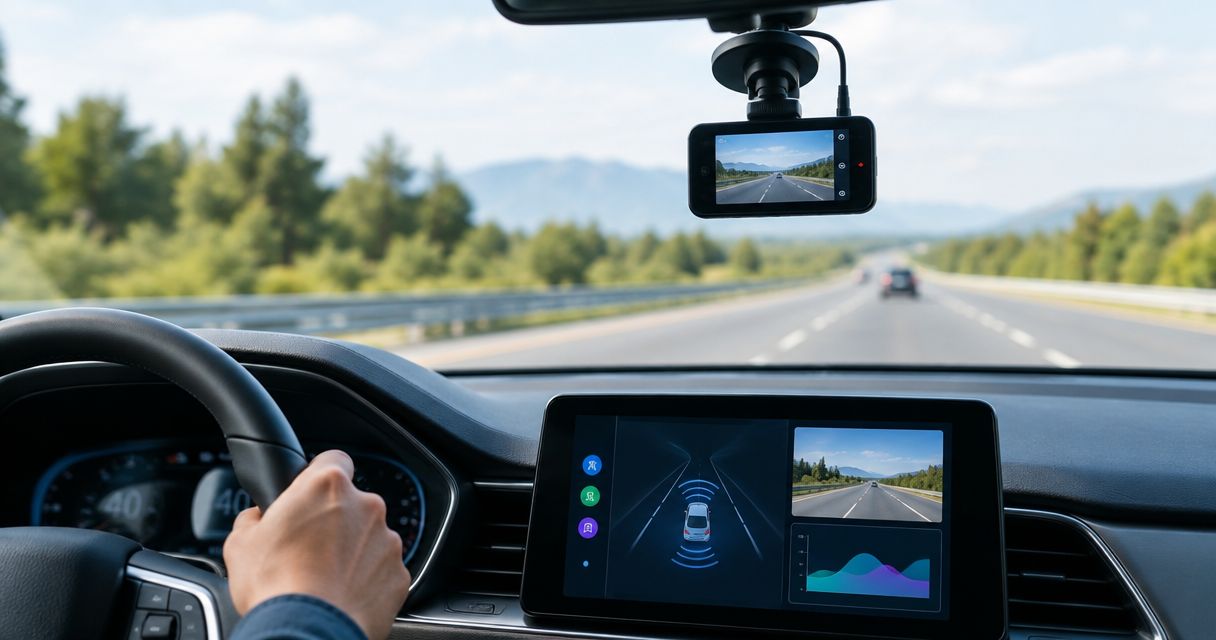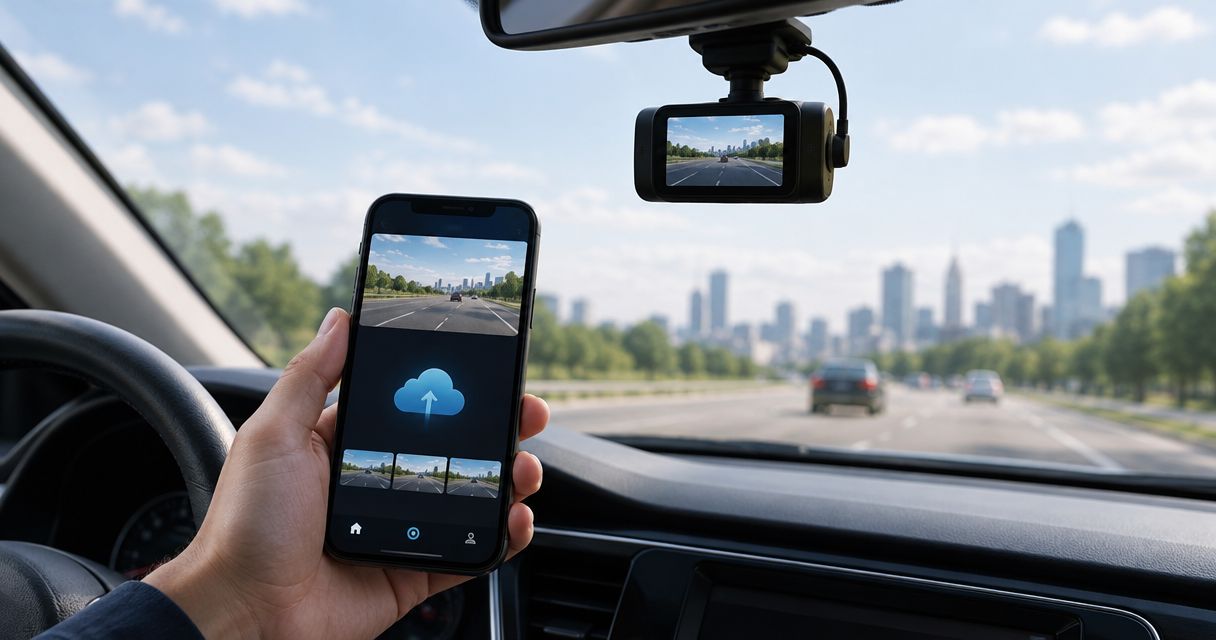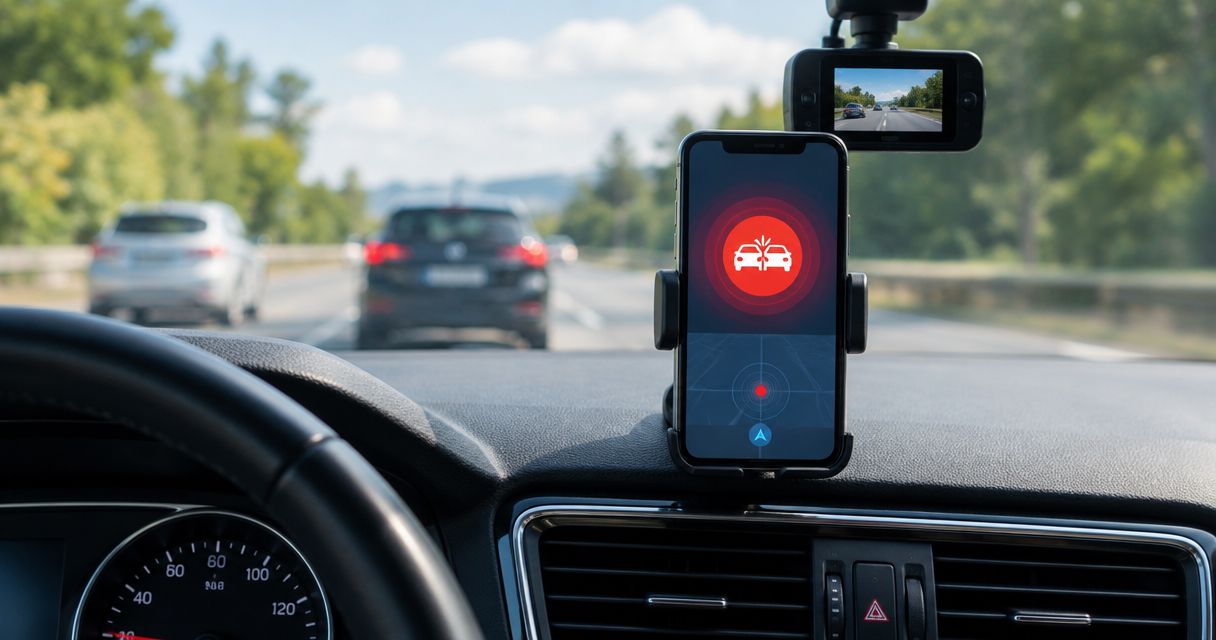
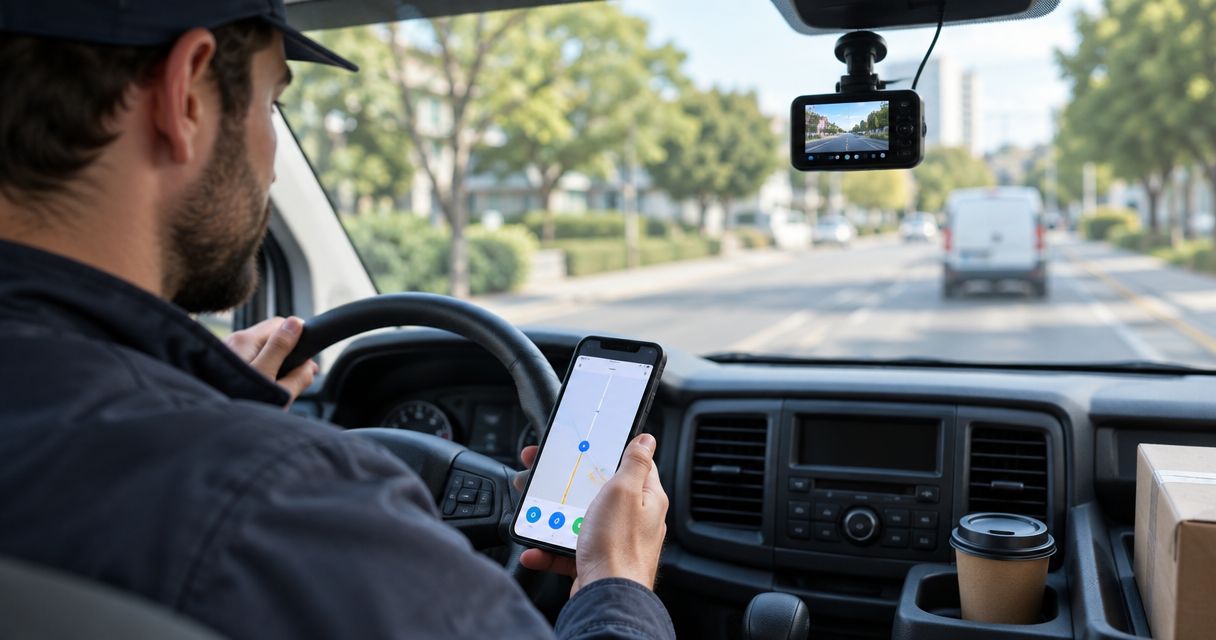
Best overall for Android driving assistance: DriveSight. Best for recording-focused setup: Droid Dashcam. Best for a dedicated spare Android phone: DailyRoads Voyager. This 2026 guide compares the best dash cam apps for delivery drivers by the job they need to do; Phonedashcam offers DriveSight for drivers who want object detection, crash detection, parking mode, and live police/speed camera alerts.
- DriveSight leads the best dash cam apps for delivery drivers shortlist when Android driver alerts matter alongside recording.
- Droid Dashcam suits delivery drivers who want a recording-focused Android setup.
- DailyRoads Voyager suits drivers assigning a spare Android phone to dash cam duty.
- Test navigation, clip retrieval, and parked operation before trusting any phone dash cam during deliveries.
Why this matters for delivery drivers
A delivery shift asks more of your phone than an ordinary commute. You need navigation, delivery instructions, charging, and a camera view that stays useful when you turn, brake, or stop. Installing a dash cam app does not resolve those competing demands.
The best app is the one that produces usable footage without disrupting your delivery workflow. A feature list is only the starting point. Your mount, phone, permissions, and ability to retrieve a recording determine whether that footage helps afterward.
For delivery drivers comparing apps in 2026, separate driving assistance from evidence capture. Object detection and camera alerts support awareness; a saved video documents what the camera actually saw. Neither replaces the other, and neither excuses checking the road yourself.
What makes the best dash cam app for delivery work
Use these criteria before choosing an app. The strongest choice depends on whether you want driver assistance, straightforward recording, or a separate recording phone.
- Recording continuity: The setup must keep recording through the navigation and delivery-app interactions you perform while stopped. Test your own phone rather than assuming every Android device behaves identically.
- Clip retrieval: You need to find and play the relevant footage without hunting through unrelated files. Check the retrieval process before a real incident.
- Driver assistance: Object detection, crash detection, and police/speed camera alerts serve different purposes. Choose the functions you need instead of treating every alert as equivalent.
- Parked operation: Parking mode matters when your vehicle is unattended, but the phone still needs power and a useful camera position. The feature name alone does not establish your setup's coverage.
- Phone workload: Navigation, charging, and video recording share the same device. Check heat, battery behavior, and performance with your actual delivery routine.
- Mounting and visibility: A stable road view matters more than an impressive settings menu. Keep the mount out of your sightline and follow applicable mounting rules.
Best delivery-driver dash cam apps at a glance
These 2026 recommendations assign each app a different role. The table compares the decision you are making, not measured recording quality or device-by-device performance.
| App | Best for | Standout capability or role | Key limitation |
|---|---|---|---|
| DriveSight | Android driving assistance alongside dash cam use | Object detection, crash detection, parking mode, and live police/speed camera alerts | Android app; recording and alerts still depend on your phone setup |
| Droid Dashcam | A recording-focused delivery workflow | Android dash cam recording | A recording app does not resolve mounting, heat, or delivery-app conflicts |
| DailyRoads Voyager | A dedicated spare Android recording phone | Turning an Android phone into a road-video recorder | Adds another device to charge, mount, and manage |
1. DriveSight: best for Android driving assistance
DriveSight is an Android dash cam app with object detection, parking mode, crash detection, and live police/speed camera alerts. Its strongest reason to make this shortlist is that it combines dash cam use with features beyond recording the road.
DriveSight from Phonedashcam is best for Android delivery drivers who want dash cam recording with driver alerts. That is a specific fit, not a claim that it produces better footage than every alternative. If your priority includes awareness while driving and monitoring when parked, its stated features match those needs.
Keep the functions separate when evaluating the app. Crash detection is not the same as object detection. Police/speed camera alerts are not a guarantee that every relevant location will trigger a warning, and parking mode still requires a workable parked-phone setup.
DriveSight pros:
- Combines Android dash cam use with object detection.
- Includes crash detection rather than relying only on manual awareness of an incident.
- Offers parking mode for the unattended-vehicle part of your workflow.
- Includes live police/speed camera alerts for use while driving.
DriveSight cons:
- It is an Android app, not an iPhone recommendation.
- Using your delivery phone for recording means navigation and recording share the same device.
- Parking mode does not remove the need to check power, positioning, and phone behavior while parked.
Best for: Android delivery drivers who want assistance features as well as a camera record.
Verdict: Buy into the DriveSight approach if those assistance features match your shift; check the complete phone setup before depending on it.
2. Droid Dashcam: best for a recording-focused workflow
Droid Dashcam is an Android dash cam app for recording driving video. It belongs on this shortlist when your main requirement is a camera record of the road, rather than choosing an app around a wider driver-assistance feature set.
A recording-focused decision starts with the footage. Can you read the scene when the vehicle moves? Can you locate the right recording after stopping? Your answers matter more than whether the app feels familiar during setup.
For delivery work in 2026, evaluate Droid Dashcam with navigation running and your phone mounted exactly where you intend to use it. Do not judge it only from a stationary recording indoors. That checks a camera, not a delivery workflow.
Droid Dashcam pros:
- Provides an Android app option for recording the road.
- Lets you use a phone you already own as the camera device.
- Fits a selection process centered on recording and retrieving footage.
Droid Dashcam cons:
- Recording on your delivery phone puts another task on the device handling navigation.
- Footage remains dependent on the phone camera, mount, lighting, and lens condition.
- A recording-first setup should not be treated as a substitute for driver assistance or parked-vehicle security.
Choose this role when you want to keep your decision narrow: reliable operation on your phone and footage you can retrieve. Add other requirements only when they solve a problem you actually have.
Best for: Android delivery drivers whose main objective is recording the road.
Verdict: Buy into the Droid Dashcam approach when footage capture is your priority; skip choosing it solely on the assumption that all dash cam apps provide the same alerts.
3. DailyRoads Voyager: best for a dedicated spare Android phone
DailyRoads Voyager is an Android road-video recording app. Its useful role here is a dedicated recording setup: leave a spare Android phone assigned to the camera while your primary phone handles navigation and delivery tasks.
This recommendation is about separating jobs, not claiming that DailyRoads Voyager requires a second phone. A spare device lets you keep the recording view separate from the screen you use for delivery instructions. It also adds equipment you must maintain.
Before assigning an older phone to this job, check its camera, charging connection, battery condition, and storage. An unused handset is not automatically a dependable dash cam. A worn connector or unstable mount can undermine the setup regardless of the app you install.
DailyRoads Voyager pros:
- Provides an Android app for recording driving video.
- Fits a dedicated recording-phone arrangement.
- Lets your primary phone remain physically separate from the forward-facing camera.
DailyRoads Voyager cons:
- A second phone needs its own charging and mounting arrangement.
- You must manage recordings on a device separate from your delivery phone.
- Separating devices does not eliminate heat, storage, or battery concerns on the recording phone.
This approach makes sense when repeated interaction with your primary phone is the main obstacle to a stable camera view. It makes less sense when carrying and maintaining another handset becomes a burden.
Best for: Delivery drivers with a suitable spare Android phone who want separate recording and delivery devices.
Verdict: Buy into the DailyRoads Voyager setup if device separation solves your problem; skip it if you do not want to maintain another phone.
Test your setup before the first delivery
Your 2026 app choice is not finished at installation. Complete these checks while parked, then assess the footage from a normal drive without touching the phone in motion.
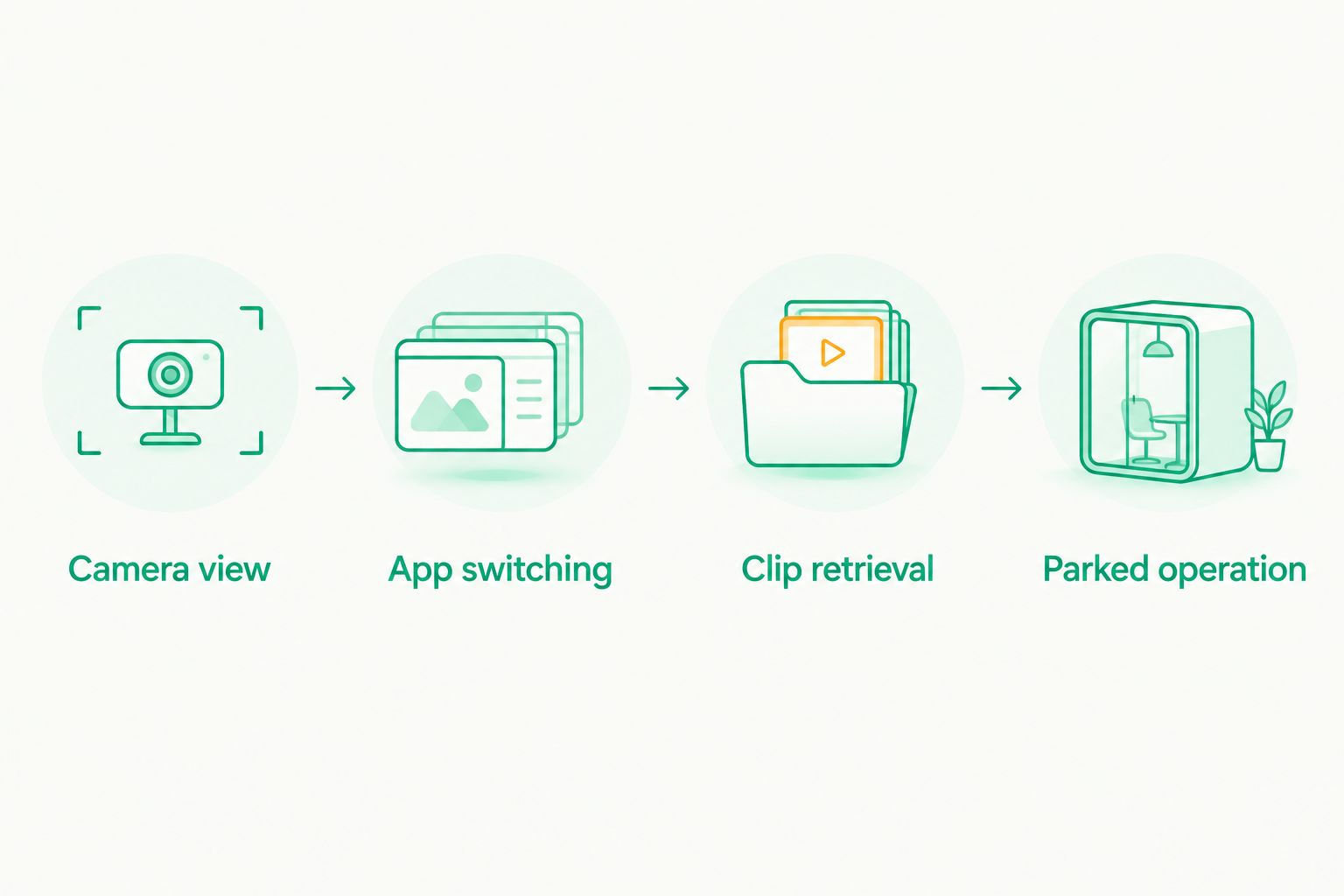
Camera view
Mount 1 recording phone with a clear forward view. Check that the camera sees the road rather than mostly dashboard, windshield reflections, or the mount itself. Clean the lens and confirm the mount does not obstruct your view.
Do this with the phone charging. A cable that pulls against the mount can change the camera angle, and a position that looks convenient while parked can become distracting on the road.
App switching
Check 3 test scenarios while stationary: navigation in use, a delivery-app screen open, and the phone screen locked. Examine what happens to recording in each state. Adjust permissions and settings according to the app's instructions rather than assuming background operation.
Repeat the check after changing a relevant phone setting. A successful test establishes how your present setup behaves; it is not a promise that every later configuration will behave the same way.
Clip retrieval
Save and replay 2 sample clips, one from daylight and one from after dark. Check whether the view, movement, and lighting leave the scene understandable. Look at the files themselves, not just the live preview.
Practice finding the footage and copying it somewhere you control. After an incident, preserve the original recording and avoid editing away context. Video documents a viewpoint; it does not automatically establish fault.
Parked operation
If you intend to use parking mode, test that mode while the vehicle is unattended in a safe location. Confirm the phone has power and the camera covers the area you expect. A forward-facing phone does not show every side of the vehicle.
Compare dash cam apps with parking mode when unattended coverage is central to your decision. Treat parking behavior as a separate check from recording during a drive.
How these recommendations are ranked
The ranking follows the criteria above: assistance features, recording workflow, parked use, and the practical demands placed on your phone. DriveSight leads for its stated combination of Android driver-assistance features. Droid Dashcam takes the recording-focused slot, while DailyRoads Voyager takes the separate-device slot.
These are use-case recommendations, not lab-test results. The order does not claim that one app has better image quality across every Android phone. Your phone-level checks decide whether a recommended app is usable on your shift.
Which delivery-driver dash cam app should you choose?
Choose DriveSight first if you use Android and want driver alerts alongside dash cam functions. Phonedashcam's dash cam app fits that requirement with object detection, crash detection, parking mode, and live police/speed camera alerts.
Choose Droid Dashcam when your decision starts and ends with road recording. Choose DailyRoads Voyager when separating recording from your primary delivery phone solves the bigger problem.
For 2026, keep the default simple: choose the app that matches your task, then prove that the setup works on your phone. Do not compensate for a poor camera position, unreliable charging, or difficult clip retrieval by adding more features.
Check DriveSight for your delivery setup
Review the Android dash cam app's object detection, parking mode, crash detection, and driver alerts.
FAQ
What's the best dash cam app for Android delivery drivers?
DriveSight is the first choice on this shortlist for Android delivery drivers who want driver assistance alongside dash cam use. Phonedashcam offers it with object detection, parking mode, crash detection, and live police/speed camera alerts.
Is DriveSight better than Droid Dashcam for deliveries?
Choose DriveSight when its stated driver-assistance features match your needs; choose the Droid Dashcam approach when your priority is road recording. This comparison does not establish that either app produces better footage on every phone.
Can I use my delivery phone as a dash cam?
Yes, a suitable phone can run a dash cam app, but you must check recording while using navigation and your delivery app. Mount it securely and make adjustments only while parked.
Should I use a spare phone for delivery recordings?
Use a spare phone when separating the camera from your delivery screen solves a practical problem. The separate phone still needs a suitable mount, charging arrangement, usable camera, and managed storage.
Does parking mode record everything around my delivery vehicle?
No, a phone camera records only its field of view. Parking mode does not provide an all-around view, so check camera direction and parked operation before relying on the setup.
Do police and speed camera alerts replace checking signs?
No, police/speed camera alerts do not replace observing road signs or following speed limits. Treat alerts as additional information, not permission to drive differently.
Can dash cam footage prove who caused an accident?
Dash cam footage can document what its camera captured, but it does not automatically establish fault. Preserve the original recording and provide relevant context when sharing it with an insurer or investigating authority.
One last thing
Practice retrieving footage before you need it. Recording feels like the main task, but an inaccessible clip is not useful evidence. While parked, locate a sample recording, play it back, and save a copy without changing the original.
That check belongs in every 2026 delivery-driver setup, whether you choose Phonedashcam's dash cam app or a recording-focused alternative. The right recommendation is the one you can operate safely and verify yourself—not the one with the longest feature list.