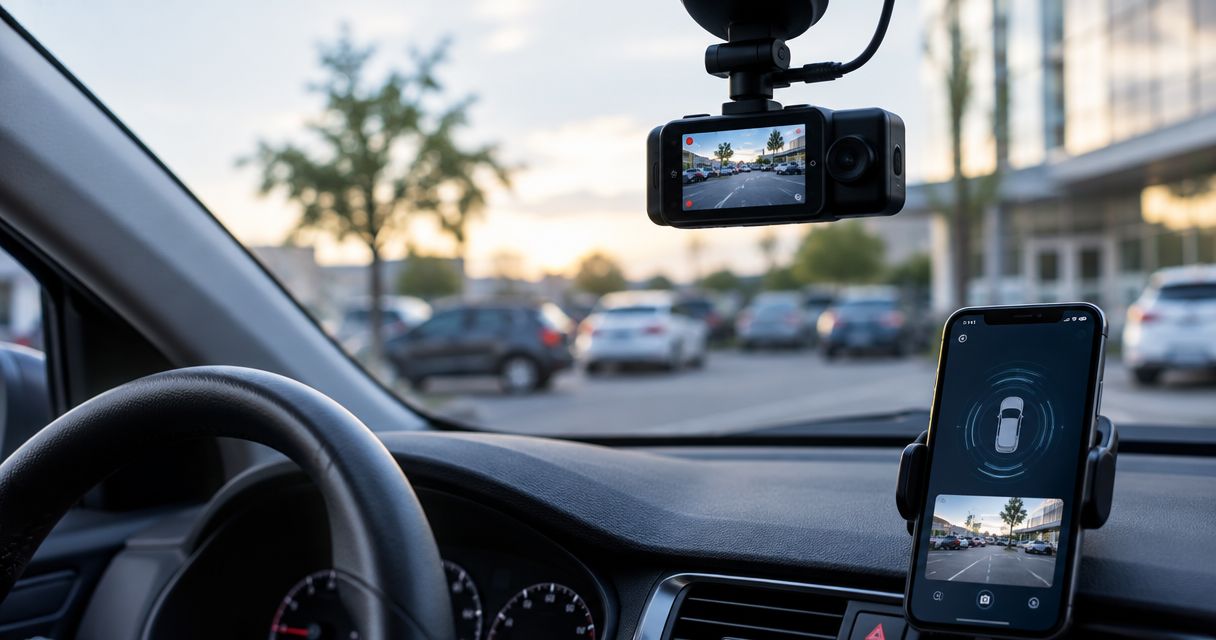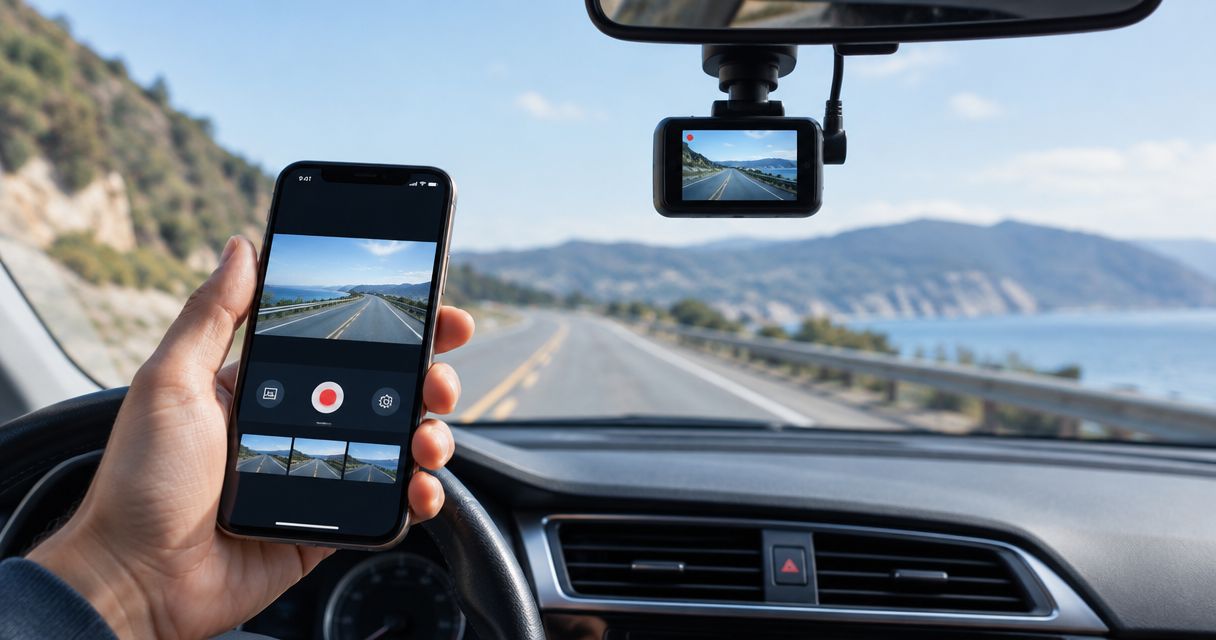
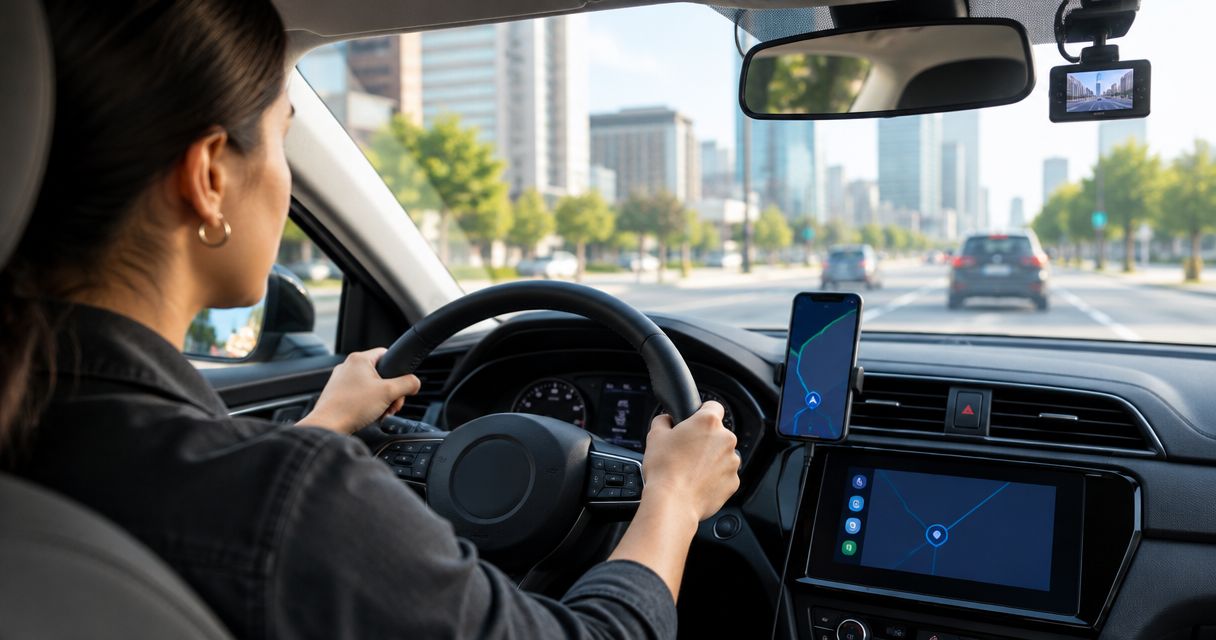
Best overall for Android rideshare drivers who want road footage and driving alerts: Phonedashcam’s DriveSight. Best for GPS-tagged road video: Droid Dashcam. Best for automatic trip recording: DailyRoads Voyager. None is a complete rideshare evidence setup until you verify how you will record the cabin.
- DriveSight is the best dash cam app for rideshare drivers on Android who want road recording plus driving alerts.
- Choose Droid Dashcam when GPS information on road footage is your priority.
- Choose DailyRoads Voyager when automatic trip recording matters most.
- A road-facing app does not establish cabin coverage; plan and test that view separately.
Why this matters
A rideshare driver can face two different disputes: what happened on the road and what happened inside the car. A windshield-facing phone can help document the first. It cannot show a passenger interaction behind the phone, however clear the road video looks.
That distinction drives the 2026 ranking. DriveSight combines Android dash cam functions with AI object detection, parking mode, crash detection, and live police and speed camera alerts. Droid Dashcam and DailyRoads Voyager are alternatives when your main requirement is a particular way to capture road footage. Before relying on any of them for a shift, check that the phone stays mounted, powered, and recording during your normal driving routine.
What makes the best rideshare dash cam app
- Road footage you can actually use: Review a saved clip before your first fare. Confirm that the mount leaves an unobstructed forward view and that playback shows the event clearly.
- A recording routine you can repeat: Starting a shift is busy enough. Decide whether you want to begin recording yourself or configure automatic recording, then test the behavior on your phone.
- Useful trip context: GPS information can help you place road footage in context. Check what the app saves with the video rather than assuming every detail appears in the file.
- Cabin coverage: Treat the road view and cabin view as separate requirements. If passenger interactions are your concern, establish how you will capture the cabin before choosing an app on road features alone.
- Storage and power: Recording consumes phone storage and battery. Check available space and the mounted phone’s power connection before a long shift; do not discover a stopped recording after an incident.
- Privacy and consent: Check applicable recording rules and rideshare platform policies before capturing cabin audio or passenger video. A useful recording still needs a lawful recording setup.
Best dash cam apps for rideshare drivers at a glance
| App | Best for | Standout feature | Key limitation |
|---|---|---|---|
| DriveSight | Android drivers who want road footage and driving alerts | AI object detection, crash detection, parking mode, and live police and speed camera alerts | Android only; cabin recording is not an established feature |
| Droid Dashcam | Drivers who prioritize GPS-tagged road video | GPS information with dash cam recording | A GPS-tagged road view does not document the cabin |
| DailyRoads Voyager | Drivers who prioritize automatic trip recording | Automatic recording options | An automatic start does not prove every trip was saved |
Phonedashcam’s DriveSight is the default pick for an Android driver who wants a dash cam app that also provides driving alerts. If your main goal is evidence of passenger conduct, none of the three earns that job from its road-facing features alone. The right choice depends on which problem you need the recording to solve.
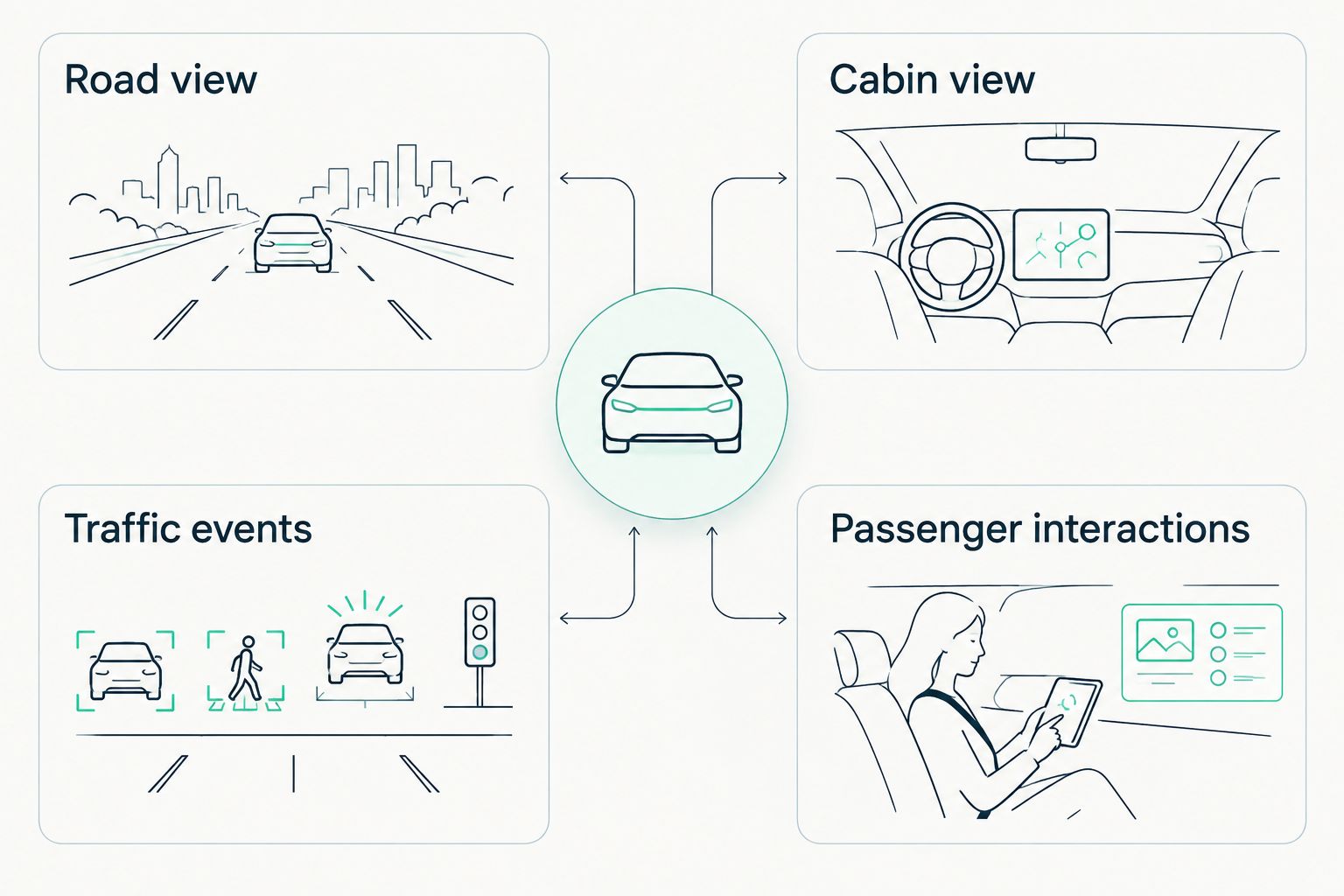
Road view and cabin view are different decisions
A forward-mounted phone primarily sees traffic, signals, and vehicles ahead. A cabin-facing camera addresses a different question: what occurred between occupants. You need to assess those views separately, even if you use one app to manage your road recording.
For a two-view setup, identify where the 1 road-facing camera and 1 cabin-facing camera will sit, what each will capture, and how you will review each recording. If the arrangement needs 2 recording devices, check that both remain powered throughout a shift. Do not assume that a wide road view also provides usable cabin evidence.
1. DriveSight: best dash cam app for Android road safety alerts
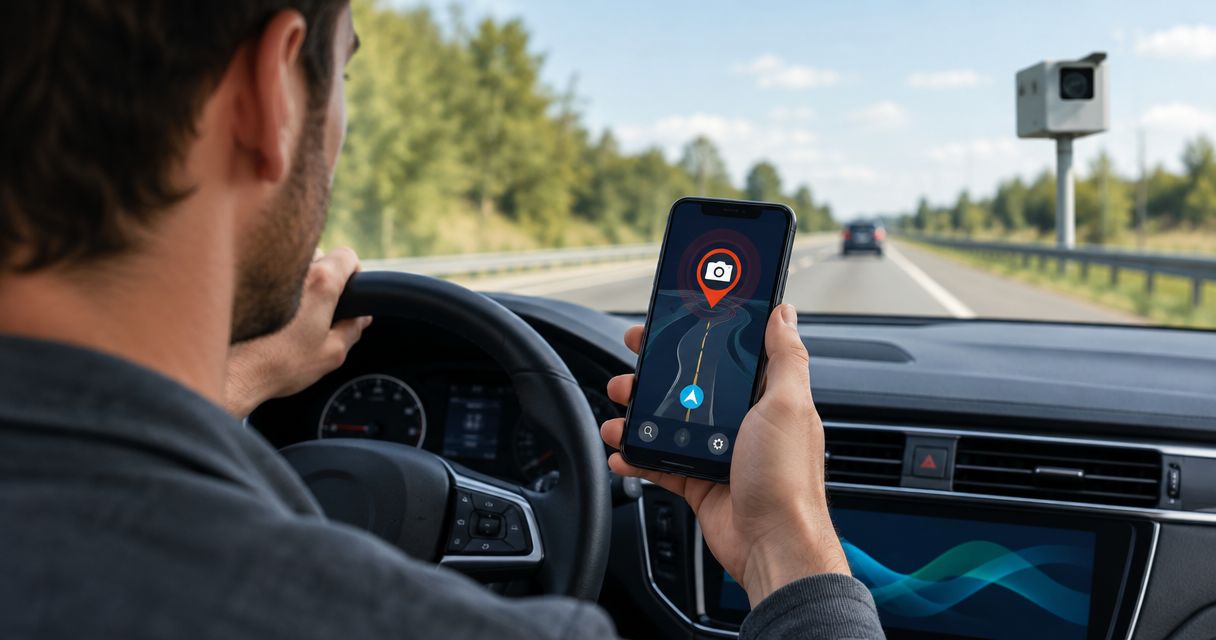
DriveSight is Phonedashcam’s Android dash cam app. It offers AI object detection, parking mode, crash detection, and live police and speed camera alerts alongside its dash cam function. That combination makes it the strongest fit here for a driver who wants a road recording app with information about driving conditions, not just a video file.
The important boundary is cabin evidence. DriveSight is described as an app for everyday drivers; its stated capabilities do not establish an inward-facing rideshare recording feature. Choose it for the documented road and alert functions, then make a separate plan if you need to record passenger interactions.
DriveSight pros:
- Combines dash cam recording with AI object detection.
- Includes crash detection and parking mode for incidents beyond an ordinary moving trip.
- Adds live police and speed camera alerts while you drive.
DriveSight cons:
- It is an Android app, so it is not the pick for an iPhone driver.
- Its stated features do not establish cabin video coverage.
- Alerts and crash detection do not replace checking that a usable video file was saved.
Best for: Android rideshare drivers who want forward-facing footage and driving alerts in one app.
Verdict: Buy for the documented road-recording and alert combination; hold off on treating it as your sole rideshare evidence tool until cabin coverage is settled.
What to check before a DriveSight shift
Mount your phone where the road view stays clear without obstructing your driving view. Record a 5-minute sample on a familiar route, then play it back rather than judging the setup from the live screen. Check the saved footage, available storage, and whether your normal power connection stayed secure.
Next, decide which alerts you want active during a fare. An alert is useful only if you can notice it without looking away from the road. Repeat the recording check after changing the mount, phone settings, or alert configuration; a setup that worked on an earlier trip is not proof that the current one is recording.
Check DriveSight for your drive
Review the Android dash cam features before you set up your road view.
2. Droid Dashcam: best dash cam app for GPS-tagged road video
Droid Dashcam is an Android dash cam app focused on recording the road, with GPS information available alongside footage. Its use case is narrower than DriveSight’s: pick it when relating a road clip to trip location matters more to you than the additional alert and detection features listed for DriveSight.
GPS context is not a substitute for reviewing the video. Check the saved file and any accompanying trip information on your own phone before depending on either for an incident report. You also need a separate answer for cabin coverage; location information cannot show what happened between a driver and passenger.
Droid Dashcam pros:
- Centers its setup on capturing road footage.
- Provides GPS context for a driving recording.
- Gives Android drivers a focused alternative when trip context is the priority.
Droid Dashcam cons:
- A forward-facing phone still leaves passenger conduct outside its view.
- GPS context does not establish what happened inside the car.
- You must verify that the location information you need is present in the saved recording or associated data.
Best for: Android rideshare drivers whose main evidence need is road footage with trip-location context.
Verdict: Buy for GPS-tagged road video if that is your deciding requirement; hold if you need one documented tool for road footage, alerts, and cabin evidence.
When GPS context helps—and when it does not
A road clip can show a sudden stop or a vehicle entering your lane. Location context can help you identify which trip the clip belongs to when you review your recordings later. Neither one establishes what a passenger said, whether an item was left behind, or what occurred outside the camera’s view.
Build your filing habit around the saved evidence, not the app name. After a test drive, find the clip you expect to find and confirm that you can play it. If you cannot locate a routine recording, fix that process before relying on the app during paid trips.
3. DailyRoads Voyager: best dash cam app for automatic trip recording
DailyRoads Voyager is an Android dash cam app with automatic recording options. It suits a driver who wants recording to become part of the driving routine rather than a task to remember at every departure. That is a different advantage from GPS-focused footage or live driving alerts.
Automatic recording still needs a test. A configured start condition is not evidence that a particular journey was captured; the saved clip is. Check how recording begins on your phone, then confirm that the resulting footage covers the part of the drive you intended to record.
DailyRoads Voyager pros:
- Offers automatic recording options for a repeatable driving setup.
- Keeps the choice focused on road-video capture.
- Fits drivers who want to reduce manual recording steps at the start of a trip.
DailyRoads Voyager cons:
- You still need to check that recording started and a clip was saved.
- A road-facing mount does not provide a cabin view.
- Its automatic recording use case does not replace a separate plan for passenger evidence.
Best for: Android rideshare drivers who place automatic trip recording above the alert features offered by DriveSight.
Verdict: Buy if automatic recording is the feature you will use every shift; hold if your deciding need is live driving alerts or documented cabin coverage.
Make automatic recording earn your trust
Run a 10-minute test drive using the same mount, power connection, and phone settings you expect to use for rideshare work. Confirm when recording began and ended. Then locate the clip without relying on the app’s live display; that is the retrieval task you will face after an incident.
Repeat the check when a phone setting changes. The goal is not to collect test footage indefinitely. It is to know that the recording routine you intend to use produces a file you can find and review.
How these apps were ranked
The 2026 ranking starts with the stated use case: rideshare driving on an Android phone. DriveSight takes the top spot because it combines dash cam recording with object detection, parking mode, crash detection, and live driving alerts. Droid Dashcam follows for GPS-tagged road footage; DailyRoads Voyager follows for automatic recording.
The order is not a claim that any app has the clearest video, the longest recording time, or complete cabin coverage. Those conclusions require evidence that is not established by the features compared here. Each app earns a distinct recommendation, and each requires a saved-file check before you depend on it for a shift.
Which dash cam app should a rideshare driver choose?
Choose Phonedashcam’s DriveSight if you drive with Android and want road footage plus the documented detection, parking, crash, and alert features. Choose Droid Dashcam if GPS context is the reason you are installing a dash cam app. Choose DailyRoads Voyager if your main problem is remembering to start a recording.
If your priority is a dispute inside the vehicle, decide how to capture the cabin before picking among these road-focused options. Check consent requirements and platform rules for your recording setup. Then test both views in the parked car and review what each actually saved.
FAQ
What are the best dash cam apps for rideshare drivers in 2026?
DriveSight is the best pick here for Android rideshare drivers who want road footage and driving alerts. Droid Dashcam fits GPS-tagged road video, while DailyRoads Voyager fits automatic trip recording.
Is DriveSight a rideshare cabin camera app?
DriveSight’s stated features do not establish cabin recording. Use its documented Android dash cam and driving-alert features for the road view, and plan cabin coverage separately if you need it.
Is Droid Dashcam better than DriveSight for rideshare driving?
Droid Dashcam is the more focused choice when GPS-tagged road footage is your priority. DriveSight is the better fit when you also want its stated detection, parking, crash, and live-alert features.
Does automatic recording mean every rideshare trip is saved?
No. An automatic recording setting does not prove that a specific trip produced a usable file; review a saved test clip using your normal mount and phone settings.
Can a phone dash cam record the road and the cabin?
Do not assume a road-facing phone records usable cabin footage. Assess the road view and cabin view as separate camera angles, then verify what your setup saves.
Do I need to check recording rules before filming passengers?
Yes. Check the recording rules that apply to your trips and your rideshare platform’s policies before capturing passenger video or cabin audio.
What should I test before using a dash cam app on a shift?
Save and play back a short drive using your normal mount, power connection, and phone settings. Confirm that you can locate the file and see the view you intended to capture.
One last thing
The most useful 2026 dash cam setup is the one that leaves you with a file you can find. Before your next shift, record a short test, locate the saved clip, and watch it from start to finish. If the incident you worry about would happen in the cabin, test that angle too; a clear windshield recording will not answer a question outside its view.