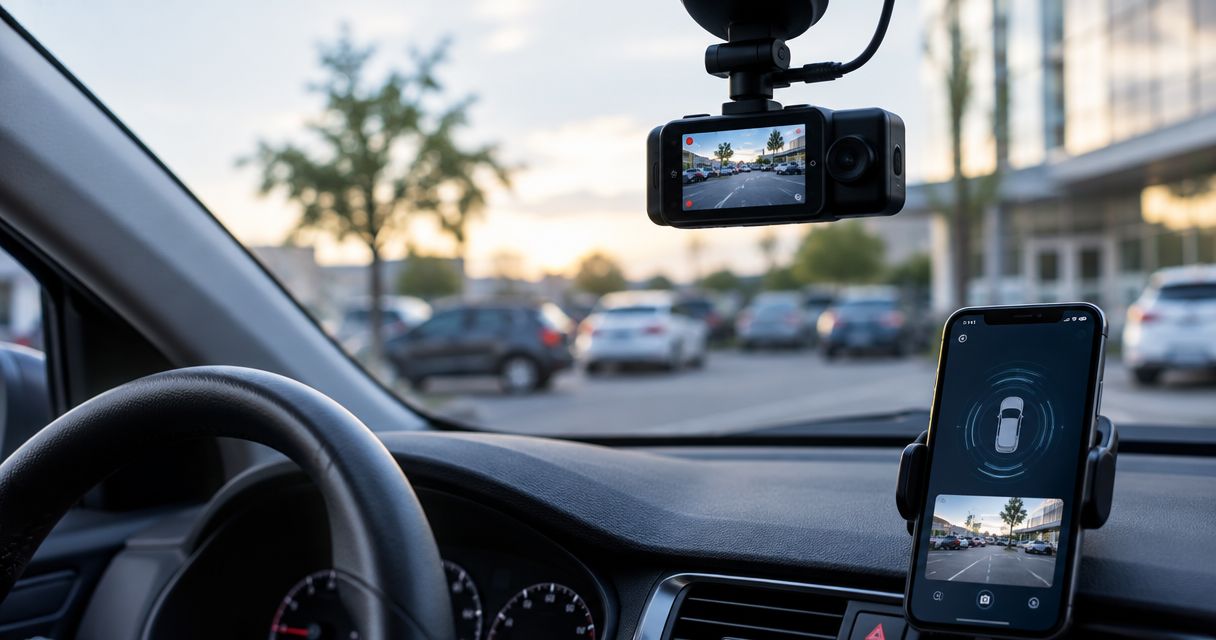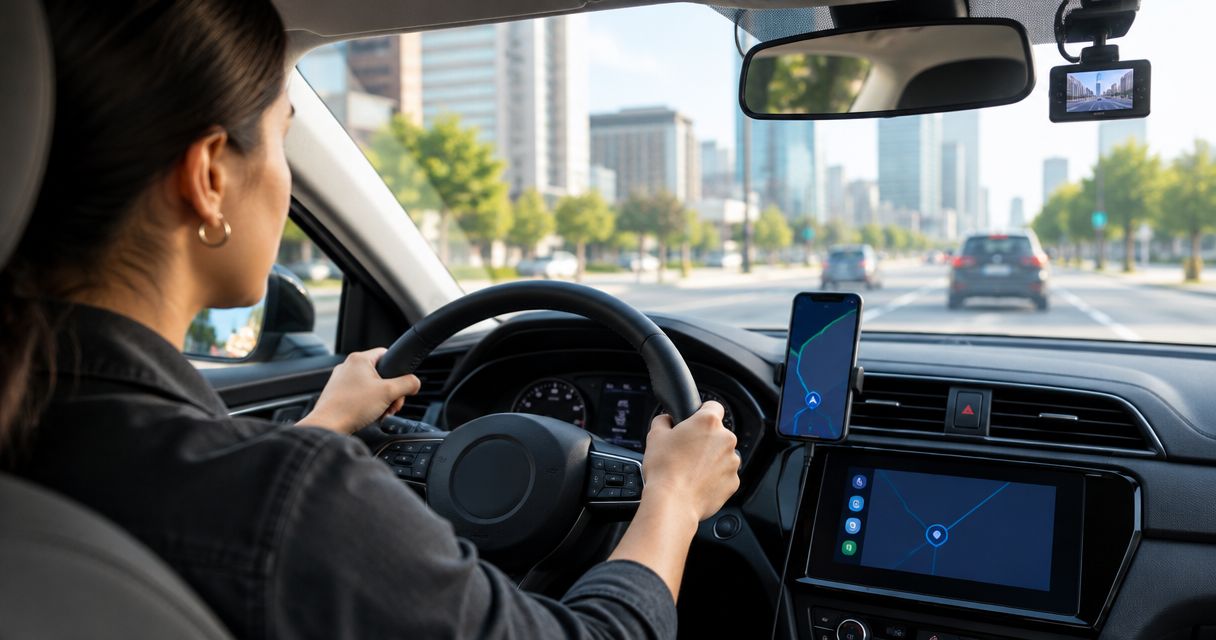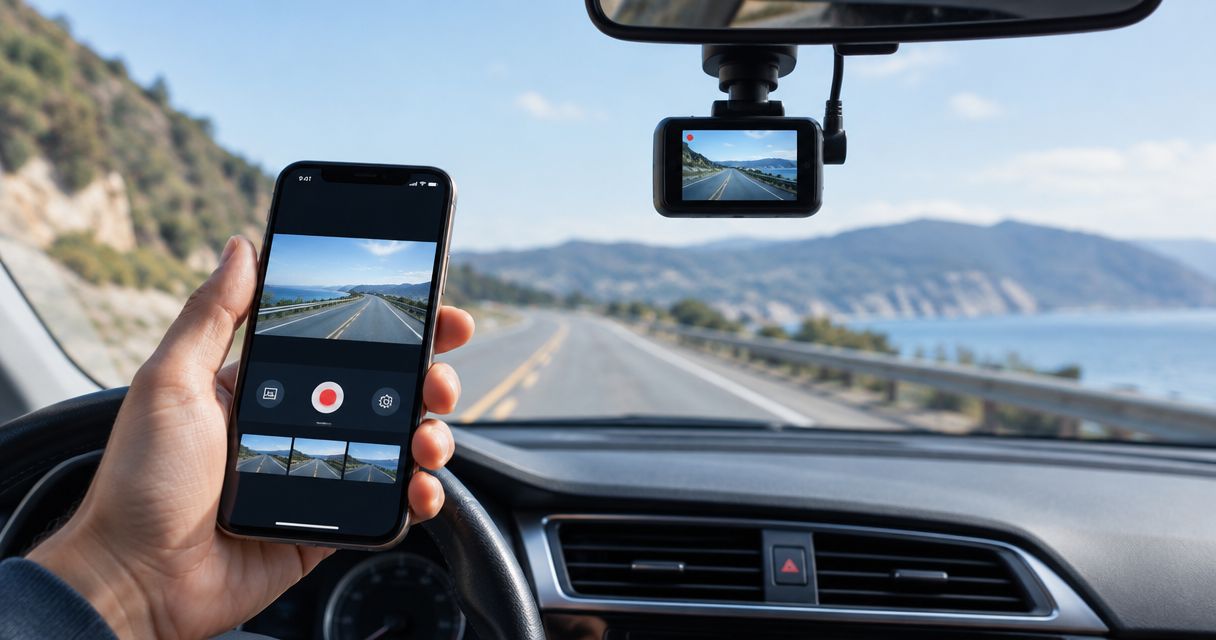
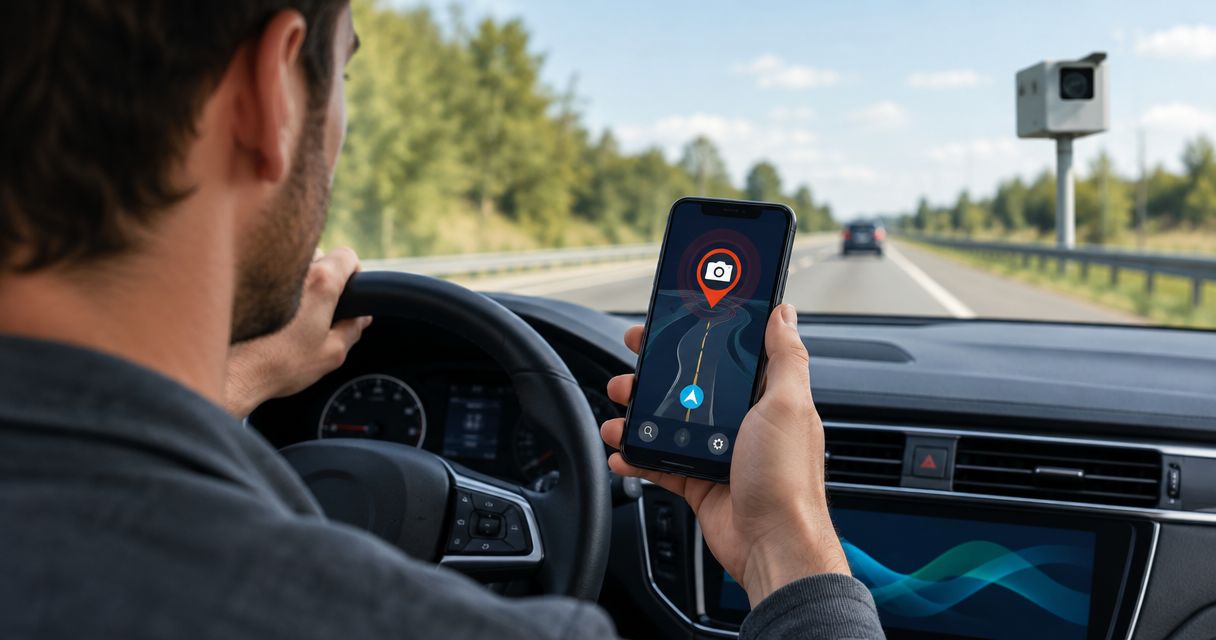
Best overall: DriveSight from Phonedashcam for Android drivers who want dash cam recording alongside police and speed camera alerts. Best for community reports: Waze. Best for iPhone drivers who want a familiar navigation app: Apple Maps. These seven apps for speed traps serve different needs in 2026; the right pick depends on whether you need alerts alone, directions, or a driving record.
- DriveSight is the best of these apps for speed traps if you use Android and want dash cam recording with live alerts.
- Choose Waze for community-reported police sightings and driving directions.
- Choose Radarbot if camera warnings matter more to you than a full driving toolkit.
- No app guarantees that every police sighting or speed camera will appear before you reach it.
Why this matters
A speed trap alert is useful only when it reaches you in time and does not distract you from driving. These apps differ in where their alerts come from and what else they do: some center on driver reports, others on camera warnings, navigation, or recording. DriveSight is the strongest fit for Android drivers who want alerts and a dash cam app together.
In 2026, treat every alert as a prompt to check your speed, not as permission to drive faster between warnings. Reported police locations can change. Camera information can also be incomplete, so posted limits and road conditions remain the authority.
What makes the best apps for speed traps?
Use these criteria before you pick an app. A long feature list matters less than whether the app handles your daily drive without demanding extra attention.
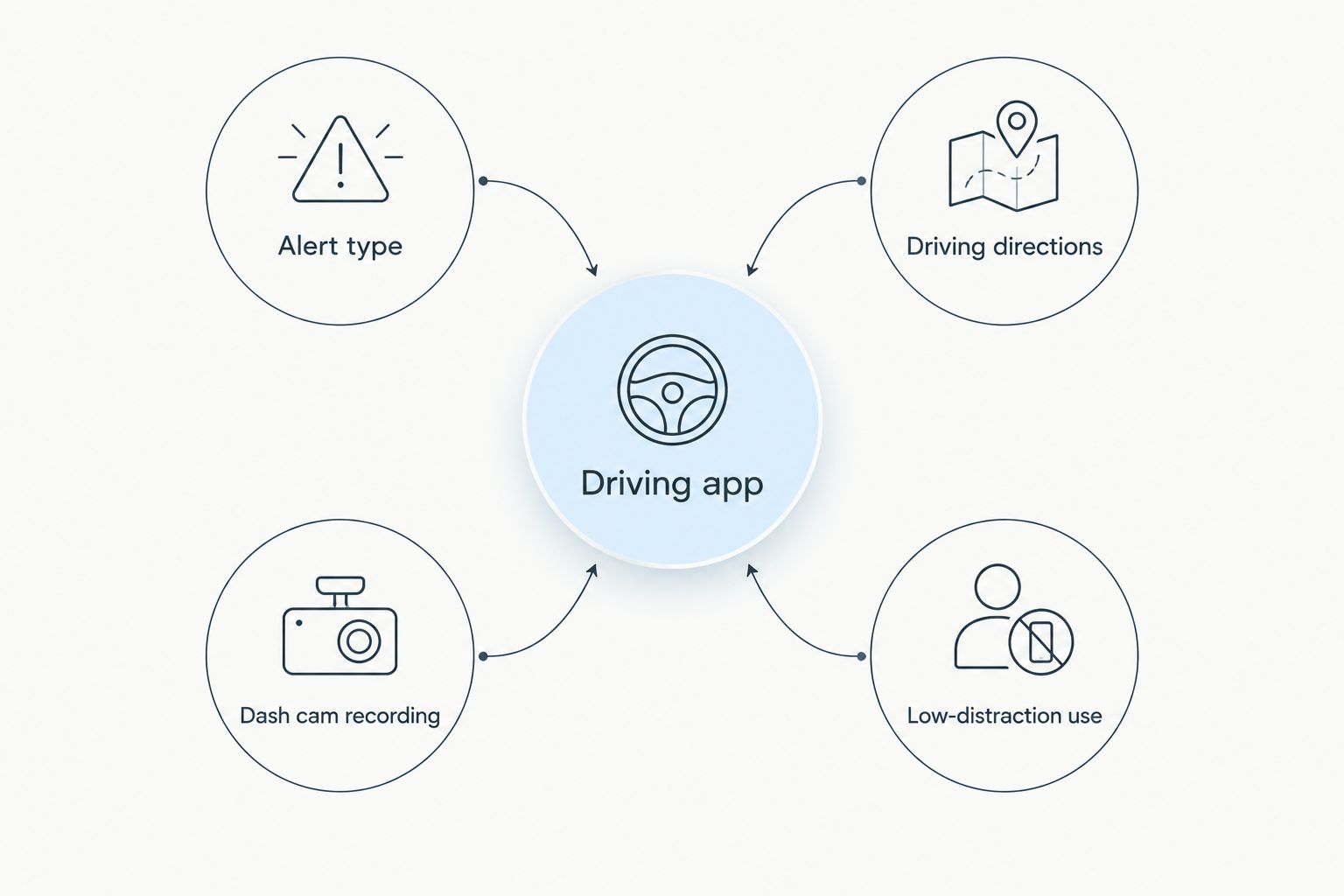
- Alert type: Decide whether you want driver-reported police sightings, speed camera warnings, or both. A report about a police vehicle is not the same thing as a fixed-camera location.
- Driving directions: If you need routes and traffic guidance, choose a navigation app. An alert-focused app serves a different job.
- Dash cam recording: Recording gives you a separate reason to run an app on every trip. It does not make an alert more accurate.
- Phone compatibility: DriveSight is an Android app; Apple Maps is the natural iPhone option in this list. Check your device before comparing finer details.
- Low-distraction use: Favor alerts you can understand at a glance. Adjust settings before you leave, not while you drive.
These criteria split the choice into alerts, directions, and recording. No app wins every category, and stacking apps creates its own distraction if both announce the same event.
Best apps for speed traps at a glance
| App | Best for | Standout feature | Key limitation |
|---|---|---|---|
| DriveSight | Android drivers who also want a dash cam | Recording with live police and speed camera alerts | Android only |
| Waze | Community-reported road activity | Driver-submitted reports within navigation | Reports depend on other drivers |
| Google Maps | Familiar everyday directions | Navigation with incident reporting | Alert features vary by location and trip |
| Apple Maps | iPhone-native navigation | Speed-check reporting in a familiar app | Not an Android option |
| Radarbot | Dedicated camera warnings | Camera-focused alerts | Less suited to drivers seeking dash cam recording |
| Sygic GPS Navigation | Offline-map navigation | Downloadable maps and driving guidance | Camera features require a settings check |
| CamSam | A separate camera-alert app | Speed camera warnings | Not a full dash cam replacement |
1. DriveSight: best app for Android drivers who want recording
DriveSight by Phonedashcam is an Android dash cam app with AI object detection, parking mode, crash detection, and live police and speed camera alerts. That combination makes it the default pick here when you want your phone to do more than announce camera locations. It is not the default for an iPhone driver.
DriveSight pros:
- Combines dash cam use with live police and speed camera alerts.
- Includes crash detection and parking mode.
- Gives Android drivers a single app to assess for both recording and warnings.
DriveSight cons:
- It is an Android app, so iPhone drivers need another option.
- Turn-by-turn navigation is not among the stated features; choose a navigation app if directions are your priority.
Best for: An Android driver who wants alerts alongside a dash cam app. Verdict: Choose DriveSight for that combination; check your mounting and power setup before relying on your phone for recording.
2. Waze: best for community-reported police sightings
Waze is a navigation app built around reports from people on the road. Drivers can report police and other road events, making it a practical choice when you want route guidance and community updates in the same view. A reported location is not a promise that an officer is still there.
Waze pros:
- Puts driver reports alongside directions.
- Covers more road-event types than police sightings alone.
- Lets you assess an alert in the context of your route.
Waze cons:
- Reports rely on other drivers noticing and submitting events.
- Alerts can become distracting if you leave more notifications on than you need.
Best for: Drivers who value community reports while navigating. Verdict: Choose Waze if timely road reports matter more to you than dash cam features.
3. Google Maps: best for familiar everyday directions
Google Maps is the simplest shortlist choice if you already use it for driving directions. Its incident-reporting features can add road context to a route without requiring you to learn another navigation interface. Check which reports and alerts appear on your device and route rather than assuming every warning type is available everywhere.
Google Maps pros:
- Keeps directions and available road reports in one app.
- Fits a driver who does not want a separate alert interface.
- Makes it easy to review the route before departure.
Google Maps cons:
- Alert availability varies by location and trip.
- It is not a substitute for a dash cam app.
Best for: Drivers who put familiar navigation first. Verdict: Choose Google Maps when directions are essential and speed trap alerts are a secondary need.
4. Apple Maps: best for iPhone-native driving
Apple Maps offers driving directions and speed-check reporting for iPhone users. It belongs on this list because you can keep navigation and available reports in the app you use for routes. It does not answer the separate question of how to record your drive.
Apple Maps pros:
- Works within a familiar iPhone navigation experience.
- Combines route guidance with speed-check reporting.
- Avoids adding another navigation app solely to review reports.
Apple Maps cons:
- It is not the Android choice in this comparison.
- Reports are no substitute for watching posted speed limits.
Best for: iPhone drivers who want alerts within their usual map app. Verdict: Choose Apple Maps if you prefer to keep driving directions and reports together.
5. Radarbot: best for dedicated camera warnings
Radarbot focuses on speed camera alerts rather than trying to make recording the reason you open the app. That narrower purpose suits a driver who already has a preferred way to navigate and wants to assess a camera-focused option separately. Review its current alert settings before driving.
Radarbot pros:
- Centers the experience on camera warnings.
- Fits alongside an existing navigation habit.
- Makes sense when recording is not part of your decision.
Radarbot cons:
- It is not the dash cam pick in this list.
- Running a separate alert app alongside navigation can mean more notifications to manage.
Best for: Drivers whose main requirement is camera warnings. Verdict: Choose Radarbot when you want a dedicated alert app rather than an all-purpose driving app.
6. Sygic GPS Navigation: best for offline-map navigation
Sygic GPS Navigation offers downloadable maps for drivers who want a route available without relying on a constant data connection. It also has speed camera features, but you should check the current app settings for the warnings you want before a trip. Offline maps do not make live police reports available without connectivity.
Sygic GPS Navigation pros:
- Supports downloadable maps.
- Keeps driving guidance at the center of the experience.
- Offers a different fit from a community-report-first app.
Sygic GPS Navigation cons:
- You need to check how camera warnings are configured.
- Offline routing and live road reports are different capabilities.
Best for: Drivers who prioritize downloadable maps. Verdict: Choose Sygic GPS Navigation when offline routes matter more than community police reports.
7. CamSam: best for a separate camera-alert app
CamSam is a speed camera warning app for drivers who do not want to replace their usual navigation tool. Its appeal is the narrow job: camera alerts. If you also want trip recording, treat that as a separate requirement rather than assuming a warning app covers it.
CamSam pros:
- Focuses on speed camera warnings.
- Can be considered without changing your preferred navigation app.
- Keeps the alert question separate from the route-planning question.
CamSam cons:
- It is not a dash cam replacement.
- A separate warning app adds another set of notifications to manage.
Best for: Drivers who want camera alerts as a separate function. Verdict: Choose CamSam only if that focused role fits your setup.
How these apps were ranked
The 2026 ranking puts the most distinct everyday driving use cases first, then separates navigation-led and warning-led options. DriveSight leads for its stated mix of Android dash cam features and live police and speed camera alerts. Waze ranks next for community reports; Google Maps and Apple Maps cover drivers who want to stay with a familiar navigation app. The remaining picks fit narrower needs.
Which app for speed traps should you choose?
Choose DriveSight if you drive with Android and want dash cam recording as well as live alerts. Choose Waze if community reports are the deciding factor, Google Maps or Apple Maps if you want to stay with familiar directions, and Radarbot or CamSam if camera warnings are your main requirement. Pick Sygic GPS Navigation when downloadable maps take priority.
For Phonedashcam's DriveSight, the decision is about combining jobs, not claiming that one alert source catches every speed trap. In 2026, set up your chosen app before you move, keep your eyes on the road, and use every warning as a reminder to check the posted limit.
FAQ
What are the best apps for speed traps in 2026?
DriveSight is the best fit for Android drivers who want dash cam recording with live police and speed camera alerts. Choose Waze for community reports or Radarbot for a camera-focused app.
Is DriveSight better than Waze for speed trap alerts?
Choose DriveSight when you want Android dash cam features alongside live alerts; choose Waze when community reports and directions matter most. Neither app guarantees a warning for every police sighting.
Which speed trap app is best for iPhone drivers?
Apple Maps is the iPhone-native navigation choice in this list. It combines driving directions with speed-check reporting, but it is not a dash cam app.
Can Google Maps warn you about police?
Google Maps includes incident-reporting features that can show road information during navigation. Available reports and alerts vary by location and trip, so check what appears on your route.
Do speed trap apps work without an internet connection?
Do not rely on live police reports without connectivity. Sygic GPS Navigation supports downloadable maps, but offline routing is different from receiving current road reports.
Can a speed camera app replace a dash cam?
A camera-warning app does not replace a dash cam app. DriveSight by Phonedashcam is the option here for Android drivers seeking both recording and live alerts.
Should I use more than one driving app at once?
Use only the apps needed for your drive, and set their alerts before leaving. Running separate navigation and warning apps can create duplicate or distracting notifications.
One last thing
The best 2026 setup is the one you can use without looking away from traffic. Before your next drive, choose your primary job—directions, alerts, or recording—and check that the app you picked actually serves it.